Font not loading in localhost

  • April 9, 2018
  • 4 replies
  • 186 views

Hello Team


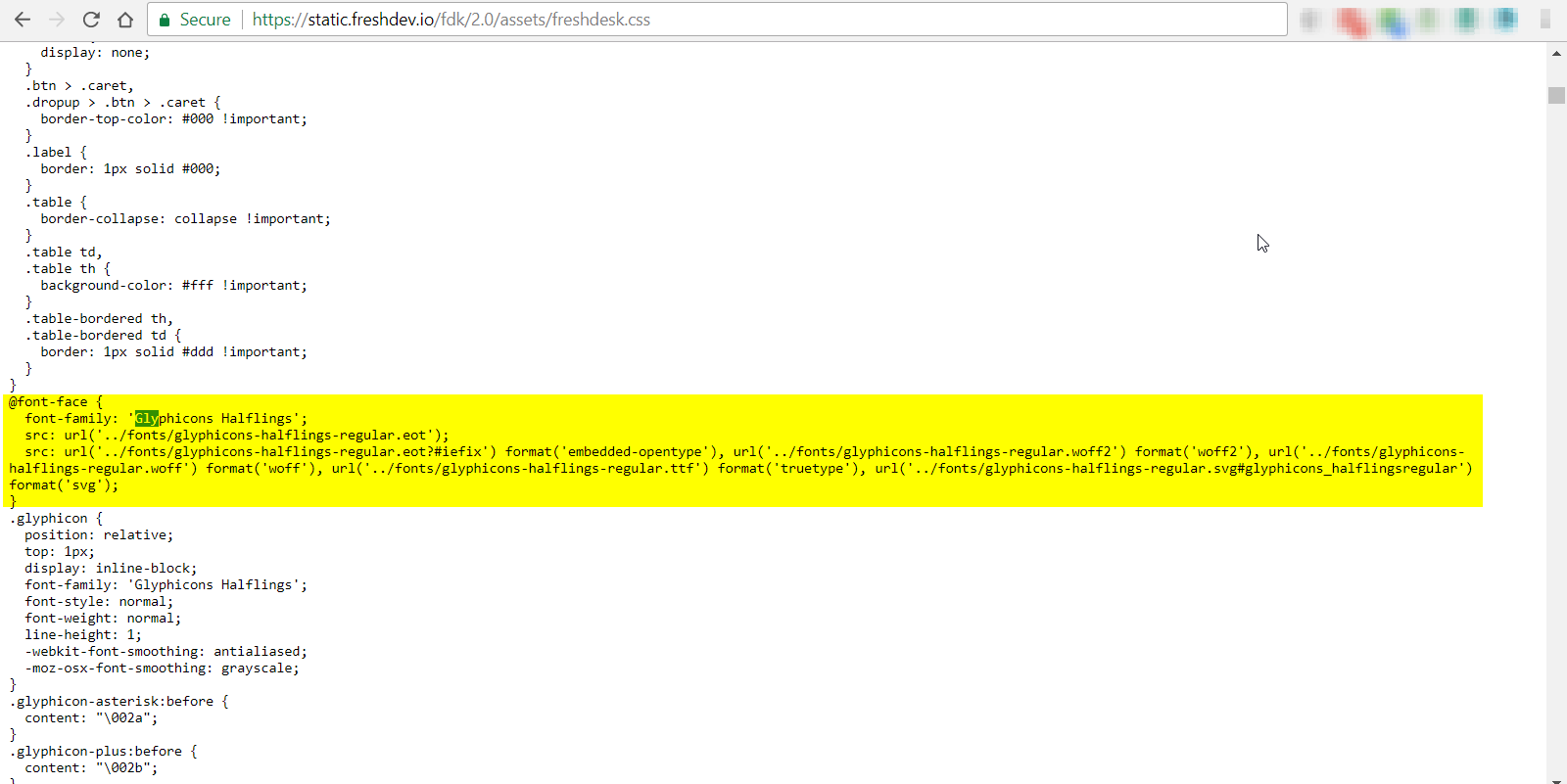
When we develop custom apps, the fonts are not loading from https://static.freshdev.io/fdk/2.0/fonts/glyphicons-halflings-regular.woff2 due to access control issue. Attached screenshot.


Please take a look at this.

2018-04-09145644-clipboard_31944.png
This topic has been closed for replies.

4 replies

  • Community Debut
  • April 13, 2018

Hello Nithin,


Looks like "glyphicons-halflings-regular.woff2" are some external fonts(not hosted by freshdesk) and hence cannot be imported from https://static.freshdev.io/fdk.To use them,  please make sure they are imported from where they are actually hosted.  


Thanks.


  • Author
  • Contributor
  • April 13, 2018

Hello Ashna


The fonts are loading from Freshdesk location only, attached screenshots which have the relative paths to the location of the woff2 file,


Thanks.

2018-04-13104824-awstranscodeservice-microsoftvisu_32028.png

  • Community Debut
  • April 13, 2018

Could you please try if you could use those fonts by including 

<linkrel="stylesheet"type="text/css"href="https://static.freshdev.io/fdk/2.0/assets/freshdesk.css"> in the template of your app? The fonts cannot be accessed using this ( https://static.freshdev.io/fdk/2.0/fonts/glyphicons-halflings-regular.woff2).


  • Author
  • Contributor
  • May 23, 2018

Hello Ashna


<link rel="stylesheet" type="text/css" href="https://static.freshdev.io/fdk/2.0/assets/freshdesk.css"> it's already added in the template.html file, since the CSS hosted in your end, you guys have to host the font file as well, it would be great if you check that, please.


Thanks.