Closed for Voting

Ability to Change Ticket Types

Related products:Freshdesk
  • June 8, 2011
  • 13 replies
  • 54 views

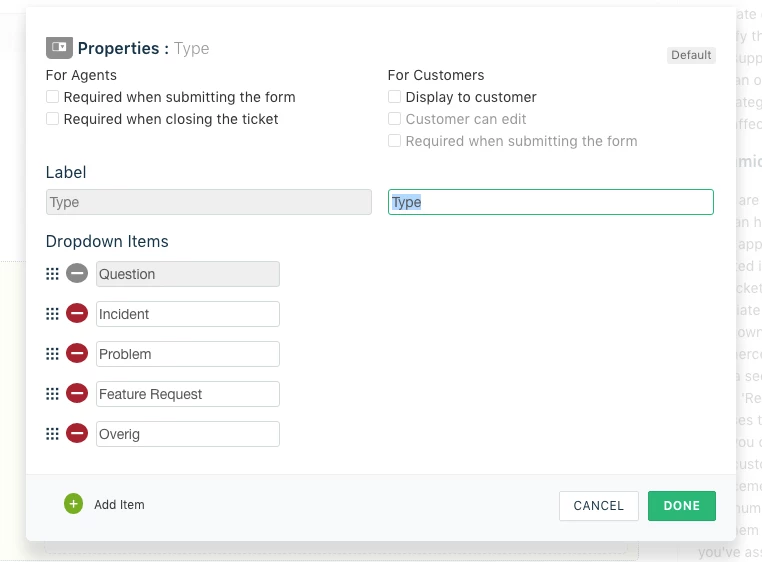
It would be very helpful if we were able to change, add or subtract the categories in the "type" drop-down.  I have had some people be confused what the difference is between a problem and an incident AND we will not be using this for sales leads so just having that opition there is confusing for what we want to use Fresh Desk for.

13 replies

Hi Nikki

Totally with you on this :-)

We will take up the option to Edit existing "Ticket Fields". For now, you may hide this "Type" field for End users and create another Field like "Ticket Type" and make it visible to End users with drop-down values based on your requirements. We will fix this soon.

regards
Vijay 


  • Community Debut
  • March 10, 2017

This is what we are looking for - has it been implemented in 6 years?


Waiting for confirmation if this has already been implemented. Please advise. Thank you.


  • Community Debut
  • February 7, 2018

What is the issue with Type additions????


Tipo : has already been taken.


Moving to Zoho Desk.


aravind.sundararajan
Skilled Expert
Forum|alt.badge.img+12

Hello,


You'd be able to modify the type field values and also add customised values. You can access this under Admin -> Ticket fields section.


Cheers! 


  • Apprentice
  • June 27, 2018

This would be a nice feature. Adding a whole new Type when all I need to do is change the name of the existing one is sort of a pain.


  • Community Debut
  • February 17, 2020

Hello there,

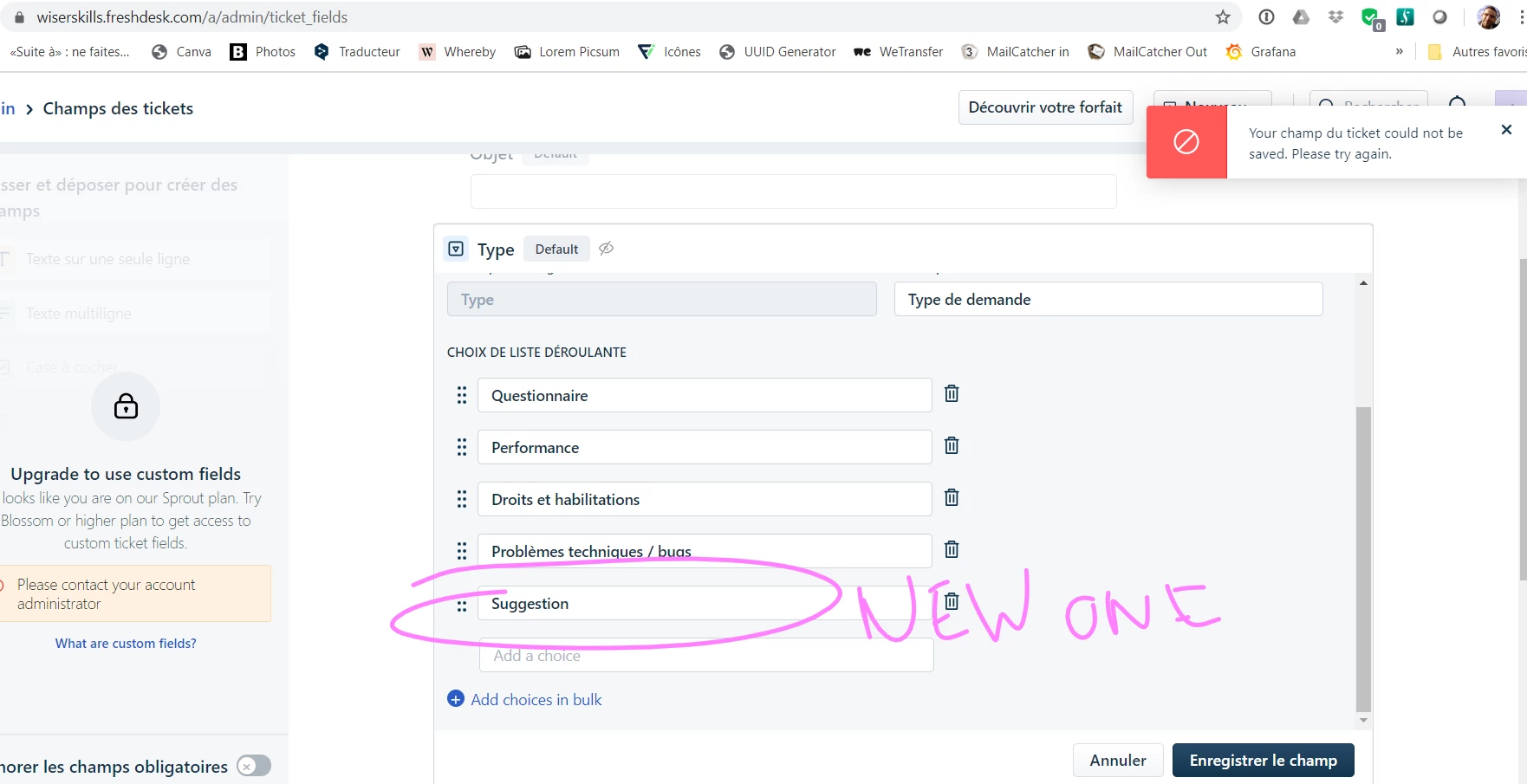
[Sprout version] When I try to edit an existing type or try to add a new one, I always get the message  below. Is this an issue ?

Thanks !


image


Forum|alt.badge.img+7

Seems quite simple. With a Sprout version it is not possible to add values to this field. To be able to modify ticket fields you require Blossom or higher. 

See https://support.freshdesk.com/support/solutions/articles/203410-customizing-customer-fields


  • Community Debut
  • February 18, 2020

Thanks Mark, but I'm still a bit confused. The link you sent me tells about "customer fields", which I can't use in a Sprout Version : I agree.

But "Type" is a standard field, so I assume I can edit it : https://support.freshdesk.com/support/solutions/articles/37595-understanding-the-default-fields-in-your-ticket-form

What do you think ?


Forum|alt.badge.img+7

I don't work for Freshdesk, and don't know in detail what is in each plan. It also changes over time. But I do see the message on the left of your screen that you are trying to do something not in Sprout plan. I acknowledge that the documentation is not clear. Providing help-desk software is not the same as running a help-desk :-)


  • Community Debut
  • February 26, 2020

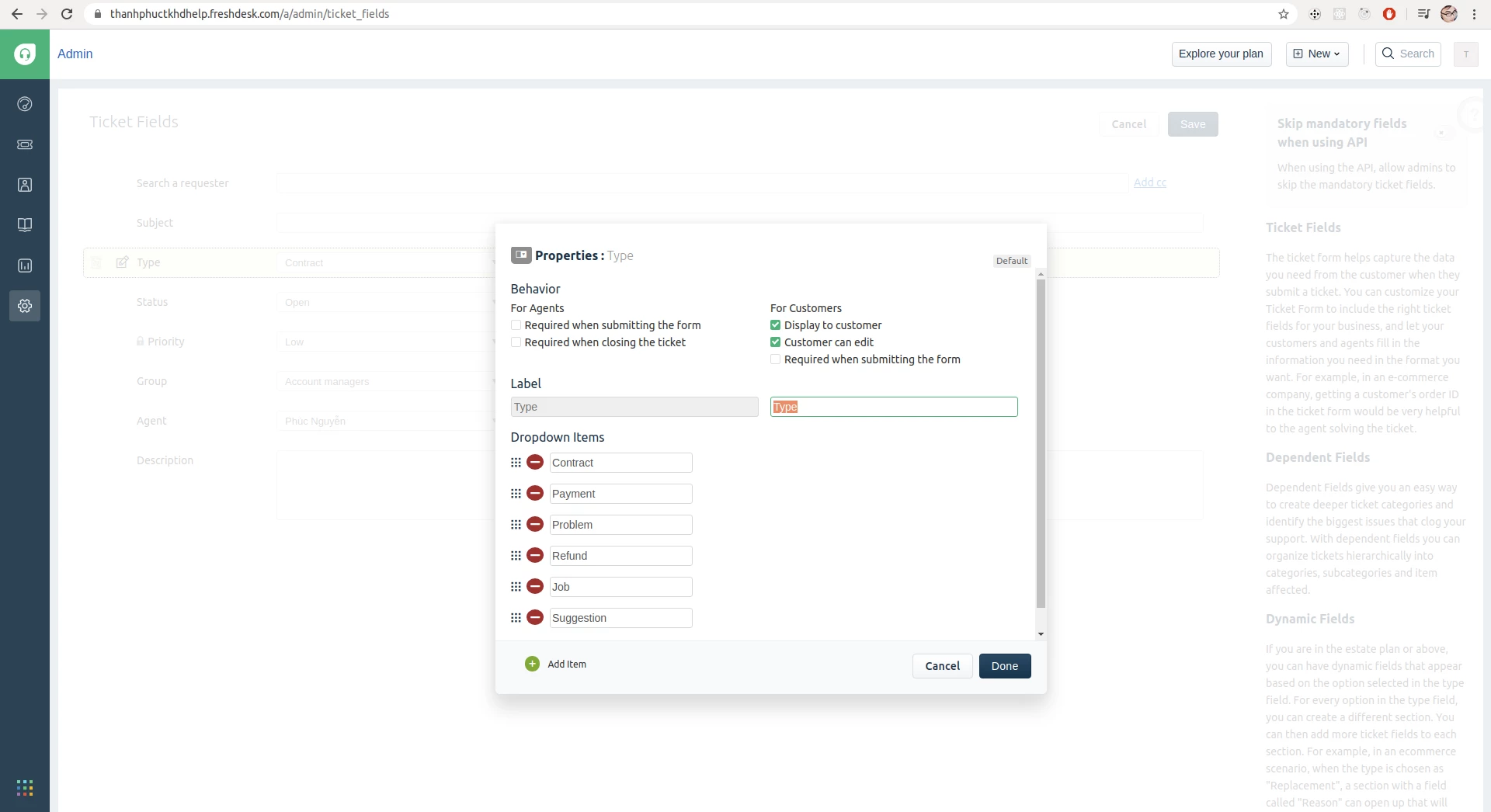
I can edit the types in Sprout plan. I don't know why different domains have different UI/UX, but this seems to be the older version and in new version you can't edit types.image


Forum|alt.badge.img+7

The reason might be that you are on Sprout for several years. The Sprout plan has been changed one or two years back, allowing less features and more agents.


Hello guys ! 

For your information, I just tried to do this changes again, and it finally works ! This was kind of a bug, apparently...

Thank you for your help !