Hello
As a new user I see things in a different light than those who have been around longer which can sometimes be a welcome change.
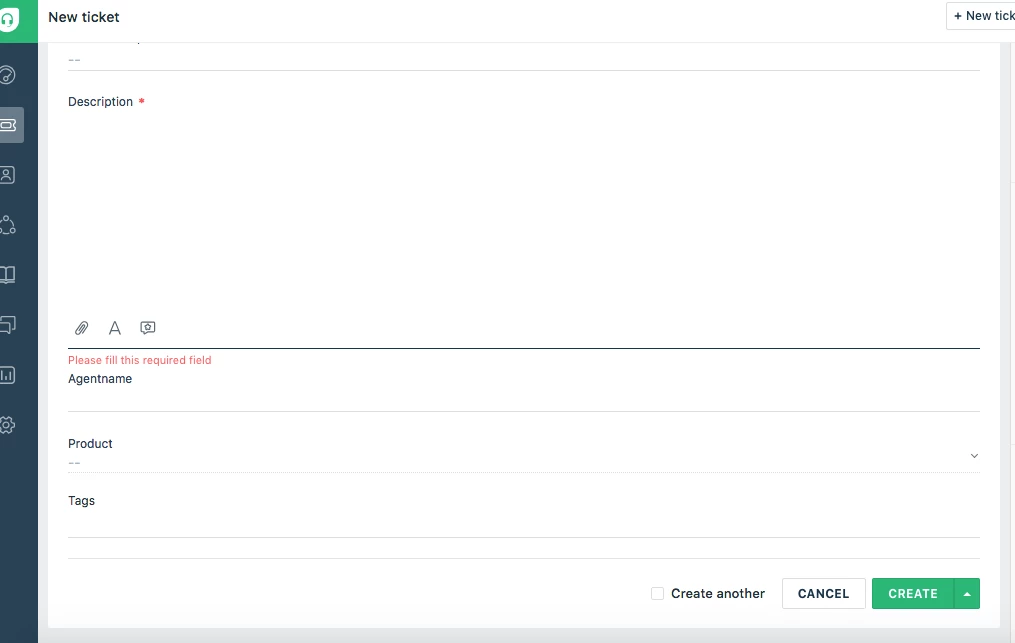
When creating a new ticket, the save button is at the bottom of the page. If you have a few custom fields it lengthens the page forcing you to scroll down to the bottom to save; Not a problem. However, if when you created the ticket you missed a mandatory field, the page displays the mandatory field warning - at the top of the page - where you can see it. You now have to scroll up, fix the missing data, scroll back down and save.
If a Save button was added to the top of the page it would be very helpful.
Thanks Team!
Robert