Closed for Voting

Add a "Secondary Links" color field to Portal Customization for Sprout and Blossom plans

Related products:Freshdesk
  • January 4, 2019
  • 2 replies
  • 22 views

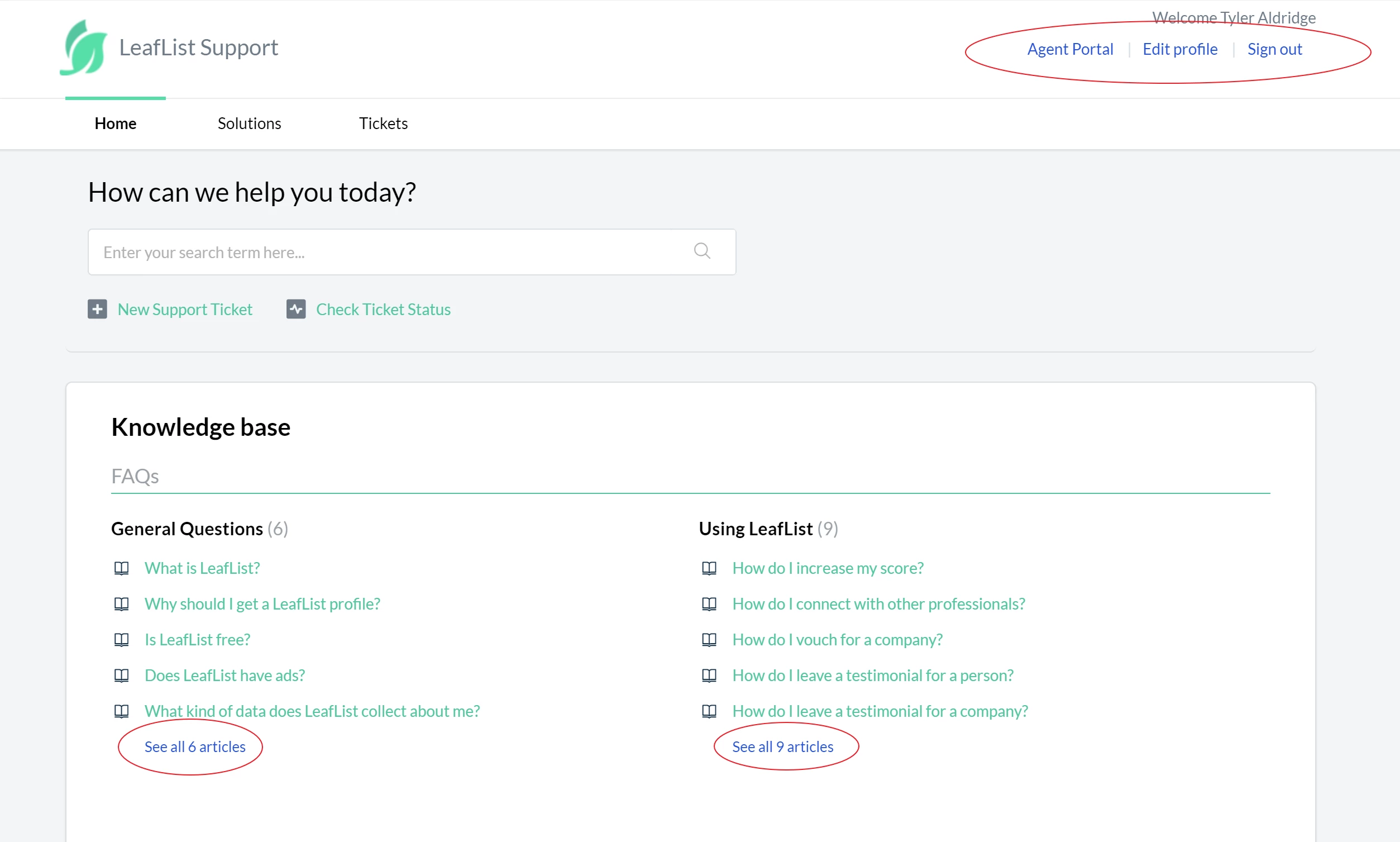
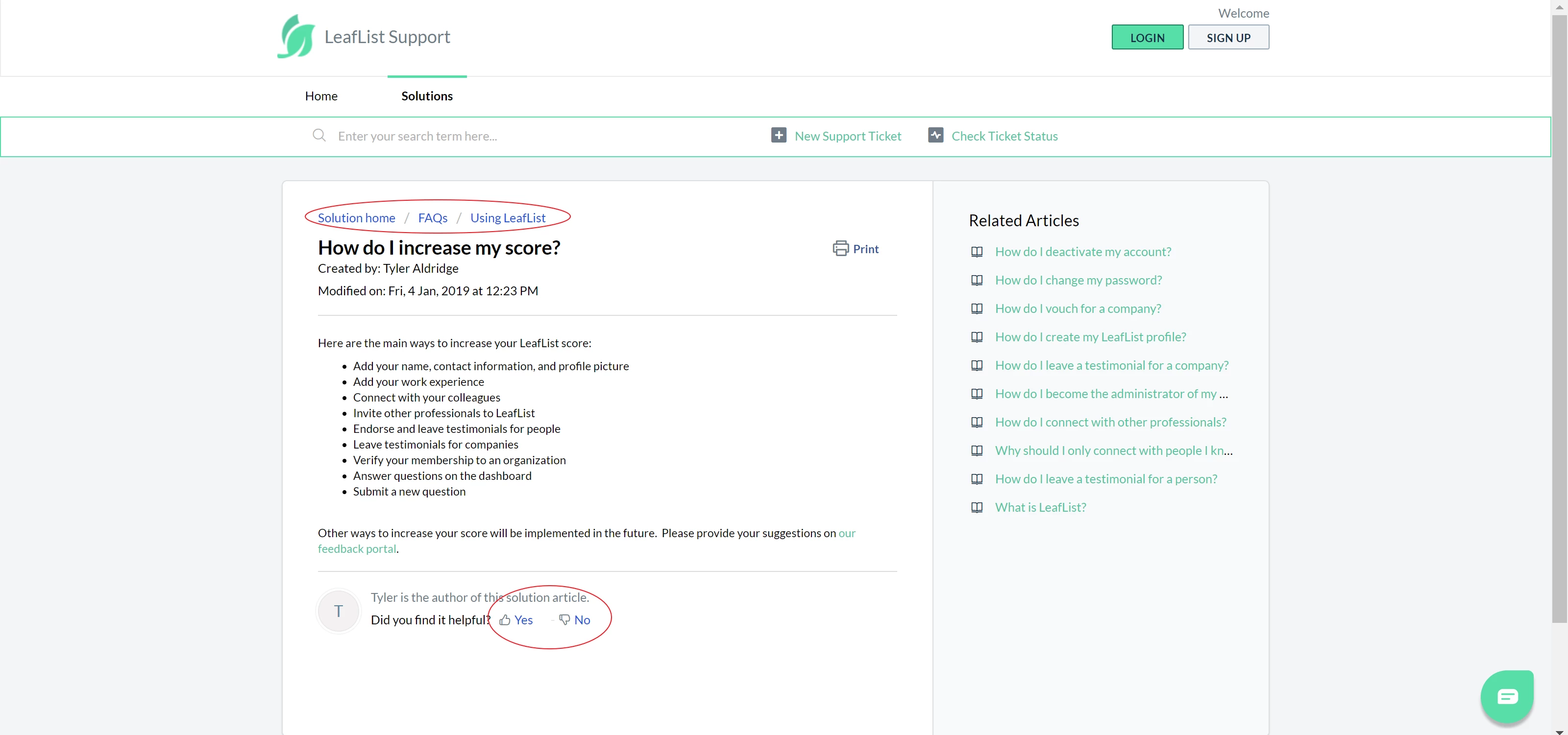
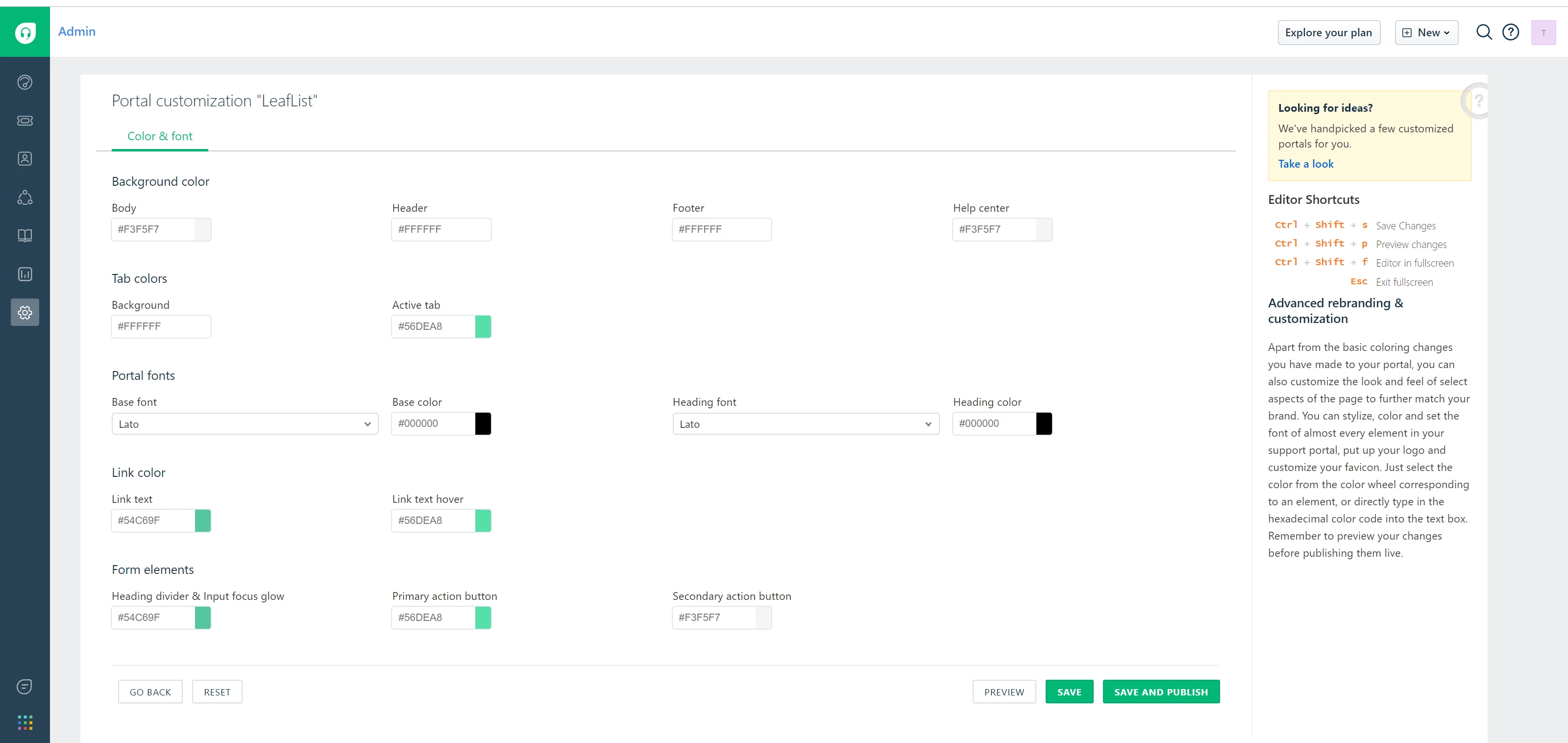
The current Portal Customization screen in the dashboard doesn't allow the user to change the color of secondary links on Freshdesk. The Sprout and Blossom plans do not allow for full CSS customization, so a new field should be added so this color can be changed to match the color scheme the user wants. This is the only color you can't really change without upgrading to a higher plan, and to upgrade for just one CSS class doesn't seem justified.  


image


image


image


2 replies

  • Author
  • Apprentice
  • January 4, 2019

As an alternative, the classes that remain the default blue could be added to the "Link text" color, as they already use "Link text hover".   Or a simple !important tag might resolve this.


Hello Tyler,


Thanks for your insightful feedback and I am happy to pass on the feedback. Kindly note that new enhancements are implemented based on the number of asks. 


Cheers!