


Hi everyone,
Based on some feedback from staff I’ve noticed a bit of a quirk in the Agent Portal which you might experience if you are an Agent who must deal with numerous Approvals on a daily basis.
You can work around this quirk in a few ways but I though ‘why not raise an idea that might fix it and see what sticks?’ - it appears it may be low hanging fruit.
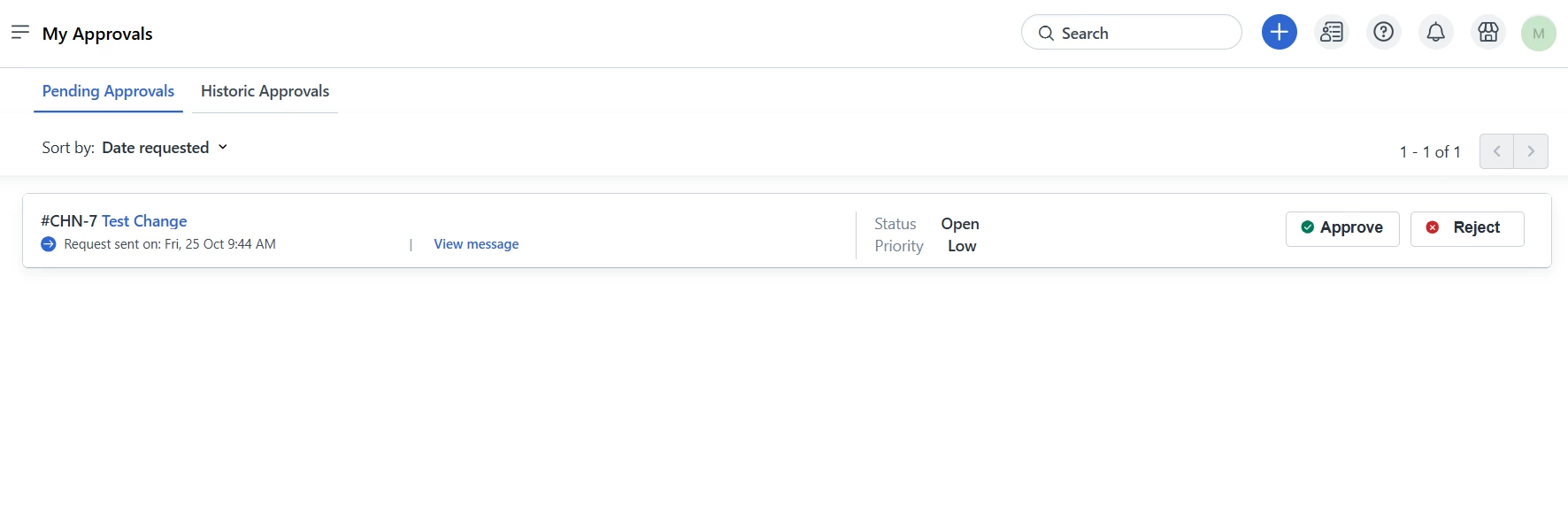
The Approvals area (URL: https://yourorgname.freshservice.com/a/approvals) is not easily accessible through the Agent Portal interface or made obvious. The Requester Portal comparitively makes this, by default, far easier and more obvious to locate (https://yourorgname.freshservice.com/support/approvals/pending).
What the Approvals List looks like in the Agent Portal:
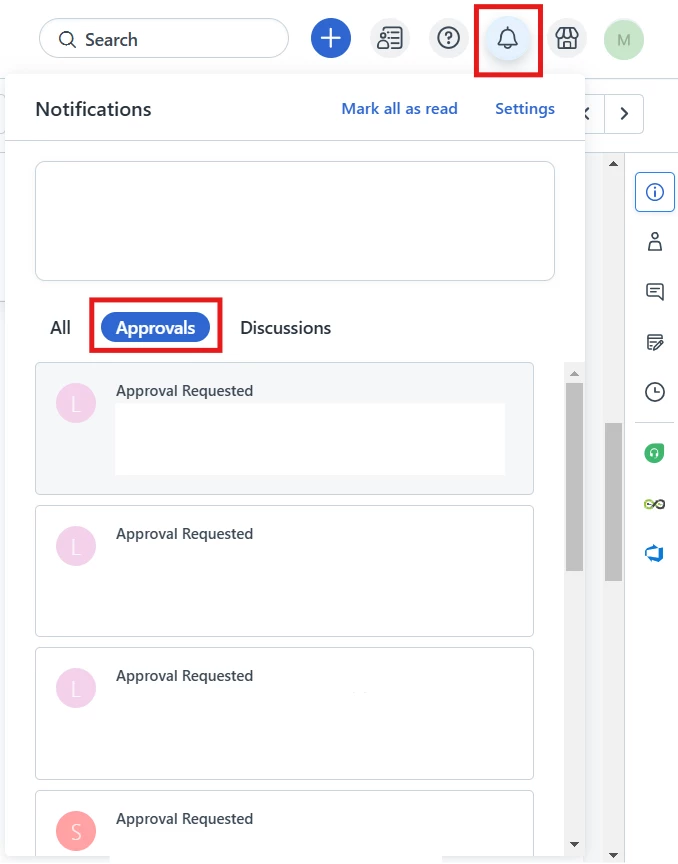
It’s not found in the Side Menu nor specifically made available via the Notifications area:
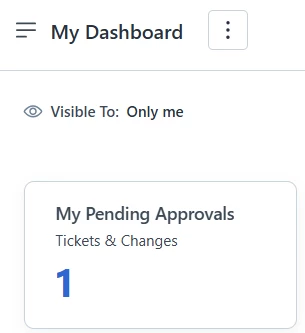
The workarounds are to add this Widget to your Dashboard...
...or perhaps the adding of the Approvals List as a Bookmark in your browser.
Perhaps a link to this can be added to the Approvals area under Notifications or it could be added as its own ‘Module’ in the Sidebar?
