Closed for Voting

Allow customers to "share" articles to other customers - Include a share button

Related products:Freshdesk
  • July 1, 2019
  • 1 reply
  • 12 views

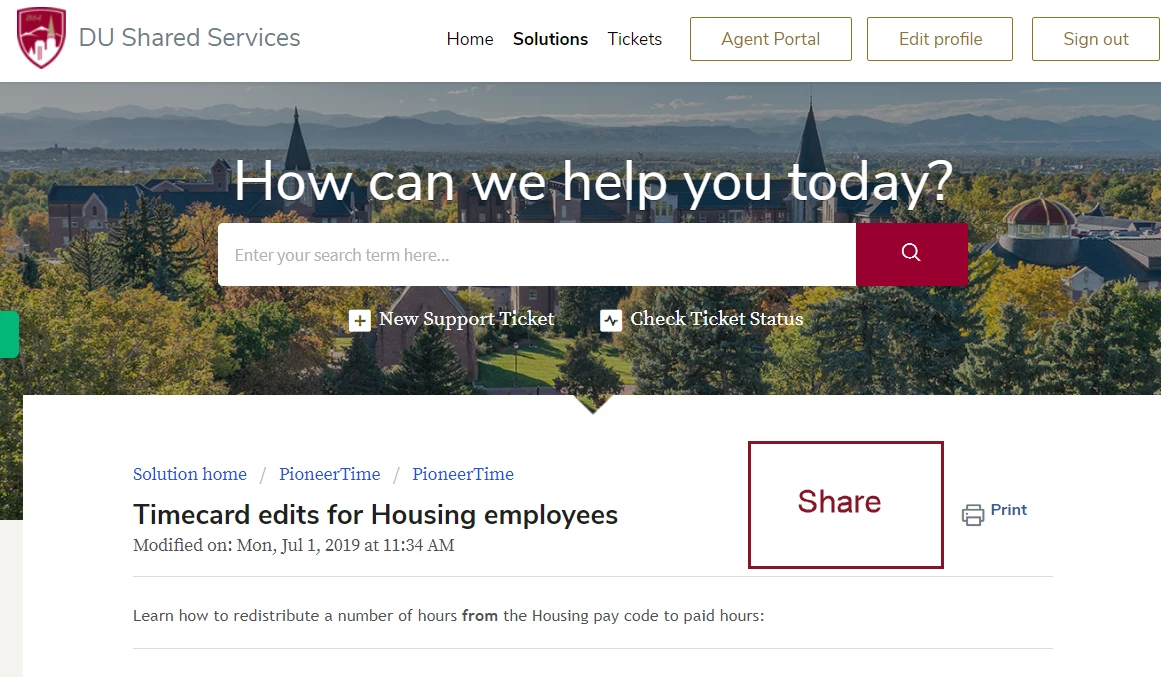
It would be very helpful if customers had a "share" button next to the "print" button on articles so they can share useful articles to others within the same organization. This could open up a blank e-mail template with the article in the body of the e-mail. 
image


1 reply

hi Dylan Ross,


if you want to share your article with other social media resources so copy paste this code in your article view portal.


copy paste this in code in article-view

<div class="container">
    <div class="col-md-12 col-sm-12 col-xs-12 text-center">
  <div class="article-votes article-vot-back">{{article | article_attachments}}
          {{article | article_voting }}</div>
  </div><hr />
   <div class="col-md-12 col-sm-12 col-xs-12 text-center s-icon">
            <ul class="list-inline">
              <li class="share_art">Share Article</li>
               <li><a class="share-facebook" href="https://www.facebook.com/sharer/sharer.php?u=" target="_blank"></a>
              <div class="social"><i class="fa fa-facebook" aria-hidden="true"></i></div></li>
               <li><a class="share-twitter" href="https://twitter.com/home?status=" target="_blank"></a>
              <div class="social"><i class="fa fa-twitter" aria-hidden="true"></i></div></li>
               <li><a class="share-googleplus" href="https://plus.google.com/share?url=" target="_blank"></a>
              <div class="social"><i class="fa fa-google-plus" aria-hidden="true"></i></div></li>
               <li><a class="share-linkedin" href="https://www.linkedin.com/shareArticle?mini=true&url=&title=&summary=&source=" target="_blank"></a>
              <div class="social"><i class="fa fa-linkedin" aria-hidden="true"></i></div></li>
            </ul>
         </div>  
  </div>
</div>

copy paste this code in css part

/*share article icon css*/

.share_art {
    font-size: 20px;
}

.s-icon .list-inline>li {
    padding-left: 0px;
    padding-right: 0px;
}

.s-icon {
    padding-bottom: 20px;
}

.social {
    margin-left: 20px;
    width: 40px;
    height: 23.09px;
    background-color: #f63;
    /*margin: 13.55px 0;*/
    border-left: solid 2px #fff;
    border-right: solid 2px #fff;
}

.social,
.social i {
    position: relative;
}

.social i {
    z-index: 9;
    color: #fff;
}

.social:before {
    top: -14.14px;
    border-top: solid 2.83px #fff;
    border-right: solid 2.83px #fff;
}

.social:after {
    bottom: -14.14px;
    border-bottom: solid 2.83px #fff;
    border-left: solid 2.83px #fff;
}

.social:after,
.social:before {
    content: "";
    position: absolute;
    z-index: 1;
    width: 28.28px;
    height: 28.28px;
    -webkit-transform: scaleY(.5774) rotate(-45deg);
    -ms-transform: scaleY(.5774) rotate(-45deg);
    transform: scaleY(.5774) rotate(-45deg);
    background-color: inherit;
    left: 3.86px;
}

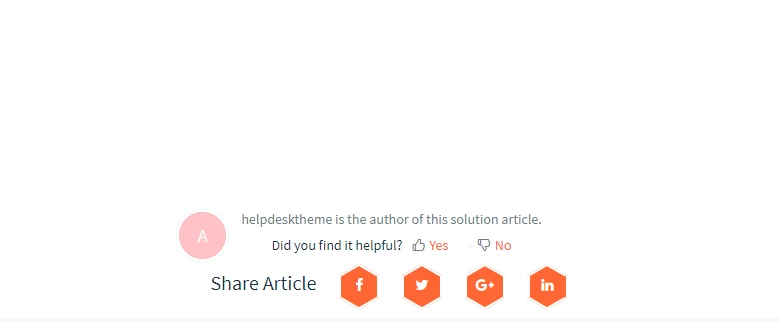
your social icon look like this

image


our email:- info@helpdesktheme.com

our website: helpdesktheme.com

thanks

Helpdesk Team

(Experts in freshdesk & Freshservice themes and branding)