

Hi,
I encountered this problem recently and not happy about this at all..
Long story short.. Using FreshDesk “Reports” (Legacy Reports) raw data format (Time Sheet Summary) for several years now within my organisation. Over those years I have designed excel tooling (and there are multiple complex solutions for different reporting and operational purposes) that is build for day-to-day vital business operations based on the exact outputs and format of the raw data (Reports Time Sheets).
The issue is encountered when engineers are logging their time - the bug in FreshDesk captures it under different time zone (this is not related to how settings are set up our end, we have tested it with Freshworks team, and the bug was acknowledged on the FreshDesk side). This causes an issue to successfully produce operational reports such as client timesheets and utilization reports (and other reports used for business data analytics and billing) that are time-logging sensitive and must be accurate on when the time was logged for when the time was logged. This causes a shift in RAW data and the output of this RAW is not accurate (e.g - I’m logging my time now, for 15min of work I have just done, but it captures this time sometimes for yesterday and sometimes for today - depending on what time on the day (GMT+1) I’m logging my time).
It was offered by Freshworks team to use workaround as a solution to this issue and switch to Analytics reports instead with a note that Legacy Reports will be decommissioned “within few days”.
Thankfully, the Legacy reports are still available as I encountered another issue with the Analytics reports and how the data (its format) is captured. Just to highlight the importance of this: The most critical metric, when it becomes to billing a client, is how much work engineers have completed for a specific task or project (time logged under the ticket). This work is quantified in hours and minutes and the data output is used in tooling that based on a different criteria is producing the result of how much work and what nature of this work was completed over a period of time.
The RAW data export issue of Analytics data format of captured time logged under ticket:
Comparing the 2 - legacy and Analytics:
Reports (Legacy) output timesheet raw data export: Format of 15min logged in Reports Raw output is “00:15”, which can be easily converted in excel tooling to 0.25 number and this numeric value can be used for mathematical and analytical solutions.
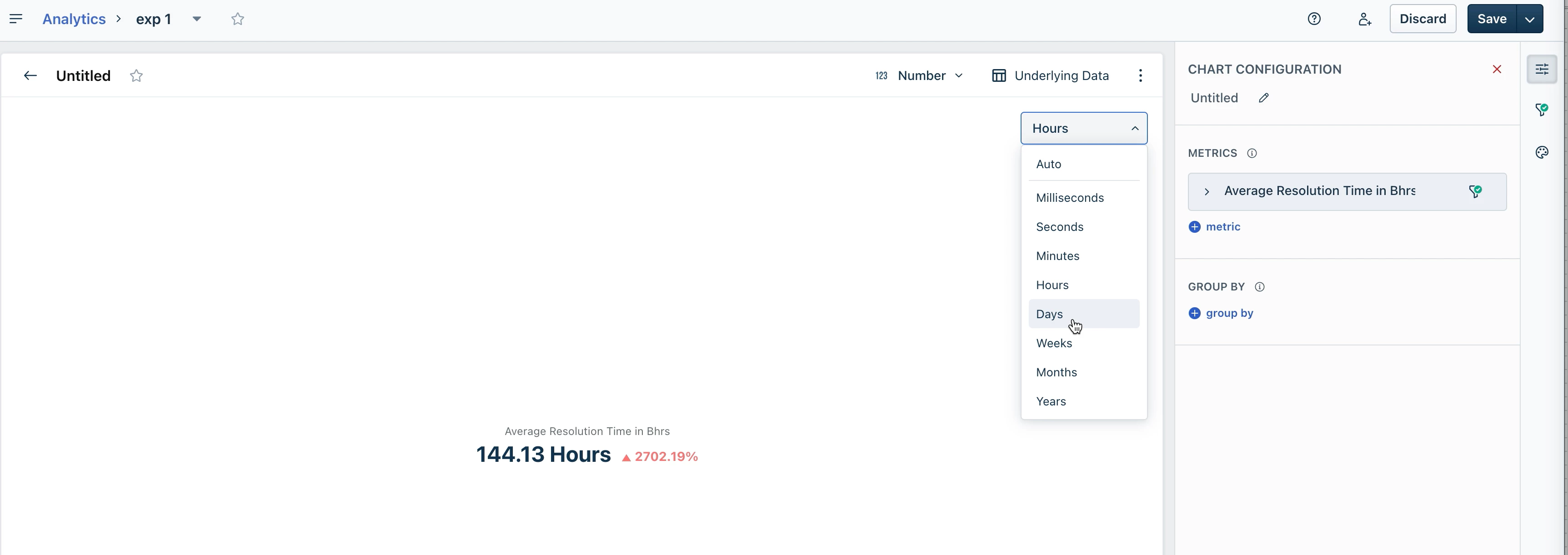
Analytics output timesheet raw data export: Format of 15min logged in Analytics Raw output is “15m 0s”… it is hard to think of a single and justifiable reason on why someone would like to have this data format as the output..
- This requires a more complicated solution to make data usable for any mathematical solutions
- Adds unnecessary effort to adjust existing tooling in organisations that are using the FreshDesk a RAW Time Sheets data format as an input for reports over years now
- Brings another level of complexity for any reporting based on Legacy Raw data output
Since FreshDesk have RAW reports enabled would be great to go back to the basics with simple understanding on why someone would like to have the Raw report instead of using Analytics tooling & widgets. Raw data is not used to look through the thousands of rows of plain data to find something manually.. this is and will be used for mathematical automated or semi-automated solutions to analyse the data with various tooling outside the FreshDesk.
Therefore, I would like to bring this to attention to the Freshworks product team and maybe someone else here who is using the RAW data format as an input. The most recent response that I have received is “I most certainly understand that this is the requirement to have the export data in the format which you receive from Legacy report however under Analytics this would be the default product design”
And in the meantime, while this issue is frustrating as it is, FreshDesk team is assisting me very patiently and I hope that this will be delivered to the product team. I do understand that this is “by design” and just for that reason (working in the world of DevOps) I know very well that the code is not set in stone and “by design” can be changed to make the use for Analytics raw data export more effortless and end user friendly..