



Replication Steps
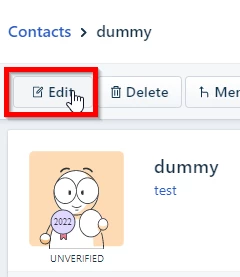
1. Click the Edit button for a Contact associated with a Company.
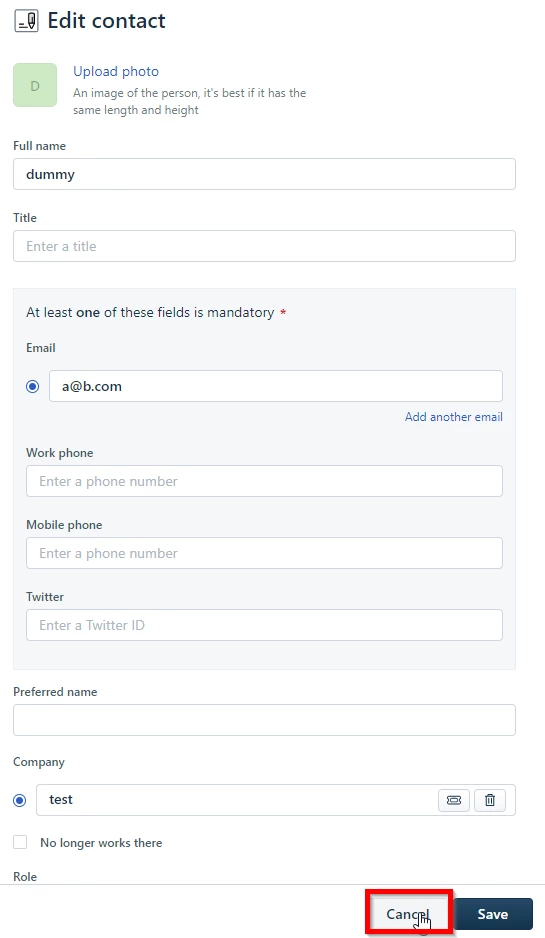
2. Click Cancel.
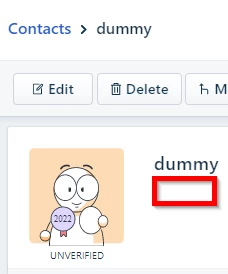
3. Observe that the Company name is no longer displayed below the Contact name.
4. Refresh the page and observe that the Company name is visible again.
