

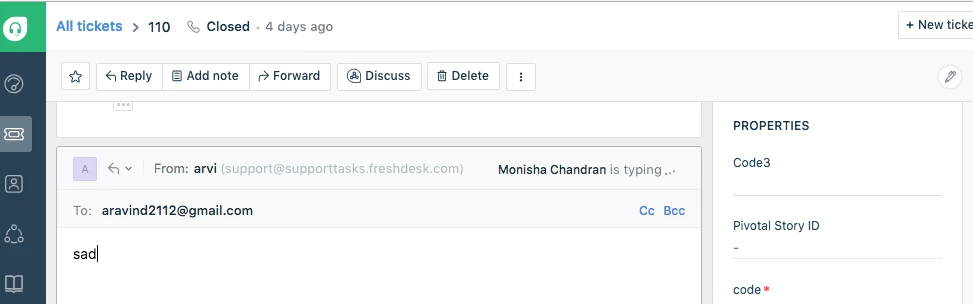
Currently, the "eye" option when another agent is either viewing or replying is not very evident. Furthermore, if you update a ticket, the pop up blocks that visual warning. Is there a way to make this warning more visible to grab the agent's attention, and prevent double work on the same ticket?

Closed for Voting
Collision Detection



Join the Community
Already have an account? Login

Welcome back to Freshworks Community
No account yet? Create an account
Social Login
Login for Freshworks Employees Login with LinkedInor sign up below
Enter your E-mail address. We'll send you an e-mail with instructions to reset your password.