

Closed for Voting

Contact Profile - Add links and copy option for Email and Phone

Related products:Freshdesk
  • February 24, 2019
  • 1 reply
  • 18 views

Iphone + Freshdesk App 5.1.0
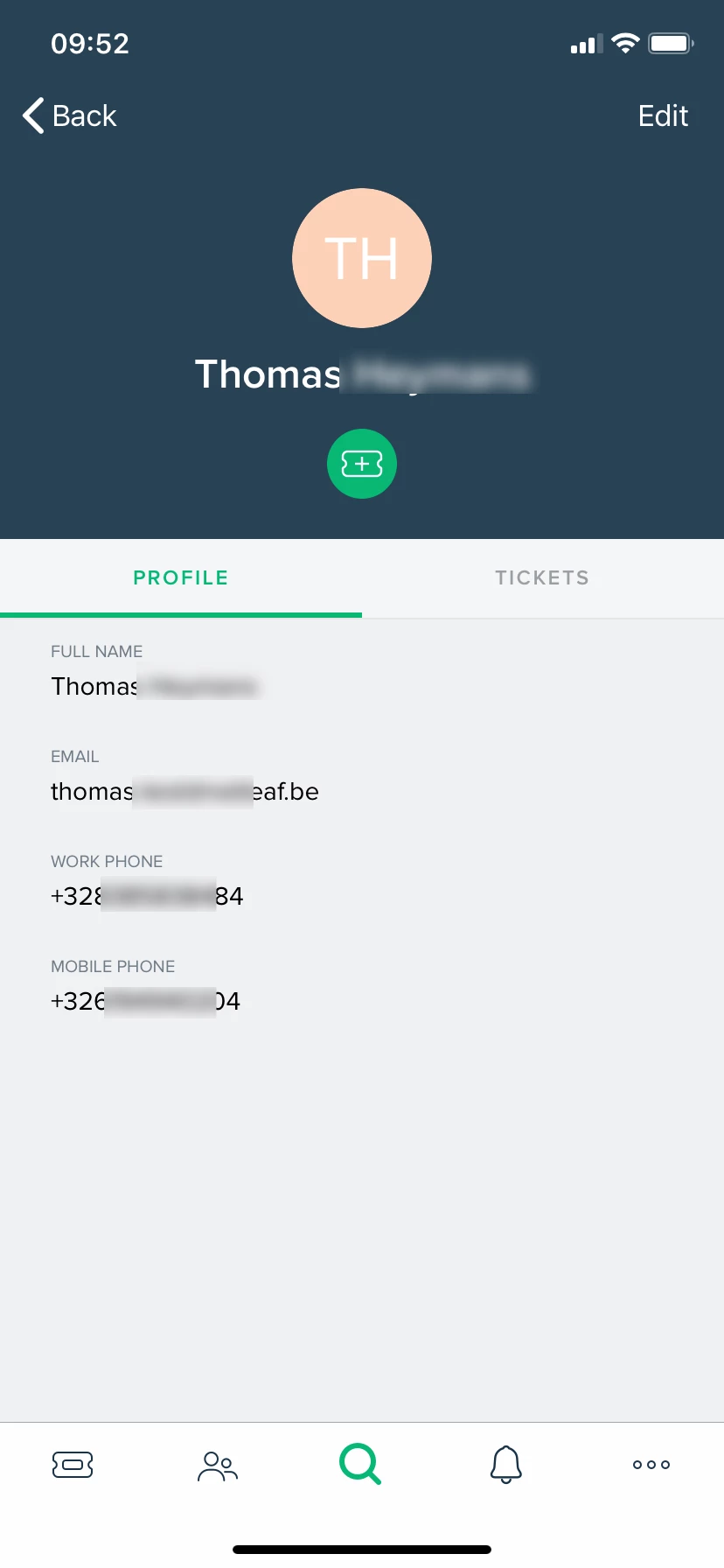

image


With the current app, you can view the profile of contacts.

But you don't have the possibility to :

- click on email and open the iphone email client

- longclick on email and copy the email address to phone clipboard

- click on work or mobile phone number and call the phone number from iphone

- longclick on work and phone number fields and copy them to clipboard.


Seems very useful functions and easy to implement. Please do so !

1 reply

Forum|alt.badge.img+7
  • Community Manager
  • January 3, 2020

Hello Thomas,


Recently, we've rolled out a few updates to the app. Now, you can long-press the email ID & phone number in the contacts page to copy it to your clipboard.


You can also can place calls directly from the Freshdesk app, either

• via the phone dialer, if Freshcaller isn't enabled on your account, or

• via Freshcaller if it’s enabled on their account and installed on your device.


Hope this helps,

Karthik
