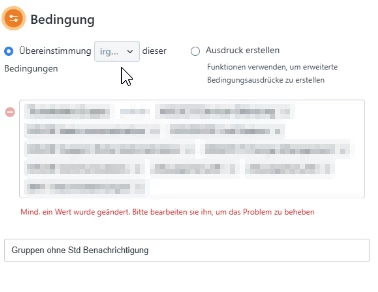
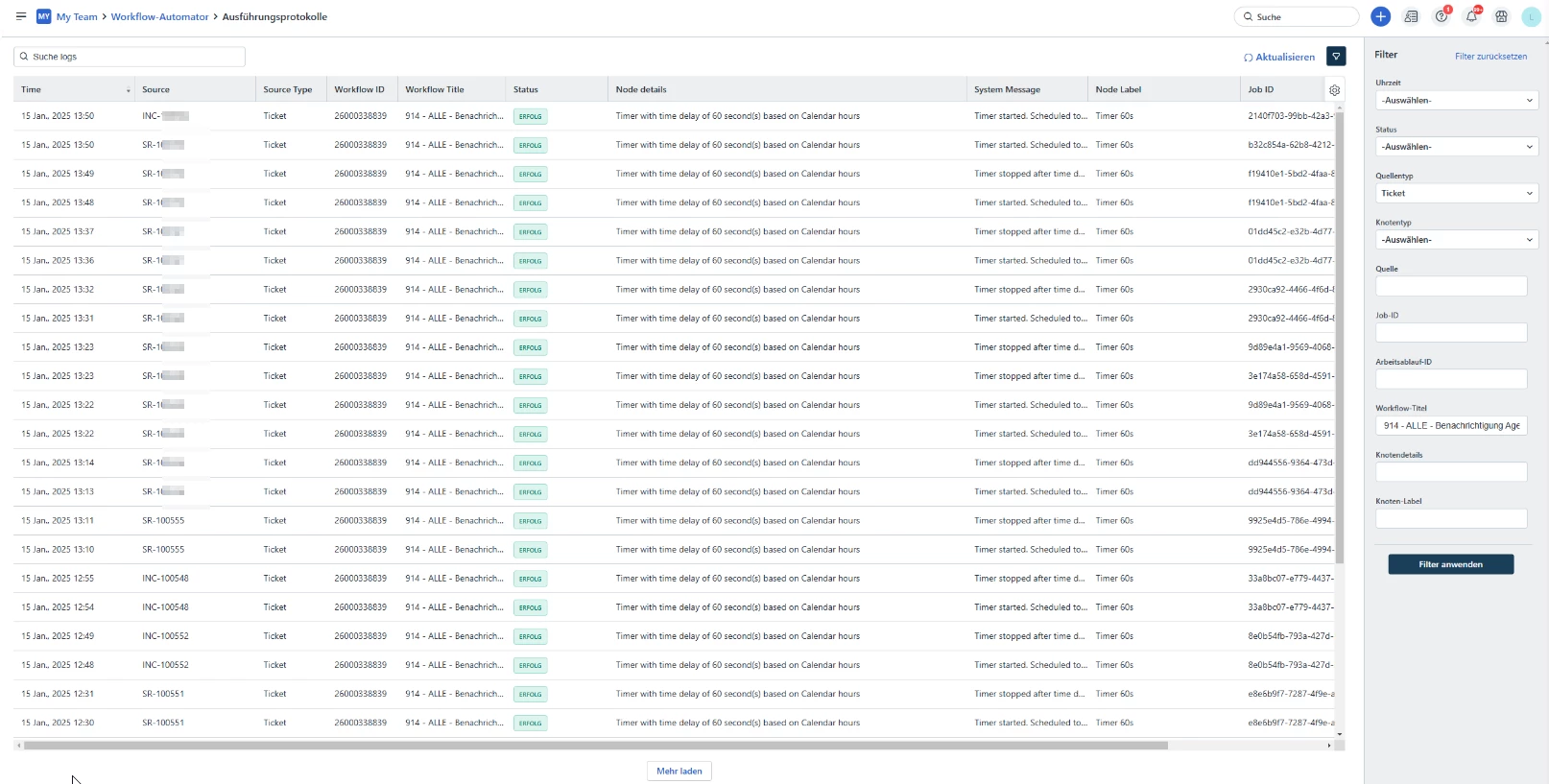
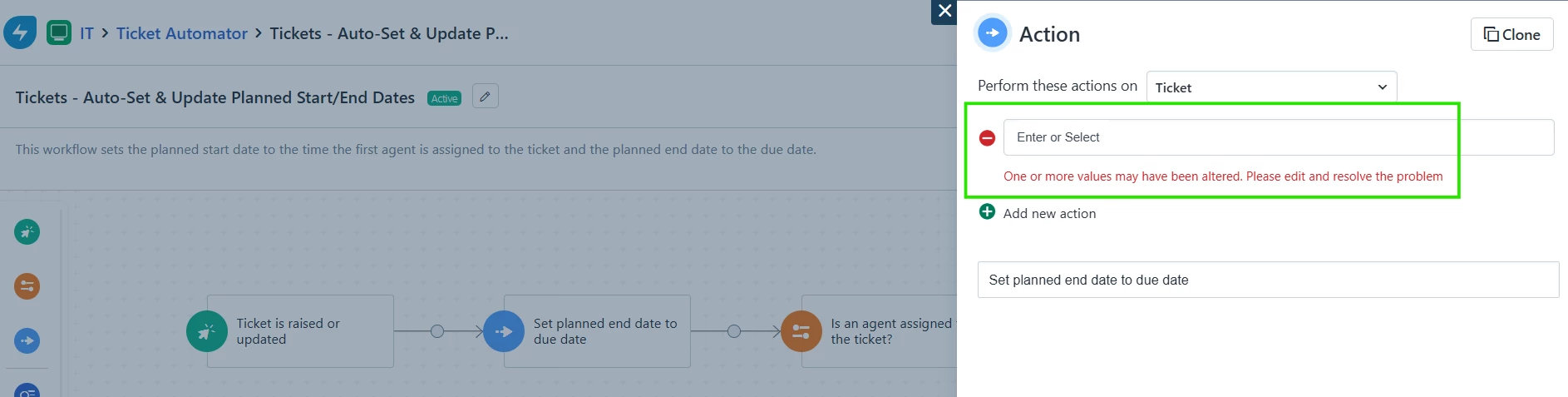
It is common for a change to take place elsewhere in Freshservice which results in an Active related Workflow Automation breaking.
The more Workspaces, Workflows and Administrators you have, the more difficult this is to manage.

Many of these Workflows would not necessarily, even when working, log anything in the Execution Log, so you may be unaware that it is even broken in the first place.
An issue you may face, as a result, is all subsequent Workflows will also fail to trigger.
So, with that said, I suggest the following improvements:
- Set the label and/or toggle colours to Red if the Workflow is failing:

- Highlight the edge or change the text within a Workflow node to Red if it is incomplete or causing issues:

- Email (at least) the person who last modified the Workflow to advise them that their Workflow is failing to trigger