

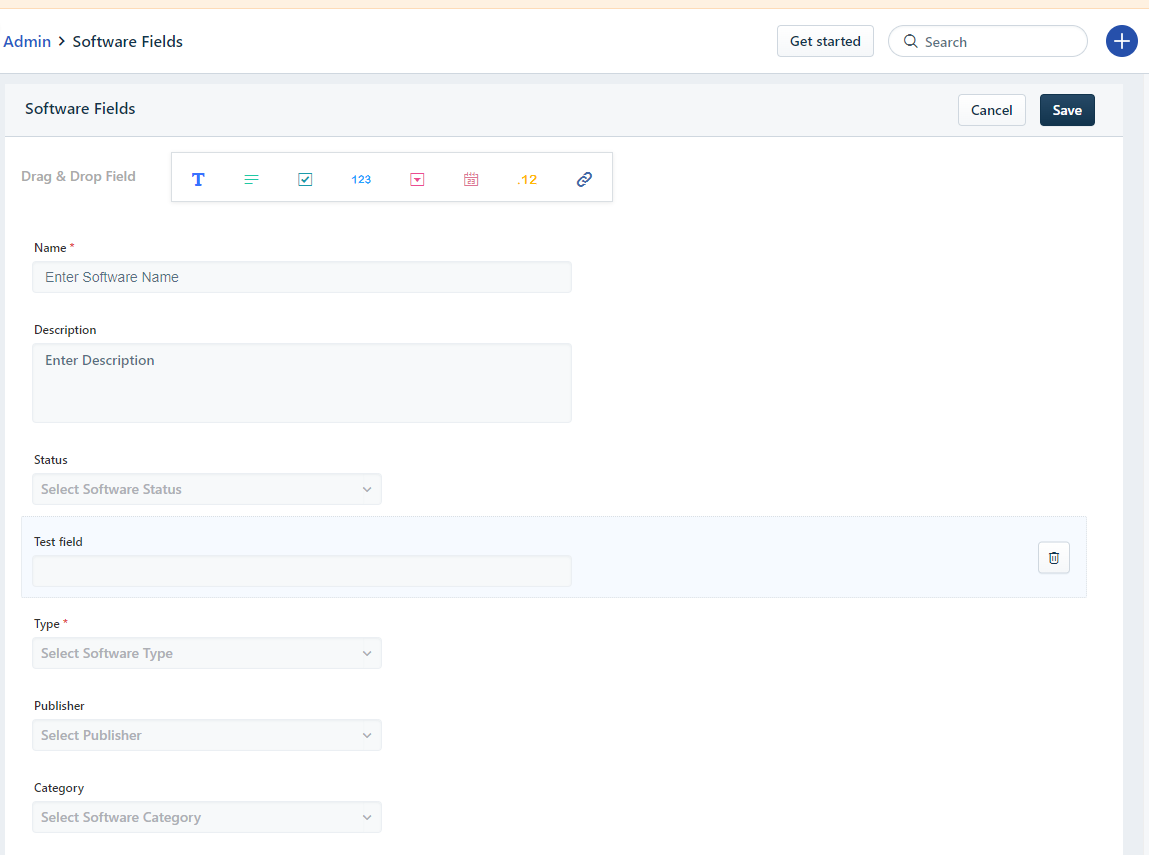
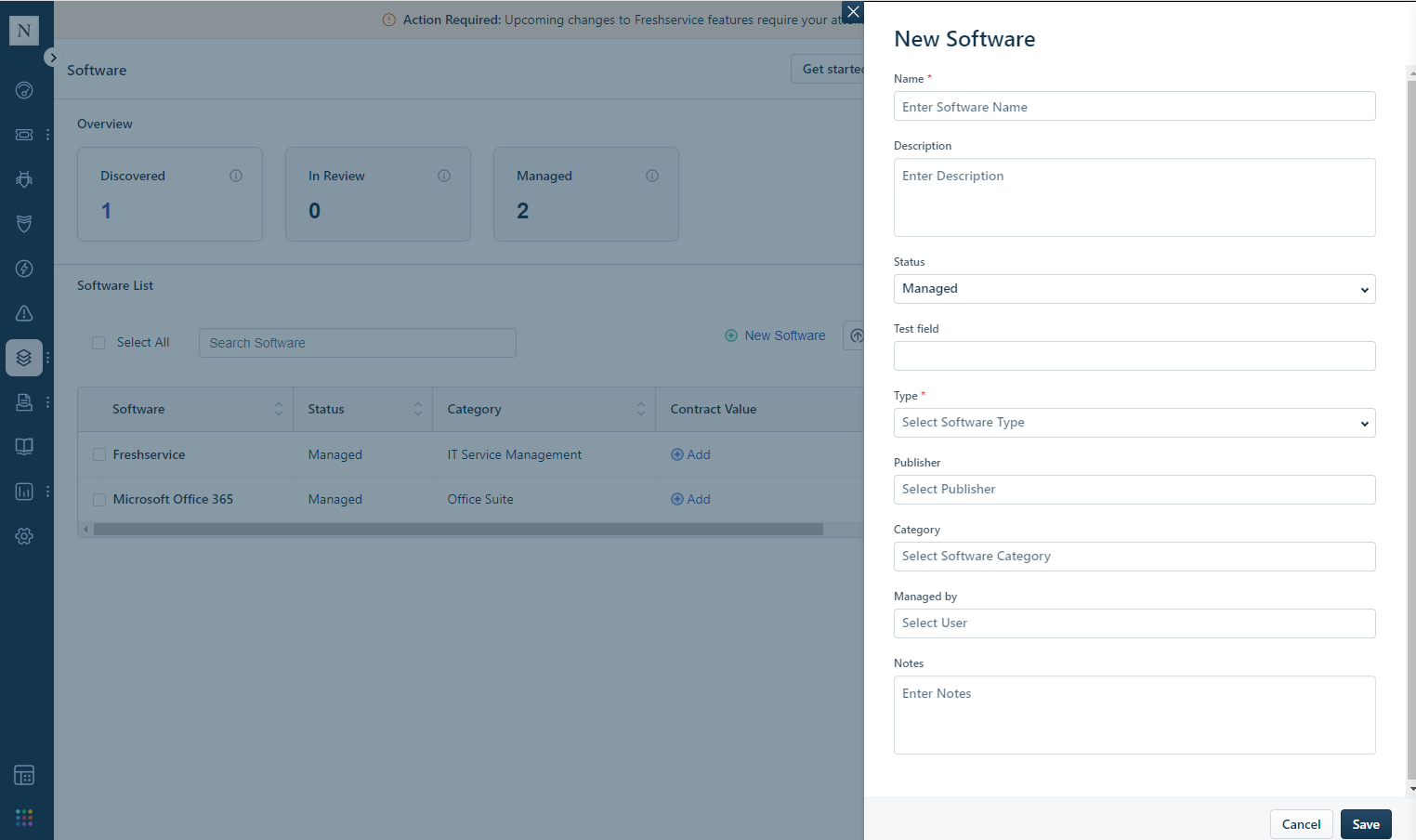
Is it possible to add custom field in Assets > Software List view. I know that we can add new field in the form but it still does not appear in the list. Please see the attached screenshot to know which view I am talking about. Thank you.

Closed
How to add custom fields in Assets > Software List View


Join the Community
Already have an account? Login

Welcome back to Freshworks Community
No account yet? Create an account
Social Login
Login for Freshworks Employees Login with LinkedInor sign up below
Enter your E-mail address. We'll send you an e-mail with instructions to reset your password.