Closed for Voting

How to hide customers email from agents?

Related products:Freshdesk
  • December 11, 2016
  • 5 replies
  • 23 views

We use Freshdesk for customer support. Anyone know how I can hide customers email address from agents?



5 replies

  • Contributor
  • December 12, 2016

Why wouldn't you want your CS agents to see the emails for people they're dealing with?


aravind.sundararajan
Skilled Expert
Forum|alt.badge.img+12

Hello,


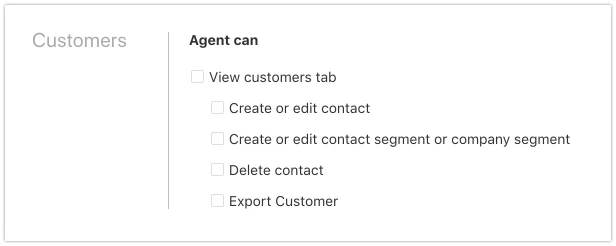
In case if you'd like for the agents to not manage the contacts or export contact information from Freshdesk, you can create a custom role under Admin -> Custom roles section and assign the role to those agents. While creating the role, please leave the options under Customers unchecked so that the agents wouldn't be able to view/edit Customer information.


Cheers!


  • Community Debut
  • September 10, 2019

Dear @Aravind S


I have tried your settings, however, the agent can still view the customer/tab contact information:

_5b_233_5dvintagetablelamp-outofstock_3f_3acba2019_43588.jpg

  • Community Debut
  • September 10, 2019

Here is the role settings, I have it assigned to the agent and removed him from the normal agent, but he can still view it.


image


  • Community Debut
  • April 16, 2020

Hello Dav,

On this front, associate a custom role as mentioned above where you would have to leave the customer section unchecked and associate the role to agents.

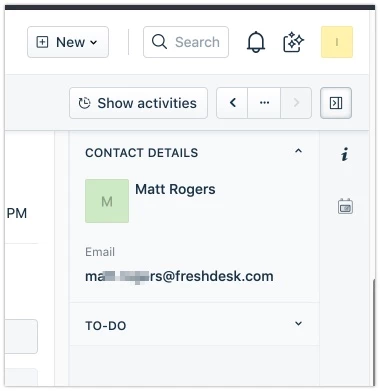
That said, now go to Admin > Customer fields > Customise requester widget > And remove the email field from there. This way with the custom role associated those agents would not be able to see the email address of the requester inside the ticket.


I hope that helps. Cheers!