Hi Freshdesk Community,
I am currently looking into setting up a new automation that automatically assigns a given ticket the right agent if the ticket description or subtitle contains a certain value.
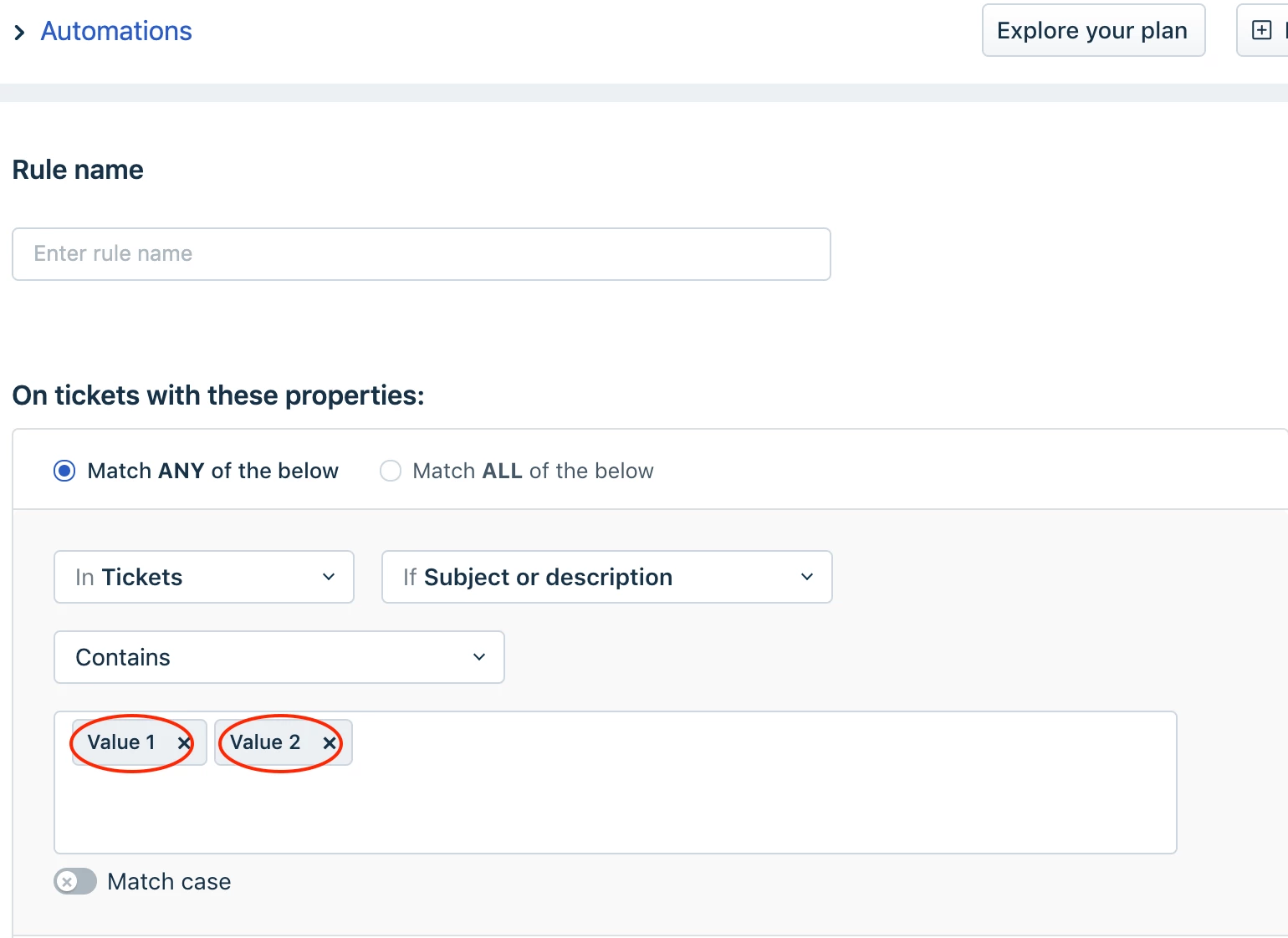
My issues it that I have more than 700 unique values that will have to be added. As far as I can see, the only way to add the values is to manually write each value in the properties field. Therefore, I would like to know if it is possible to either; import them from a excel file/google sheets or add separators to all my values and copy-paste them into the properties field?
I tried to test the option with separators with a sample of 5 values, but neither spacing, commas or line-shift worked.
Please let me know if you have a solution to my problem. Any input is highly appreciated.
Thank you in advance.
Best regards
Klaus
(Picture shows the previously mentioned properties field and the values)