Closed for Voting

Larger notes viewing area

Related products:Freshdesk
  • February 4, 2013
  • 4 replies
  • 16 views

For customer notes, there is a 20 row high viewing area. Would it be possible to make this larger, or make a setting that gives us the option to make it larger? We like to keep extensive notes for our customers.

4 replies

  • Contributor
  • June 20, 2015

I see this as only 5 rows high. Can this be a larger field?


aravind.sundararajan
Skilled Expert
Forum|alt.badge.img+12

Hello,


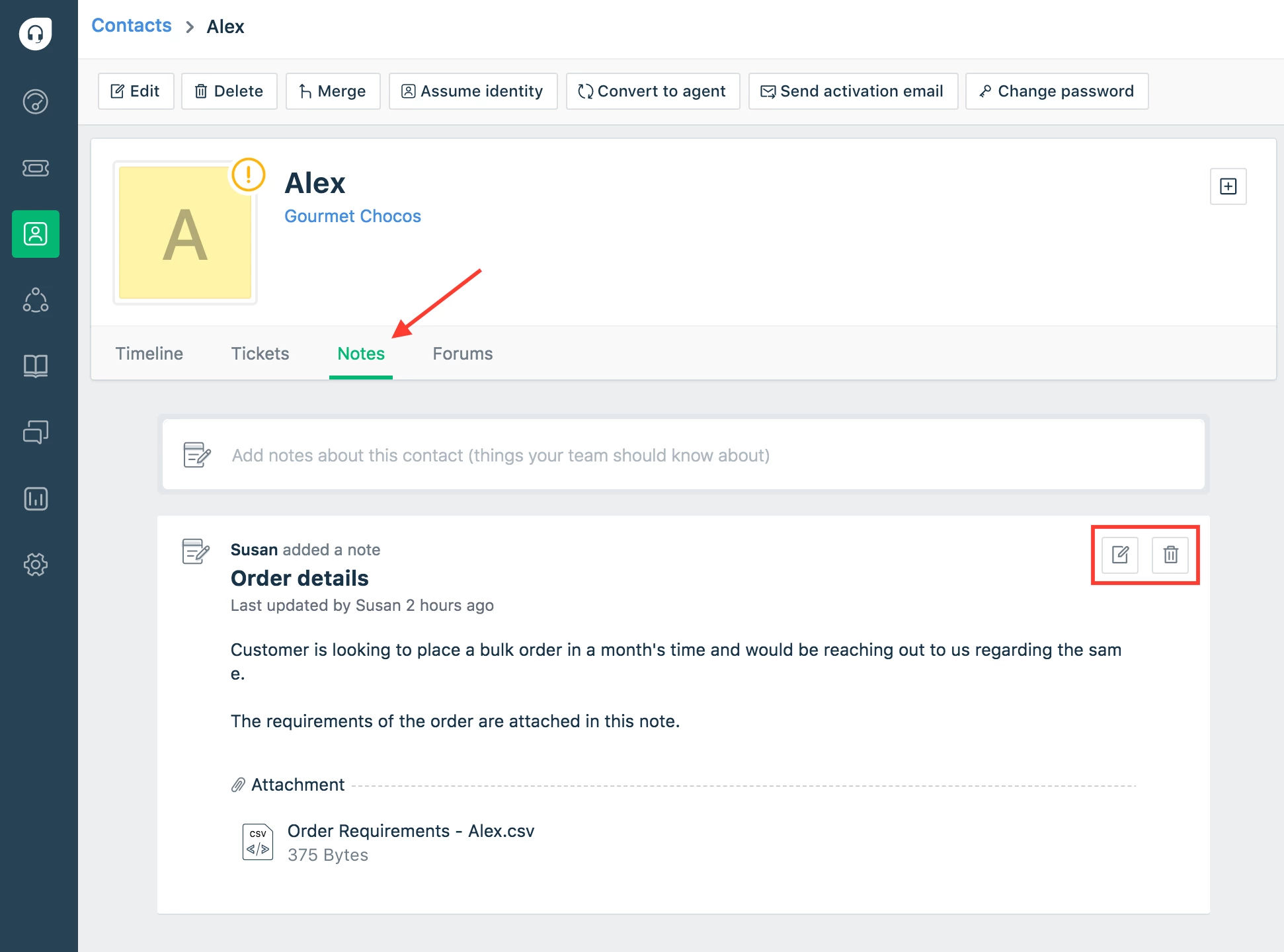
You can now store critical information about Contacts using the new notes section available on both contacts/companies page. This section allows you to add notes and also store files as attachments. For more details, please read - https://support.freshdesk.com/support/solutions/articles/233136-customer-360-additional-context-with-notes


Cheers!


  • Contributor
  • July 6, 2020

So after over 2 years, there's still no way to export notes?


suprabha.somanathan
Community Debut

Sean,


The option to export notes would mean that it should also render the attachments added to the notes along with the textual content.

That said, for now, no CSV export of ours include attachments, such as the export of tickets from the ticket list page, selecting the Description. 

(the attachments are dropped in the export file)


Alternatively, You could use a custom contact field of type, multiline and use this to store quick customer notes.

The data saved in this multiline text field could also be exported when performing a contact export. However, we do not have the option to include attachments to this field.


Hope this helps!