

Closed for Voting

Select all button only selects first page of tickets

Related products:Freshdesk
  • December 19, 2018
  • 2 replies
  • 27 views


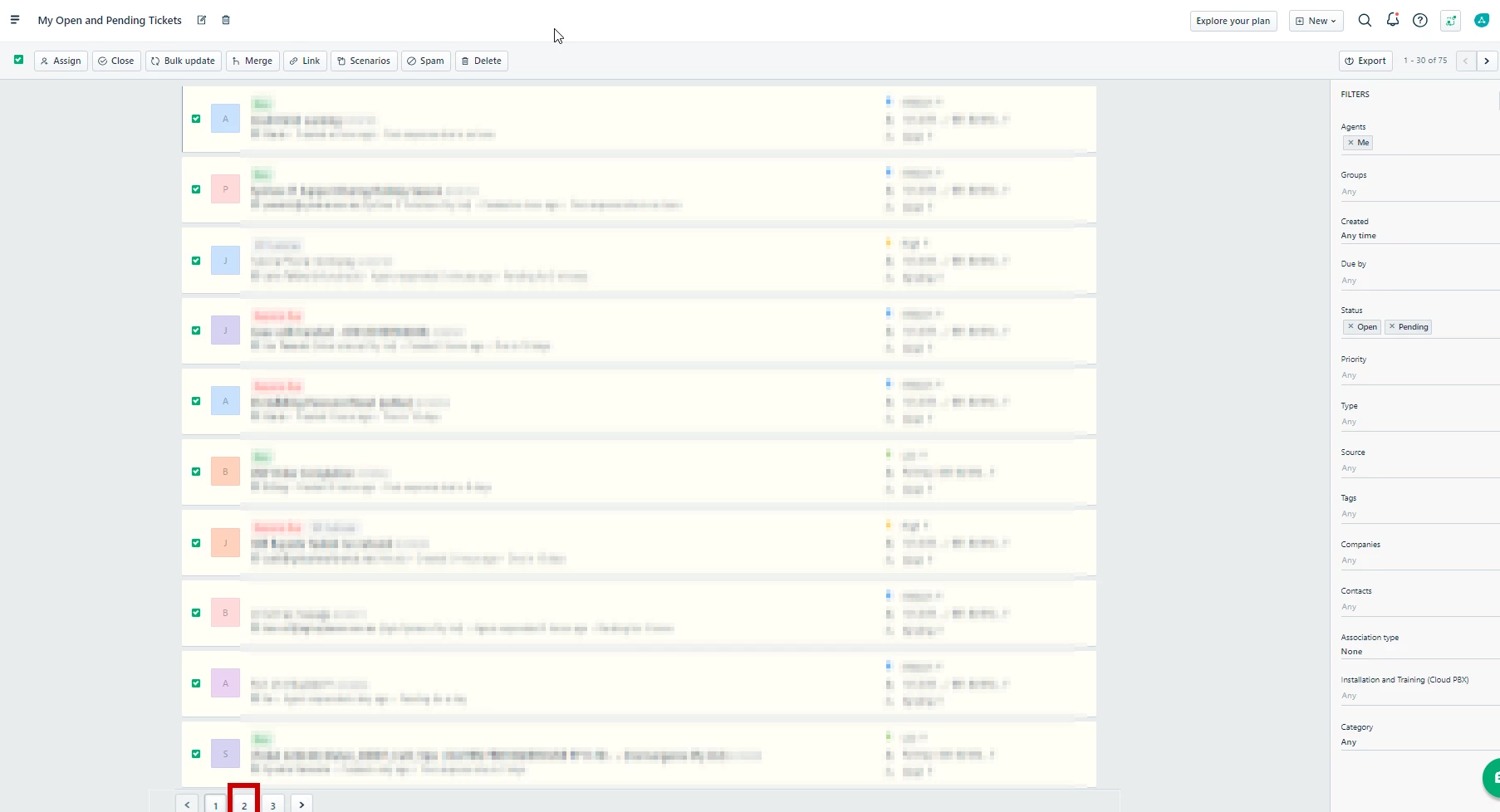
Issue: Cannot bulk update more than one page of tickets at a time.

Example: Clicking the Select all button in the ticket view only selects tickets on the first page, navigating between Pages 1, 2 and 3 clears previous selections.


Expected result: Ability to be able to select all tickets

image


2 replies

  • Community Debut
  • November 22, 2019

This is an important lacking feature. The availability of a 'Bulk Update' feature (which I like very much) is GREATLY diminished if you can only apply it to 1 page of selected tickets at a time. Is there any way to filter a list of tickets and then apply a Bulk Update, Spam or Delete action to the ENTIRE set of filtered tickets? THAT is what makes global editing truly useful.


Please respond with some info about how one would go about accomplishing this. Thanks.


geebranz
  • March 9, 2021

Hmm, let’s contact out help desk :D


www.eyelashextensionspensacola.com
