Closed for Voting

Simple Time Reporting

Related products:Freshservice
  • May 28, 2015
  • 4 replies
  • 19 views

All the time tracking add-ons I've seen seem to look like they only work if you're sitting at a desk doing all your work. It would be good if there was a way I could add time to tickets for work done away from the desk.


For example, I come back from an ongoing job, I update the ticket, but where or how can I add the time spent on site to the ticket?

4 replies

  • Contributor
  • May 28, 2015


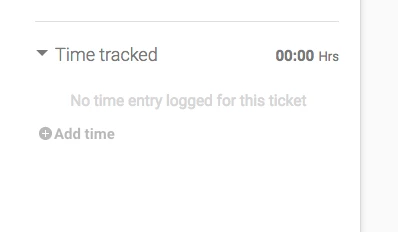
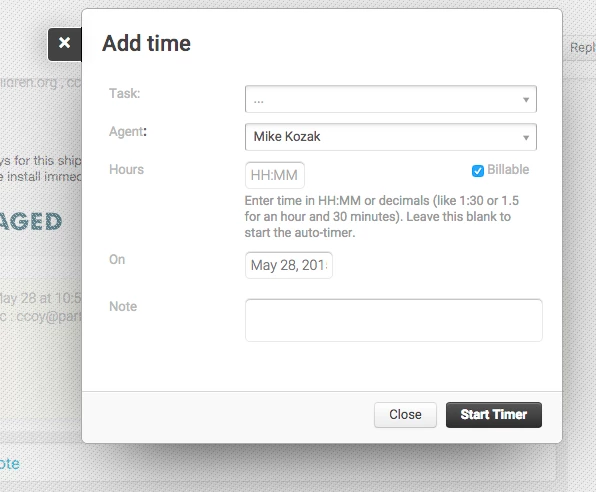
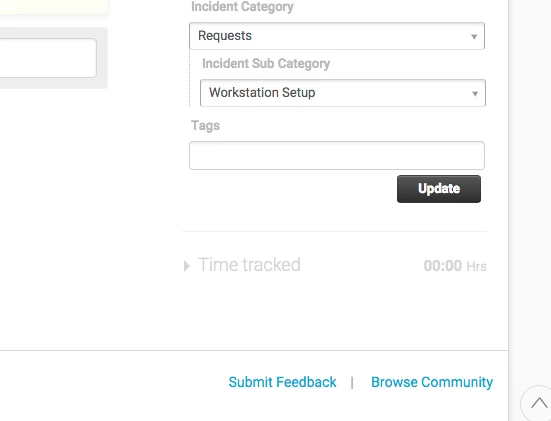
On the bottom right of my ticket view, I have this time added area.  Clicking on the carrot reveals the following:


Enter time as needed (or start a timer if you'd like to do that)


  • Author
  • Apprentice
  • May 29, 2015

Hey thanks Mike, that's exactly what I'm looking for.


I can't see that option on my ticket view. I have the Ticket Properties box, but under that it's blank. I'm on the free plan, I wonder if that makes any difference?? Or, maybe I need to enable the function somewhere??


  • Contributor
  • June 4, 2015

Not sure.  We're in MSP mode, and I"m not certain if that kicks it off (we're not an internal department.)


  • Contributor
  • June 4, 2015

We are in a paid plan (non-MSP), and I have the time tracked below ticket properties. It may be a plan-restricted feature.