Closed for Voting

TeamViewer Integration

Related products:Freshdesk
  • December 12, 2013
  • 47 replies
  • 59 views

Show first post

47 replies

Let me know how it goes. The Freshplug has now been approved, so please keep all future discussion about it on this thread: https://support.freshdesk.com/support/discussions/topics/295406


  • Community Debut
  • April 7, 2014

Hi Michael ,


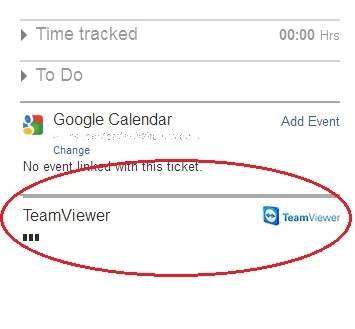
It seems like it is not loading up...

Does anyone else have this problem?


teamviewer_issue_14550.jpg

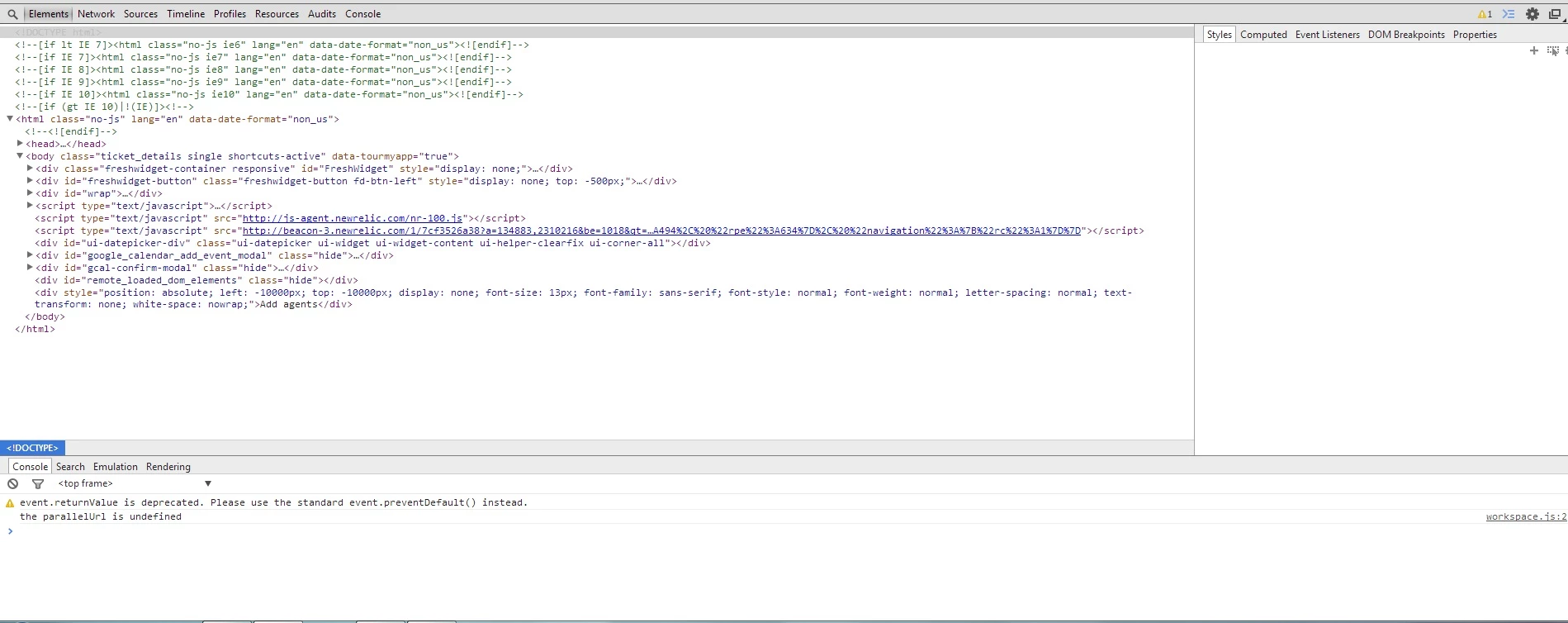
Konrad, would you be able to open the dev tools (on Chrome it's F12) and get a screenshot of the console tab?

I only designed this to work on the latest browsers. Which browser and version are you using?


  • Contributor
  • April 8, 2014

I switched to Chrome mainly because the Freshfone didnt work in Safari.  But seems fine in Chrome


  • Contributor
  • April 8, 2014

Now if only Freshdesk would get a move on with the customer custom fields i would be quite happy


Kevin, were you using Safari on Windows? That is unsupported now and hasn't been updated for a while. The FreshPlug should work on Safari for Mac but I don't have a Mac to test it on. I agree custom client fields would be useful. What I think is more important right now though is multiple email, phone fields etc which would be a step towards merging customers.


Edit: sorry, I see you were talking about Freshfone, not TeamViewer.


  • Contributor
  • April 8, 2014

No i use Safari on the mac,  i will test the teamviewer plug though in safari if you want 


Thanks, that would be helpful. If it doesn't work, could you give me a screenshot of the dev tools console like I asked Konrad?


  • Contributor
  • April 8, 2014

Works ok in safari on Mac (admittedly latest version and OSX 10.9.2)


Cool. It works on latest Chrome/IE/FF/Opera on Windows, so it will be interesting to find the problem is that Konrad's having.


  • Community Debut
  • April 8, 2014

Hello Michael, 


Here is the screenshot


Same thing is happening on IE9 and Chrome Version 33.0.1750.154 

I hope this will help :)


console_14576.jpg

Hii Konrad


That doesn't show any errors relating to the FreshPlug. Could you see if you can access the following URLs in your browser?

http://freshplugs.orangehost.co.nz/teamviewer/teamviewer.js

https://freshplugs.orangehost.co.nz/teamviewer/teamviewer.js


 I don't think IE9 would work, but Chrome 33 should.

Other things to consider:

  • Is your Freshdesk instance using HTTPS (it should still work, it does for me)?
  • Have you entered your TeamViewer token correctly including keeping the quotation marks around it? Are they the same quotation marks that were there originally, not fancy ones?
  • Have you created the key with the correct permissions according to the readme?
  • Are you sure you have created a script token (accessed via profile button) not an app token (accessed at bottom of screen)? 

  • Community Debut
  • April 8, 2014

The following URLs works fine. Freshdesk is using HTTPS.

I have gone through creating new script token - created this with correct permissions - all according to the instructions.


Could firewall rules have any impact on this? Hmm other integrations work fine so really not sure about this.  


Sorry, I think it was a bug on my side, caused by having no existing sessions. Try refreshing the page, it should work now. If it doesn't, I'll get you to try a debug file that will output information to the console.


  • Contributor
  • February 19, 2015

Hi Michael


i have upgraded to v10 and am trying to get this to work

it seems to get to connecting but never gets any further


ie i can create a session no problems the client downloads the quick support exe and everything looks good,  except the remote support screen never connects


Kevin


  • Contributor
  • February 21, 2015

Hi Kevin


I'm a bit busy right now so I'll have a look at it in a day or two. I did update it last week after Freshdesk contacted me to add some code, but I tested it and didn't notice any problems.


Michael


  • Contributor
  • February 22, 2015

Michael


I tried it on another computer (to control) and it worked fine

the problem i think is using on a server 2012.  and it appears more a Teamviewer thing than a freshdesk plugin thing

i will report this to teamviewer nonetheless.  I am finding Teamviewer a bit buggy in v10 i must admit,  i think they rushed it out,  and are now fixing up the stuff ups


Kevin


  • Contributor
  • February 22, 2015

Michael


I had a thought, the "instructions"  that get pasted into the ticket are they customisable at all?  i wouldnt mind adding more text to help the great unwashed install the app as i am sure a lot will struggle (they always do now anyway)


Kevin


Sorry, I missed that last comment. I don't have any plans to make it editable at this point. If you want to change it you can serve the https://freshplugs.orangehost.co.nz/teamviewer/teamviewer.js file yourself and edit below the line 

SessionInstructions: new Template(

Michael 


This topic already is enough time open. There is already some provision for a Native Integration?


Just.......DO IIIIIIIIIIIIIIIIIIIT!   would be much appreciated.  I work in government and recently started using Freshdesk as my IT Helpdesk solution, and we already own teamviewer Corporate, so this inte

gration would be of grate use!  I thank you in advance. 


image


aravind.sundararajan
Skilled Expert
Forum|alt.badge.img+12

Hello everyone,


The Teamviewer integration is available on our marketplace site : https://apps.freshdesk.com/teamviewer/


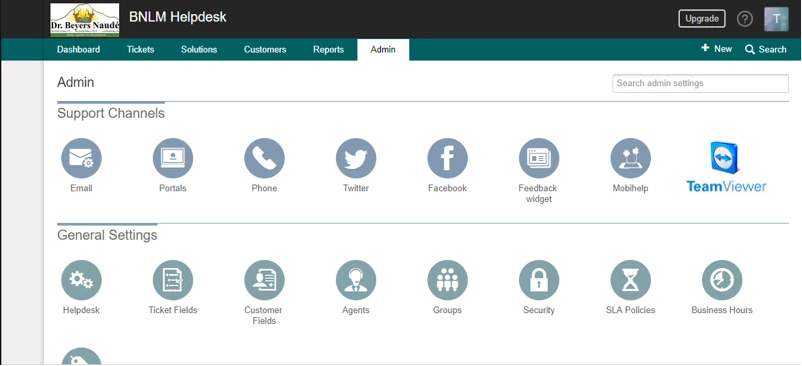
You can enable this by navigating to Admin -> Apps -> Get more apps and then search for 'TeamViewer'. This is a free-of-cost plugin that can be added to any Freshdesk account.


Cheers!