Closed for Voting

Xero Integration with Mint

Related products:Freshdesk
  • October 8, 2018
  • 41 replies
  • 52 views

Show first post

41 replies

  • Community Debut
  • April 2, 2019
Upon checking this morning there was no app available that I was able to find, though we were advised it would be ready by the end of month (email confirming this). Unfortunantly it looks as thought this only cements or decision to complete our data migration away from freshdesk.

  • Author
  • Contributor
  • April 14, 2019

@aravind looks like the new version is finally out. Seems to be working generally ok, however one thing i can't work out (and can't find any support documentation at all for the integration), is how to set the default invoice description to pull variables from the ticket.


In the old version we had something along the lines of Ticket: {{ticket.id} - {description}} which used to pull the ticket ID and description and put that into the invoice detail field.


@aravind - I have tried to use the new app but it fails after installation when I try to create an invoice on a ticket - I've tried uninstalling and reinstalling with the simplest category selection (given I can see my Xero categories, I know the integration works). When I access a ticket and click on the Xero for Mint drop down I get an error "There was an error while loading data." There nothing I could find on the support website so am looking to you to assist. Thanks


  • Author
  • Contributor
  • April 30, 2019

@aravind s


Just following up on the above - also ticket #3296434 which has been open for 15 days with no reply.


Also i've noticed a few other things


- When adding time to a ticket, you have to refresh the page prior to being able to add it to the ticket. This was an issue in the previous version, was hoping it would be resolved in this new version. It just extra clicks and time that i would prefer to avoid.

- When opening the Xero for Mint menu on a ticket it displays all invoices including paid invoices. The draft invoice is as the bottom of the list, which means scrolling all the way down to edit a draft invoice.

- The previous mentioned issues of not being able to bring subject line info through.


  • Contributor
  • April 30, 2019

Can someone point me in the right direction of the new Xero app (for Mint) please? I can't find it anywhere! (or has it been pulled for not working?) Thanks.


@Graham- its under the Apps section just search for Xero and you find (its is called "Xero for Mint" so you'll know you've got the right one

@Aravind - having some challenges with the integration:

1) Deleting Invoices - How do you remove an invoice created in error ? In the past you'd delete in Xero and Freshdesk would recognise that the invoice no longer exists and its would be removed.

2) How do you set the description field - I've tried like @TroyCowin with no success either

3) There's no support available at all on this support site - when will there be resources we can look up to help resolve how to use the new app.

Thanks


  • Contributor
  • May 1, 2019

HI Brett


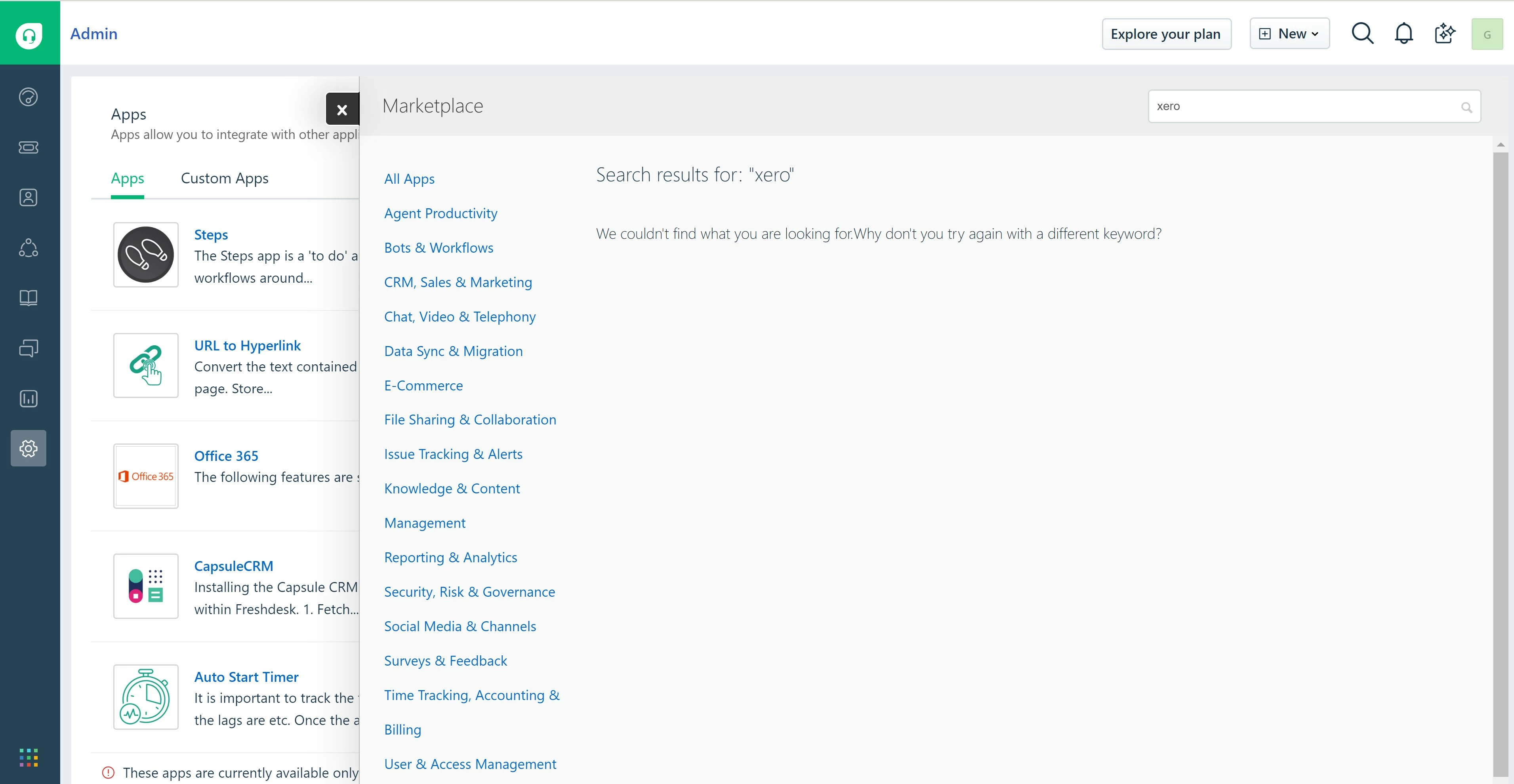
It definitely isn't in the Apps section for us. I've searched for 'Xero' and 'Xero for Mint' but there are no results. Please see attached screenshot.


Thanks,


Graham

xeroformint-notfound_40621.jpg

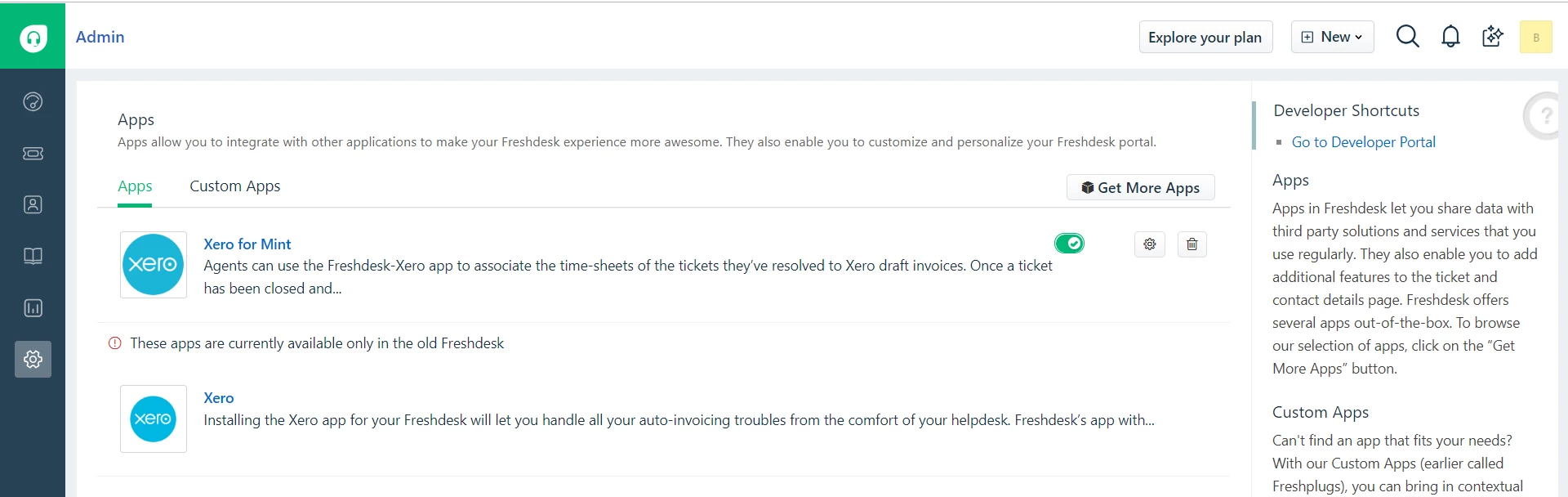
Hi Graham - you're right its gone. This is my apps area in Freshdesk (Mint version). not sure what's happening.

@aravind - canyou respond to this and advise - as per my earlier post I am having issues and the fact that its no longer available to install is concerning.

image


aravind.sundararajan
Skilled Expert
Forum|alt.badge.img+12

@Brett@Graham Good news. We've managed to get the Xero app live on our marketplace. While it might take at least 24 hours for the listing to appear publicly on our marketplace sit, you will be able to install the app now from Admin > Apps > Get more apps section.


Cheers!


  • Contributor
  • May 24, 2019

@Aravind @BrettAravind - thanks for the update and great that it is now live. Shame it doesn't work though. I have gone through the set up, Authorised access in Xero, and it does show up in Freshdesk. However - when I click on 'Xero for Mint' in the right column, I just get the error "There was an error while loading data". Also during the setup, I only saw a few of my Inventory Items from Xero listed - not all of them by any means. Unless I've done something wrong (please tell me if I have), I think you need to sack your testing and QA team.... Brett - have you got this working yet?


@Graham. Been offline for a couple of days. Will check and come back to you. BTW I was getting that error intermittently when the app was released the first time.

aravind.sundararajan
Skilled Expert
Forum|alt.badge.img+12

@Graham@Brett We've sorted out the error. I tested this in my own test instance and was able to reach Xero without any issues. Give it a try and let me know if you have any questions or feedback to share.


Cheers!


  • Author
  • Contributor
  • May 27, 2019

@Aravind S

Still some issues..


- When adding time to a ticket, you have to refresh the page prior to being able to add it to the ticket. This was an issue in the previous version, was hoping it would be resolved in this new version. It just extra clicks and time that i would prefer to avoid.

- When opening the Xero for Mint menu on a ticket it displays all invoices including paid invoices. The draft invoice is as the bottom of the list, which means scrolling all the way down to edit a draft invoice.

- The previous mentioned issues of not being able to bring subject line info through.


@ Aravind S - I have tested as well and the description line transfer still does not work (I had this issue in the previous release as well). This is an important feature as it sets the description of the invoice linking its back to the service call (I specifically use the ticket no, ticket description and ticket status.

Also some general feedback:

- the view option in Freshdesk for the invoice used to open Xero and take you straight to the invoice (in edit mode) - this was handy as it meant you could get straight to the invoice, make any edits required and approve and send. Now I have to open Xero, find the invoice and then open it up to edit - that wastes time and is not efficient.

- it would be useful to be able to optionally add "Reference" information to the invoice and populate the reference field on the invoice.


  • Community Debut
  • May 28, 2019

I'm also having issues with the ticket place holders not being able to be used in the description after being moved to the new version.  This worked in the old version for us and allowed us to include the Ticket ID and Subject in the Xero invoice line description.


If you could also set an invoice reference that would be great too - but this is an extra feature and wasn't in the old version.


  • Community Debut
  • June 4, 2019

Definitely another with the placeholders that dont work......