


Solved

How to change the name "Knowledge base" to "Help Center"

  • April 25, 2025
  • 1 reply
  • 62 views

lillybold
Apprentice
Forum|alt.badge.img

I am trying to change the name “Knowledge Base” to “Help Center” in our Portal. 
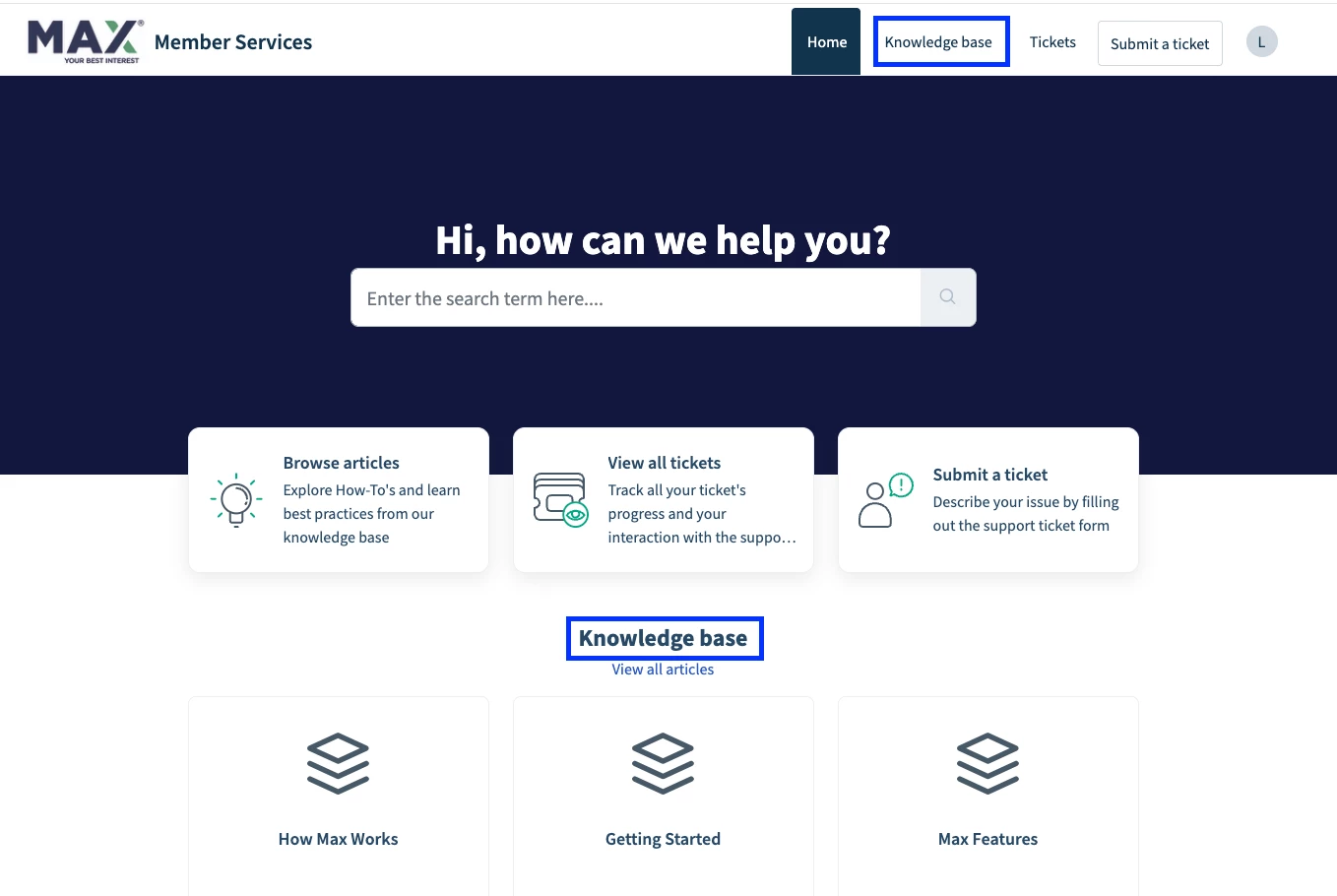


From what I’ve read, it looks like the only way to do this is by customizing the code under Admin > Channels > Portals > Customize > Edit theme. 
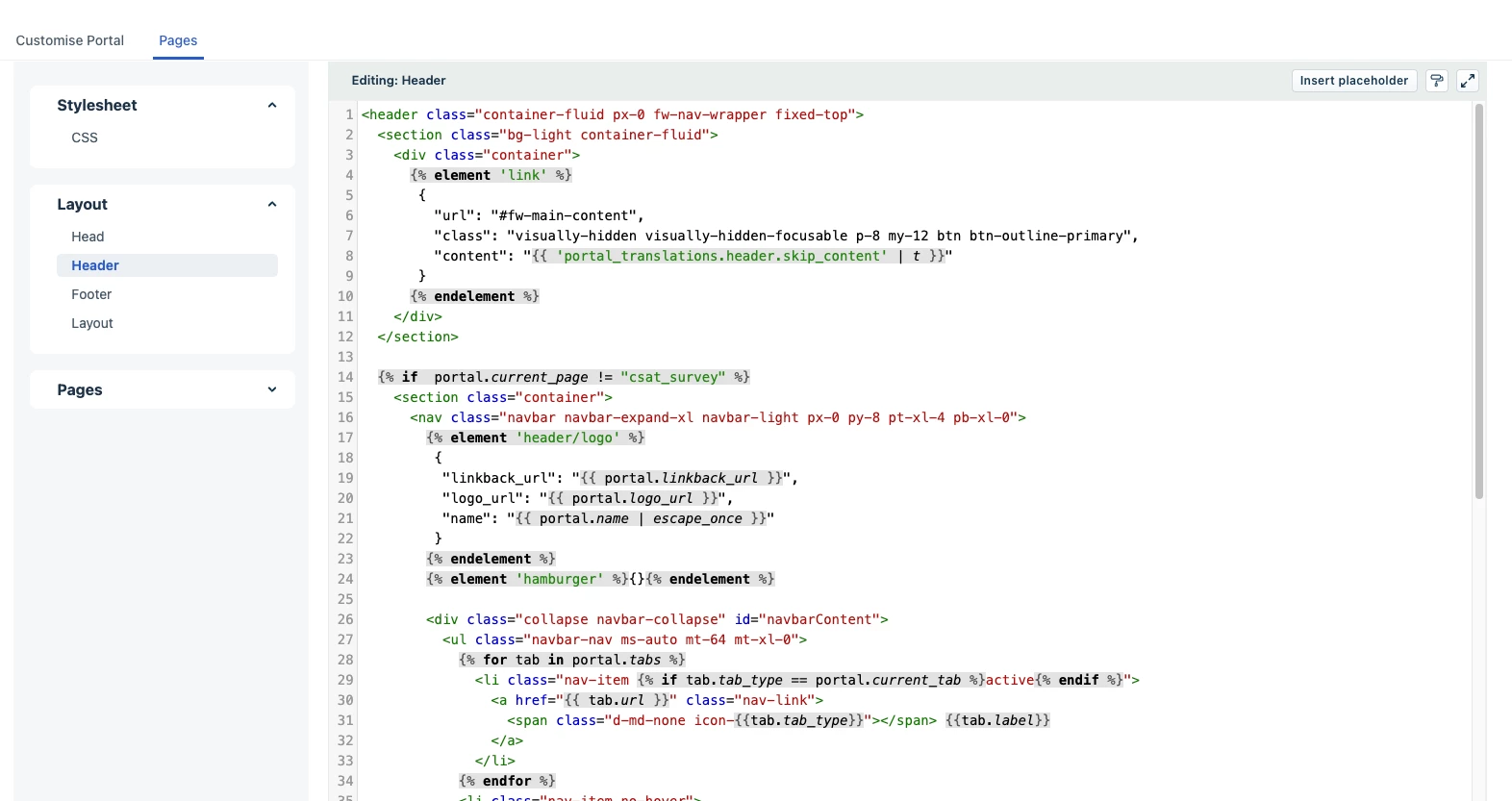


We are trying to not spend development resources on this, but I’m having trouble finding a good way to make this change in the code editor.

Does anyone have an existing script that we can use to make this change?

Best answer by mahendarsingh

Hi ​@lillybold ,

Thank you for bringing this up. 

To change "Knowledge Base" to "Help Center" in your Portal, you need to customize the code in the theme editor under Admin > Channels > Portals > Customize > Edit Theme. Specifically, you will:
1. Go to the Pages > Layouts or the specific page where the "Knowledge Base" label is used. You will need to locate the placeholder or the hard-coded text for "Knowledge Base."
2. Replace occurrences of "Knowledge Base" with "Help Center" in the HTML code of the layout or page.
3. Save the changes and publish your theme.

4.Save a backup of your current theme before making changes to avoid any issues.

Please feel free to write us at https://community.freshworks.dev/ in case of any assistance related to code. 

Thank you !!

1 reply

mahendarsingh
Community Manager
Forum|alt.badge.img+9
  • Community Manager
  • Answer
  • December 24, 2025

Hi ​@lillybold ,

Thank you for bringing this up. 

To change "Knowledge Base" to "Help Center" in your Portal, you need to customize the code in the theme editor under Admin > Channels > Portals > Customize > Edit Theme. Specifically, you will:
1. Go to the Pages > Layouts or the specific page where the "Knowledge Base" label is used. You will need to locate the placeholder or the hard-coded text for "Knowledge Base."
2. Replace occurrences of "Knowledge Base" with "Help Center" in the HTML code of the layout or page.
3. Save the changes and publish your theme.

4.Save a backup of your current theme before making changes to avoid any issues.

Please feel free to write us at https://community.freshworks.dev/ in case of any assistance related to code. 

Thank you !!
