Question

Contact not able to see pasted image in reply or forward

  • Jan 21, 2026 7:14 PM UTC
  • 2 replies
  • 209 views

Forum|alt.badge.img

When we use the Snipping Tool to get a screenshot to send to the customer for reference the customer can not see the image.  Any image we copy and paste in the Reply or a Forward is not displayed in the email for the recipient. 

This seems to have just started because we have been doing it this way with Freshdesk for over 10 years.


2 replies

eeha0120
Top Contributor ⭐
Forum|alt.badge.img+12
  • Top Contributor ⭐
  • Jan 22, 2026 3:06 PM UTC

Hi.

Is this happening for all and every single user?

This may be security settings on customer’s side.

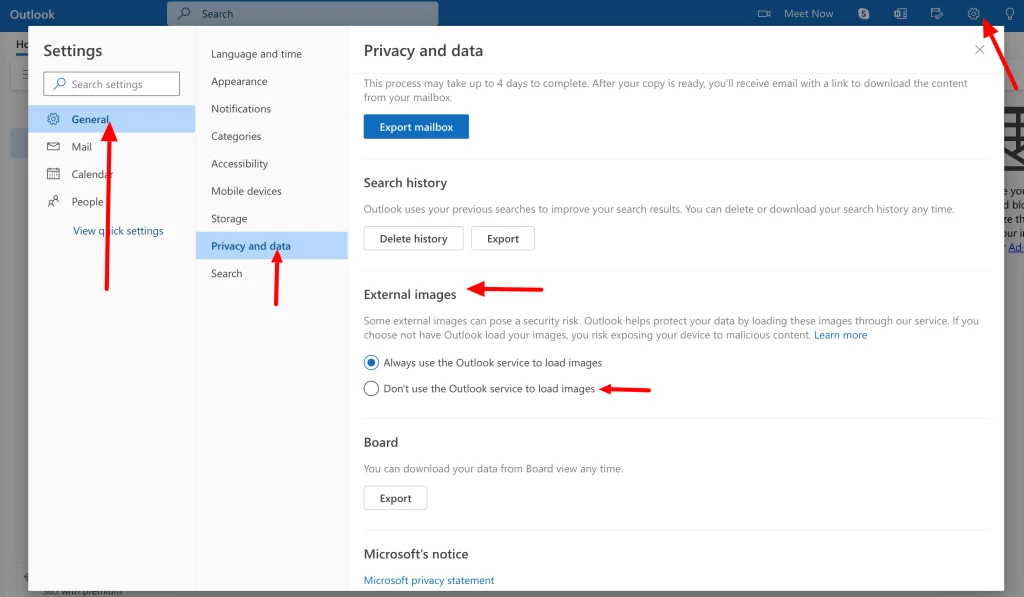
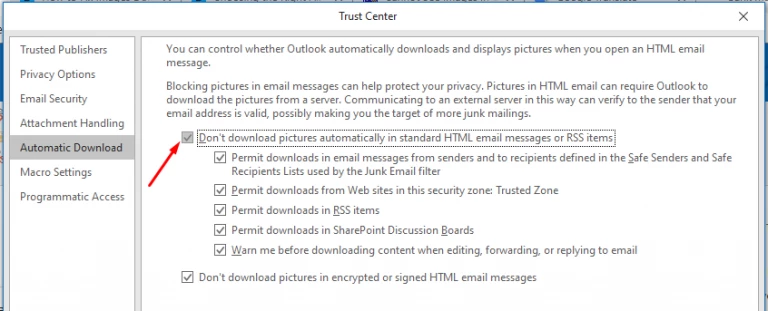
As images and attachments are stored externally, customer may have implemented a security policy in their email clients to not show externally available images.


Best,


Forum|alt.badge.img
  • Author
  • Contributor
  • Jan 27, 2026 4:21 PM UTC

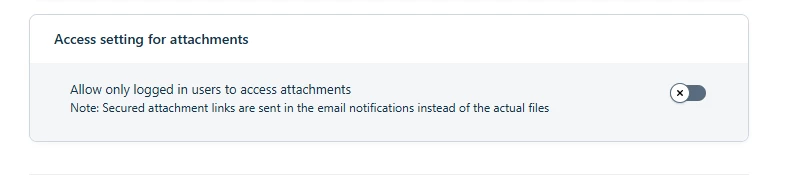
This was a Security setting issue.

In Admin > Security the setting “Access setting for attachments” was turned On.  Once we turned this off the issue was resolved.


Kris Hill