
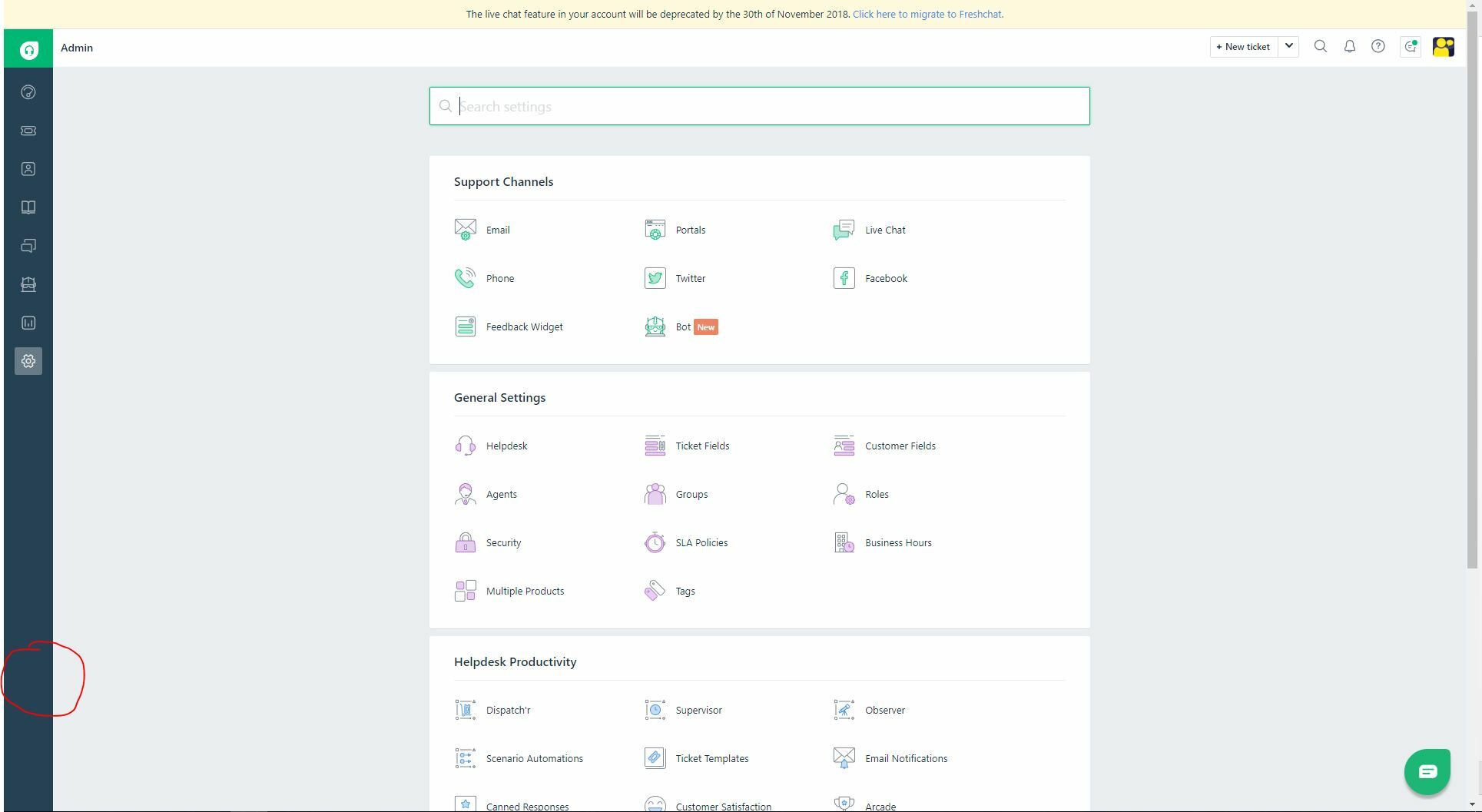
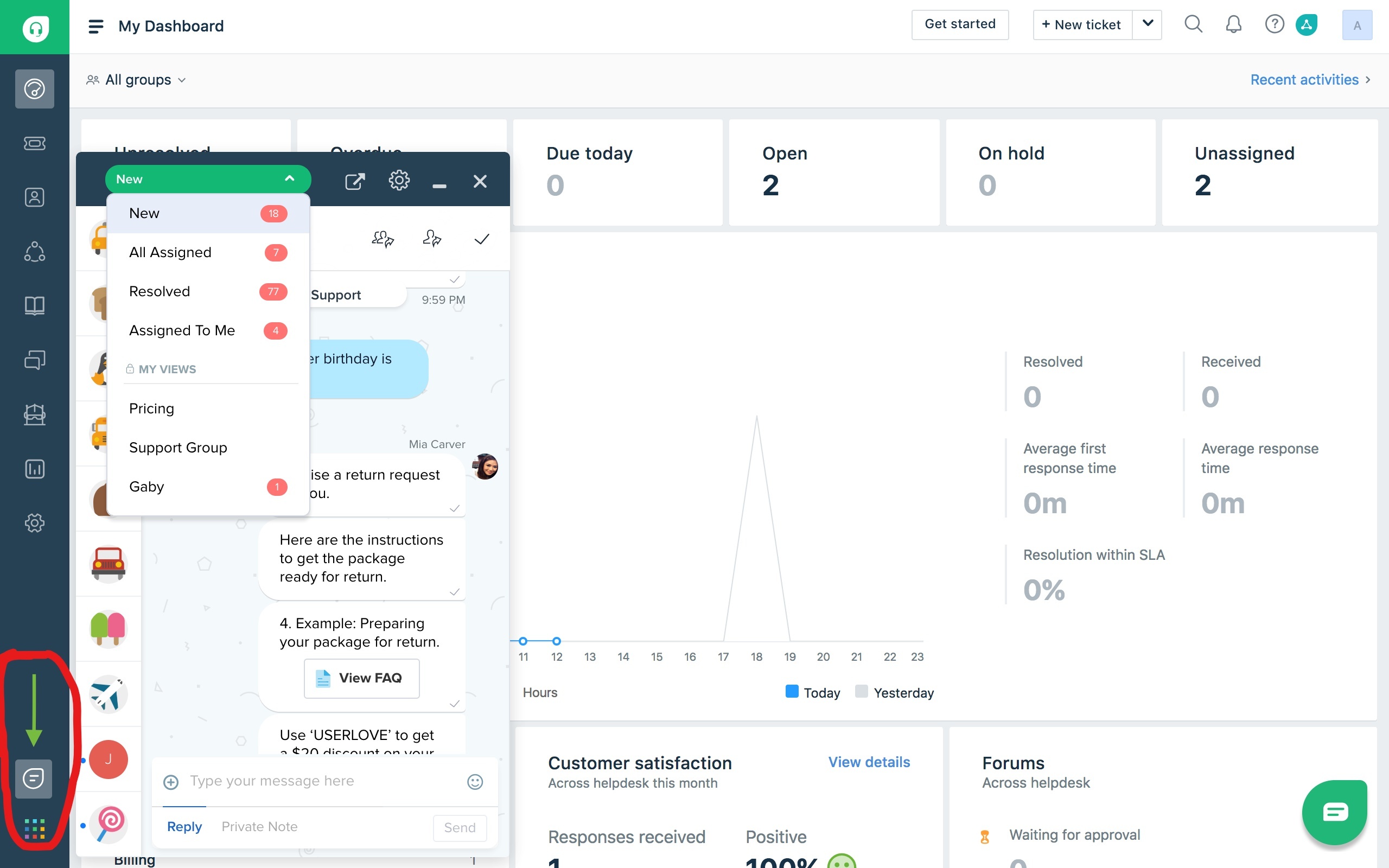
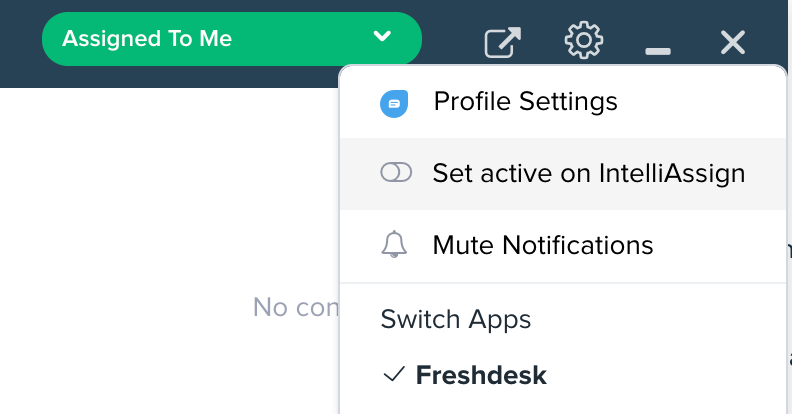
In the previous version of Freshdesk with Livechat and the phone system built into it you were able to set if you were available for calls or chats, this was done through the icons that were located at the top right side of the screen. Now in Mint, after integrating Freshcaller and Freshchat with Freshdesk Mint those controls have vanished and those options are not available in the icons that now show in the bottom left for those fetures.
Are they located somewhere else now or does an agent have to log out of Freshchat and Freshcaller not to accept either?

Freshcaller and Freshchat controls in Freshdesk Mint
This topic has been closed for replies.





Join the Community
Already have an account? Login.
Sign in to the Community
No account yet? Create an account.
Social Login
Login for Freshworks Employees Login with LinkedInor sign up below
Enter your E-mail address. We'll send you an e-mail with instructions to reset your password.