



When a new hire starts, the scramble to coordinate IT, HR, and Facilities begins. It’s a lot of moving parts, but you can put that entire experience on autopilot.
With Journeys in Freshservice, you aren’t just managing tasks—you’re crafting seamless experiences. Whether it’s a flawless employee onboarding or a complex departmental transition, you can now build a structured roadmap that keeps everyone in sync.
Why you’ll love Journeys
- Multi-departmental magic: Connect HR, IT, and Finance in one unified flow.
- Role-based clarity: Assign specific tasks to the Initiator, New Hire, or Manager so no one is left guessing.
- Total customization: Structure your process into logical phases that trigger automatically.
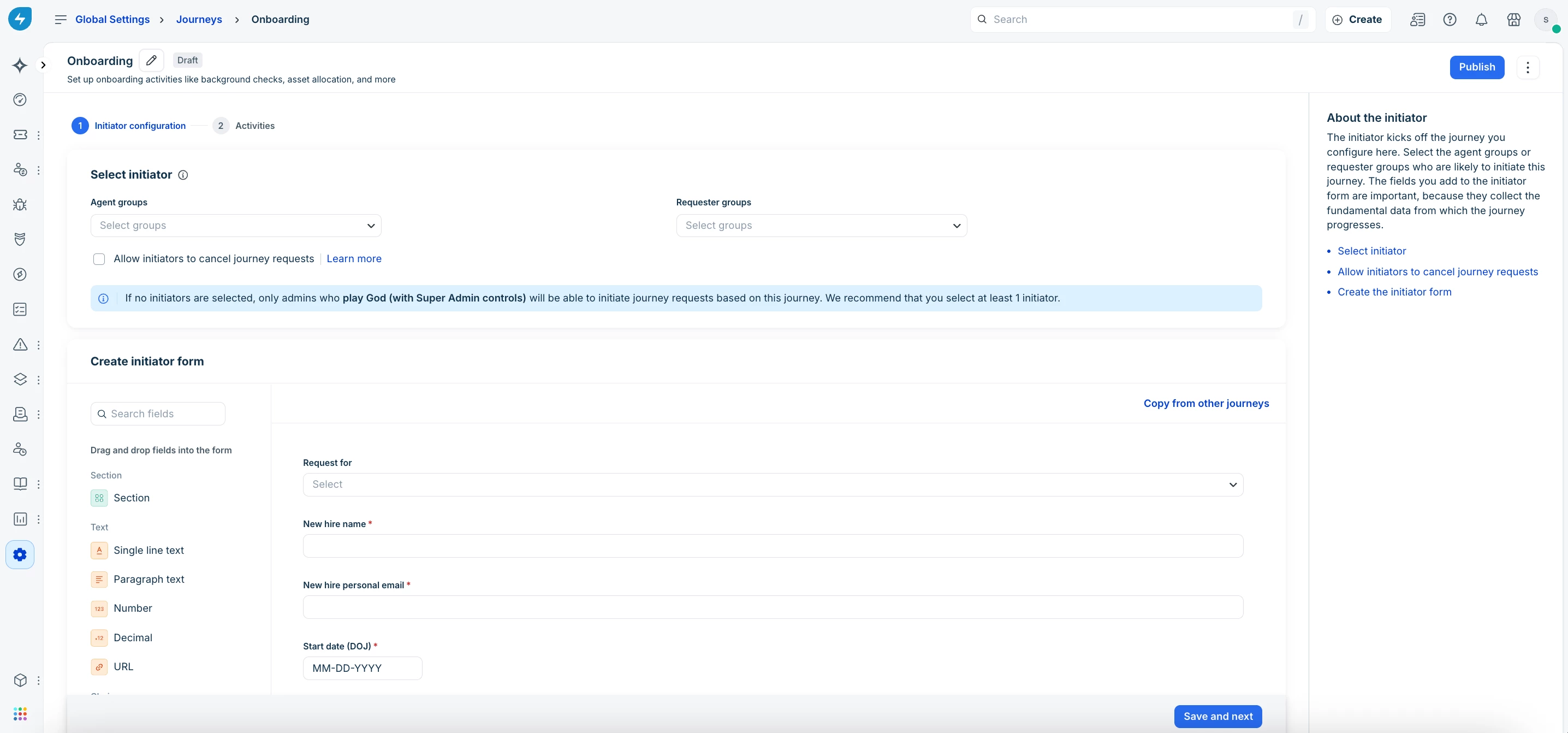
Build your first Journey
Here are two paths to building successful journeys:
| Option | Best for |
| Use a template | Speed: Start with pre-built phases and activities, then tweak them to fit your brand. |
| Create from scratch | Total control: Build your journey brick-by-brick, starting with a custom initiator form. |
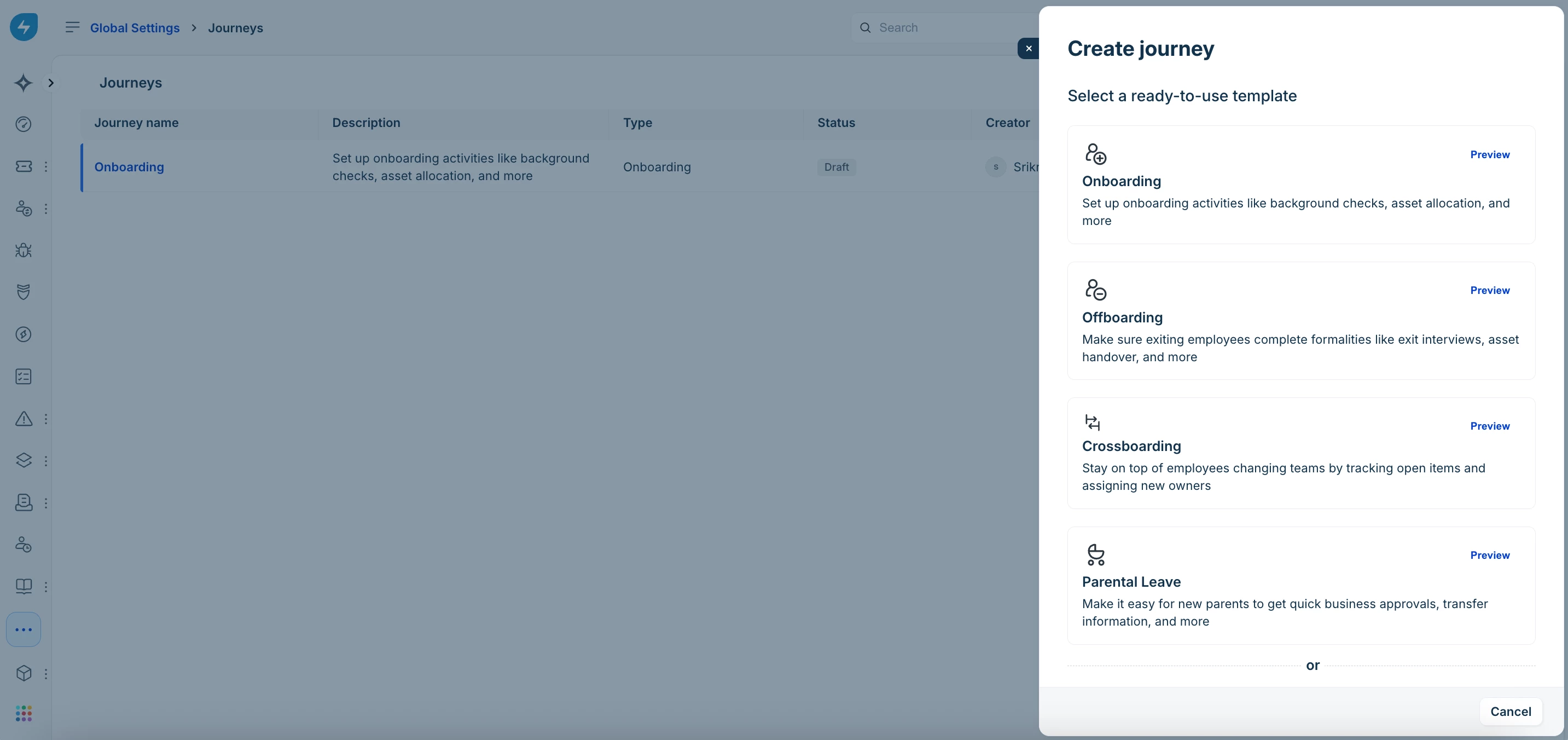
Pro tip: Start with an Employee Onboarding template to see how stakeholders interact. It’s the fastest way to see the "wow" factor in action.
Transforming a chaotic process into a streamlined journey is usually the ‘lightbulb moment’ for our customers.
Get started here:
Create a journey using a template


