Answer

Add additional field for conditions for build kits in onboarding

  • August 18, 2022
  • 11 replies
  • 209 views

Forum|alt.badge.img+1

I created a dropdown for the onboarding form that requests which kit to choose.  Is there any way to create or modify the conditions to include this drop down and the sub of the kit?  I have searched and searched to no avail

Best answer by zachary.king

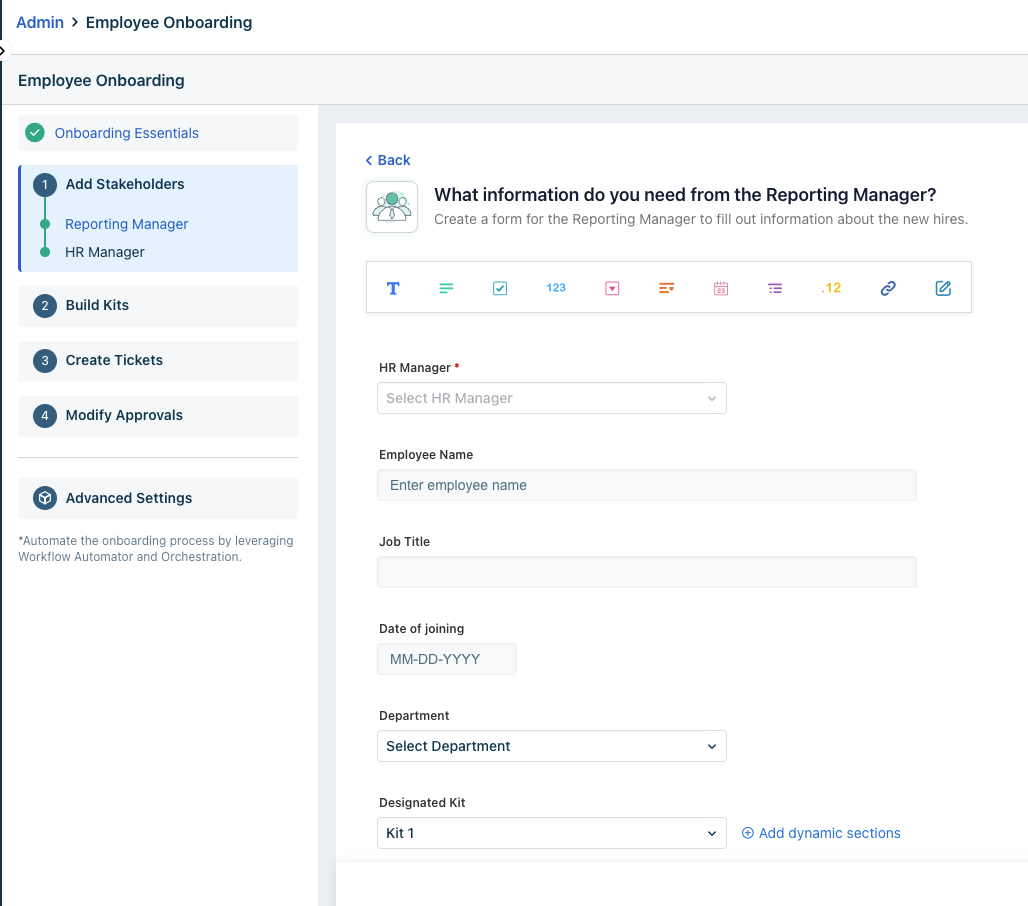
What form are you adding the drop down too? It should be the form under the section indicating stakeholders and the forms they fill out

 

11 replies

Forum|alt.badge.img+1
  • Author
  • Active Contributor
  • August 18, 2022

apologies i think i selected the wrong community


zachary.king
Top Contributor ⭐
Forum|alt.badge.img+16
  • Top Contributor ⭐
  • August 18, 2022

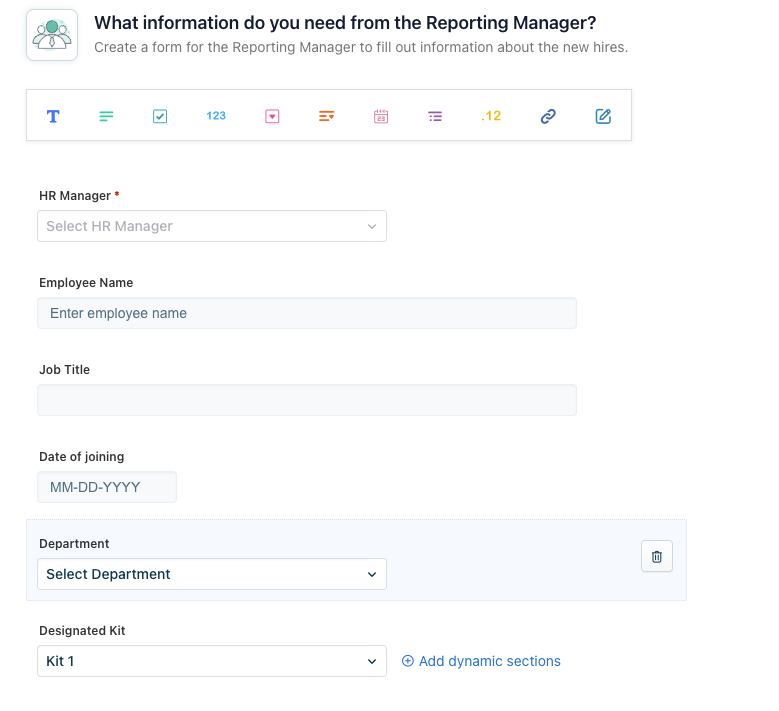
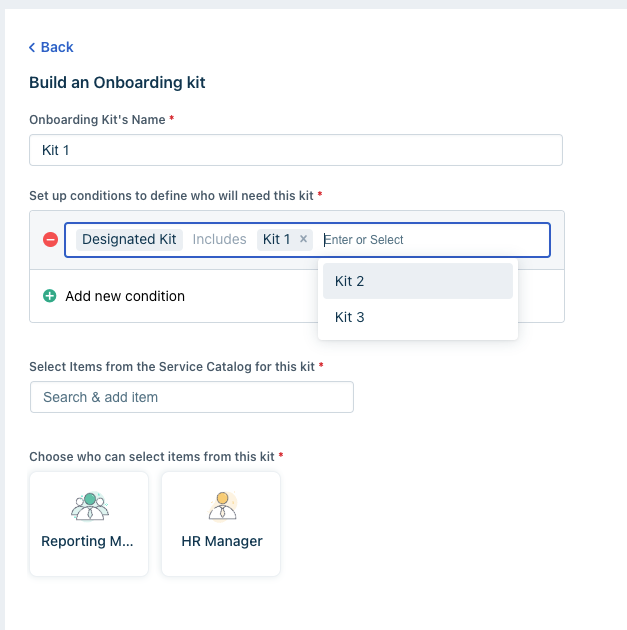
When you select “Build a Kit” you can add conditions so that the kit contents are only available if the conditions are met. In your case you would select the drop down field from the form as a condition and then enter the specific value based on what kit you are building.

Hope that helps :)


Forum|alt.badge.img+1
  • Author
  • Active Contributor
  • August 18, 2022

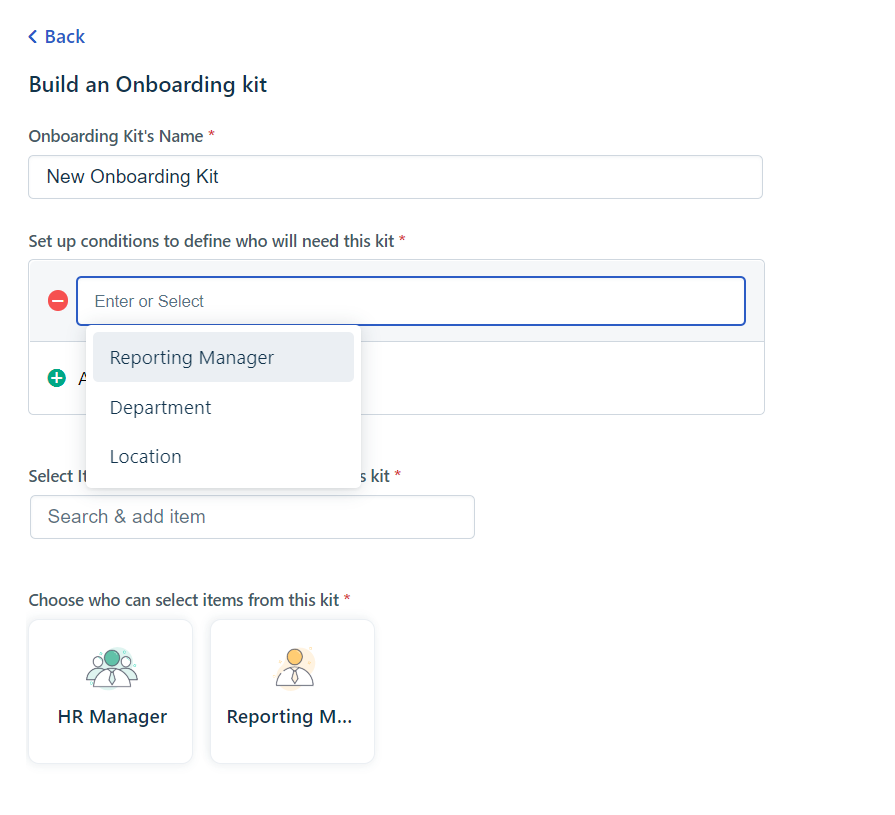
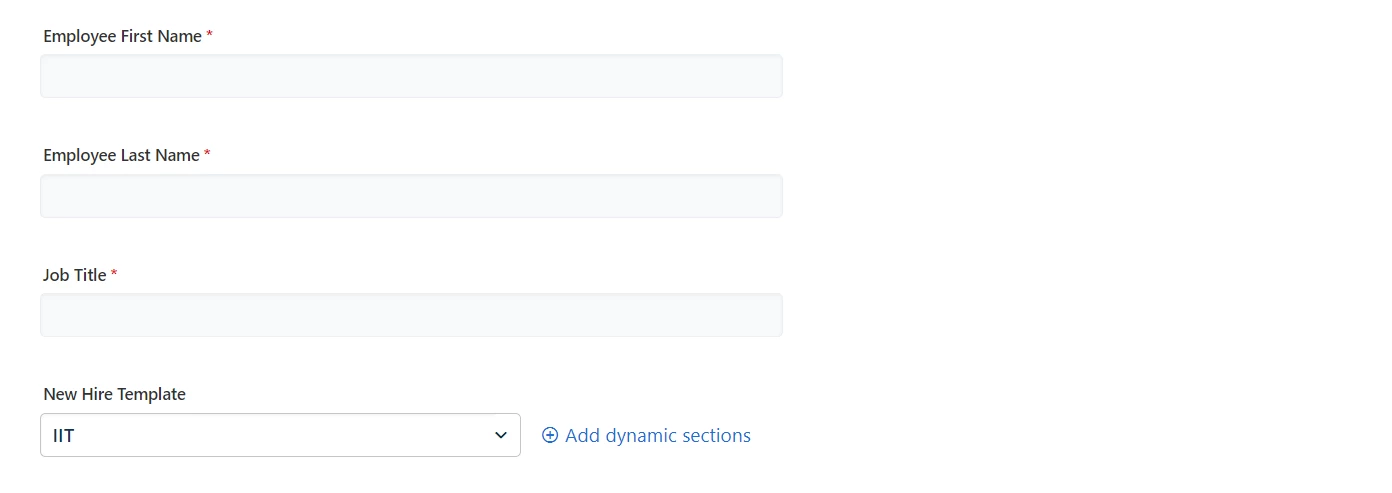
All I see is below.  I added a dropdown field to the HR form called New Hire Template and that is what i want to use as a condition.  I must be missing a relationship somewhere.


Forum|alt.badge.img+1
  • Author
  • Active Contributor
  • August 18, 2022


zachary.king
Top Contributor ⭐
Forum|alt.badge.img+16
  • Top Contributor ⭐
  • Answer
  • August 18, 2022

What form are you adding the drop down too? It should be the form under the section indicating stakeholders and the forms they fill out



Forum|alt.badge.img+1
  • Author
  • Active Contributor
  • August 18, 2022

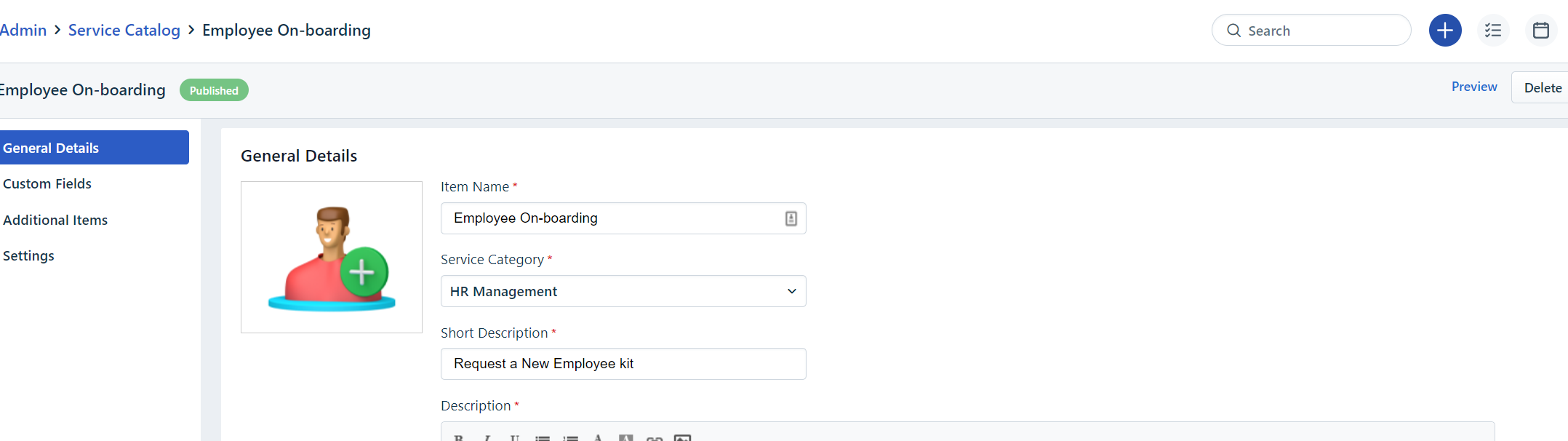
This is where i changed the form, where you are at i dont get those options it merely has a select either HR or Reporting manager with no other options.  though the forms are almost identical. 


Forum|alt.badge.img+1
  • Author
  • Active Contributor
  • August 18, 2022

ok i just found that form

let me look into this… thanks


Forum|alt.badge.img+1
  • Author
  • Active Contributor
  • August 18, 2022

Got it! I bow to your expertise.  Thank you so much


zachary.king
Top Contributor ⭐
Forum|alt.badge.img+16
  • Top Contributor ⭐
  • August 18, 2022

This is where i changed the form, where you are at i dont get those options it merely has a select either HR or Reporting manager with no other options.  though the forms are almost identical. 

Ahh, yes. So that is an individual service item and is not part of the Onboarding module. You will want to basically replicate that form under the stakeholder who would have been selecting that service item in the past (reporting manger for example). Let us know if you have any other questions.


zachary.king
Top Contributor ⭐
Forum|alt.badge.img+16
  • Top Contributor ⭐
  • August 18, 2022

Got it! I bow to your expertise.  Thank you so much

You’re welcome!!! Glad I was able to help 😊


acaronmd
Community Debut
  • Community Debut
  • September 9, 2022

The issue I have is that the dropdown fields must come from the initiator form. The dropdown fields in the stakeholder forms do not appear in the onboarding kits. This doesn’t work for me, because HR starts the onboarding process, and the reporting manager determines what the new employee needs for their job. HR does not know what they need.