
Answer

Asset Management - Importing a CSV

  • August 4, 2021
  • 3 replies
  • 198 views

Forum|alt.badge.img+2
  • Active Contributor

Hi All

I’m new to the group, so Hi everyone.

I have been trying to import a CSV from our old asset management system into Freshworks. I have had some success while testing. 

However, I have deleted the test records that were imported. When I try to import a batch from the same original CSV, I get the email that says this:-

Total records in CSV: 14

Number of records created : 0

Number of records updated : 14

Number of records failed : 0

Number of records unprocessed : 0


Yet the asset register is empty.


Has anyone come across this before?


Best answer by Glavin Crasta

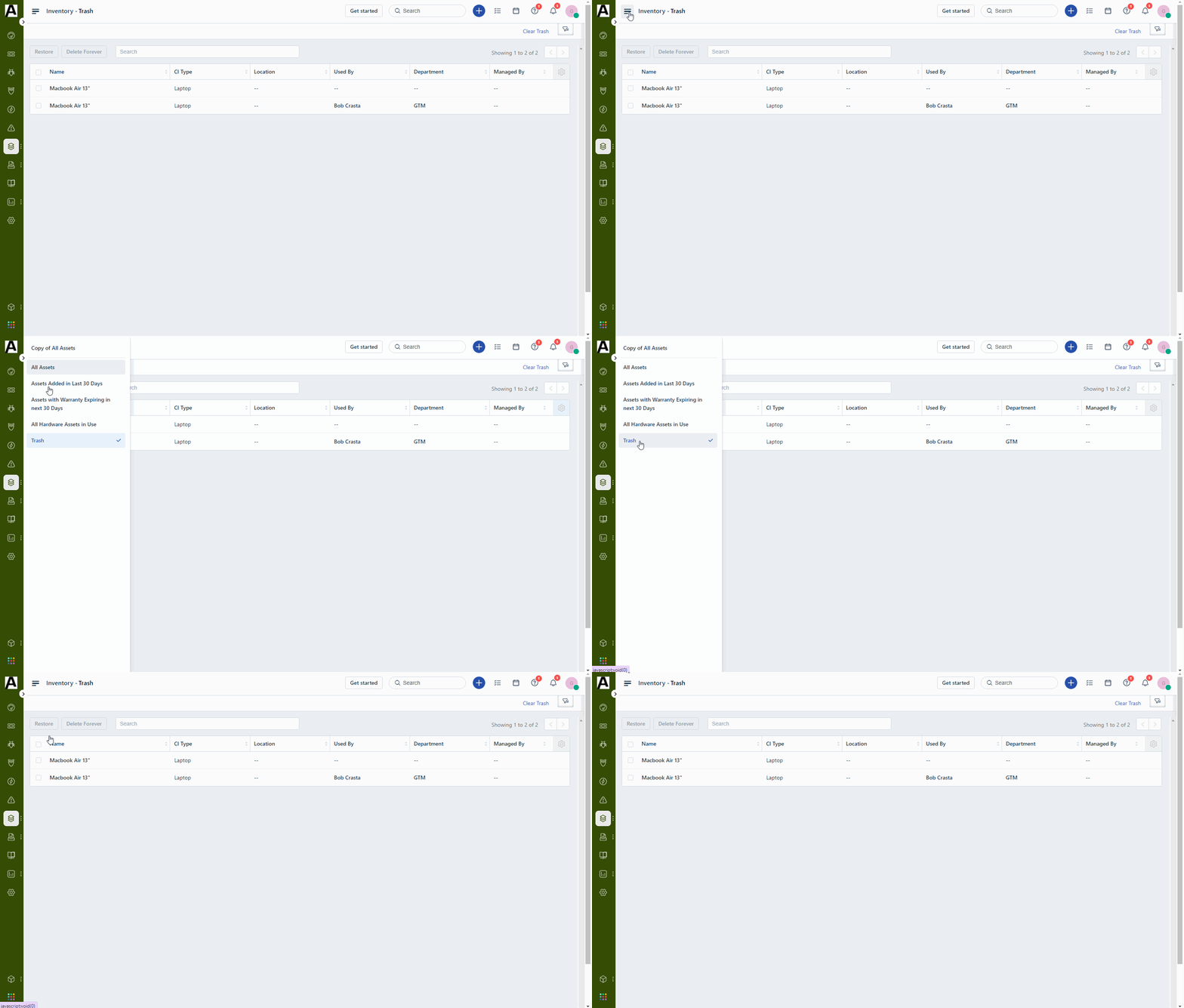
Please check if the assets are still in trash and delete from there as well.


3 replies

Glavin Crasta
Active Contributor
Forum|alt.badge.img+6
  • Active Contributor
  • Answer
  • August 4, 2021

Please check if the assets are still in trash and delete from there as well.


Forum|alt.badge.img+2
  • Author
  • Active Contributor
  • August 5, 2021

Thank you so much. 

Perfect.

Kind regards


John


T.Belevska
Top Contributor ⭐
Forum|alt.badge.img+4
  • Top Contributor ⭐
  • September 1, 2022

Hi,


Do not make any changes until the data import is completed. It applies to both CSV import and migrating from one help desk to another. That might cause non-reversible consequences.


If you want to ensure you won’t get any duplicated data, you got two options:


  1. Use Freshservice pre-built options and check the imported data for duplicates;

  2. Import CSV files via a third-party app. As a rule, an automated migration app deletes data import during the test migration.


To read more about migrating via a third-party app, visit this page.