Question

Export list of Service Requests including custom fields

  • January 16, 2026
  • 4 replies
  • 25 views

Forum|alt.badge.img+3

I’m looking for a way to export a .csv file of each time a specific service request was filled out. Specifically I want the exported csv to include custom field information that the user entered when filling out the request.

For example a service request to get a specific software license which requires the user to include a justification for their request. 

I have done this in the past but I either cant figure out how I did it the first time or something changed and its no longer possible. 

My assumption would be to create a ticket view filter that compiles all instances of the specific service request “Software license” and then use the column filters to include the custom field “Justification”. When I filter out the “software license” I don’t have any way to view or export the custom fields included in that request.  
4 replies

Kamakshi V
Community Manager
Forum|alt.badge.img+11
  • Community Manager
  • January 27, 2026

@ITMike  ​@DanielRuff Have you tried something like this? Any insights would be appreciated. 


DanielRuff
Top Contributor ⭐
Forum|alt.badge.img+9
  • Top Contributor ⭐
  • January 27, 2026

I’m not sure whether it’s possible to create a CSV directly from Freshservice. One option could be to trigger a Power Automate flow when the service request is submitted. This flow could then retrieve the required information and create a CSV file in SharePoint, if the main focus is on generating a CSV.

If you only need an overview, I would recommend a different approach. Unfortunately, it’s not possible to filter ticket overviews by custom service request fields. However, you could “duplicate” the custom field from the service request into a (hidden) ticket field, which would then allow you to use it as a filter. Alternatively, you could create a tag for that service request and use it for filtering as well.


Daniel Söderlund
Top Contributor ⭐
Forum|alt.badge.img+14

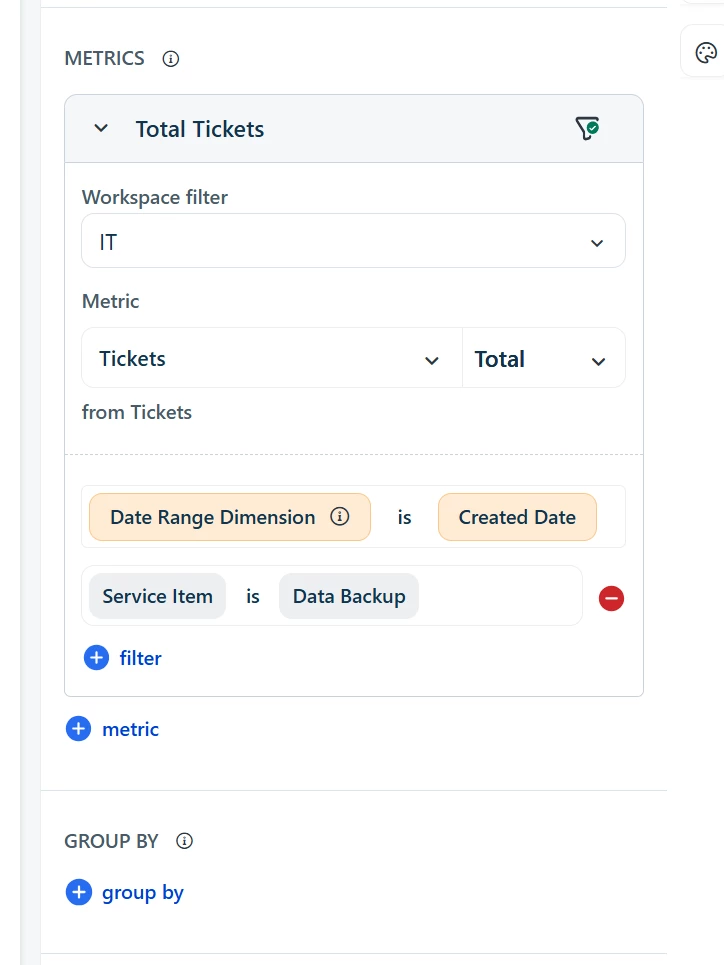
You can use a report like this 

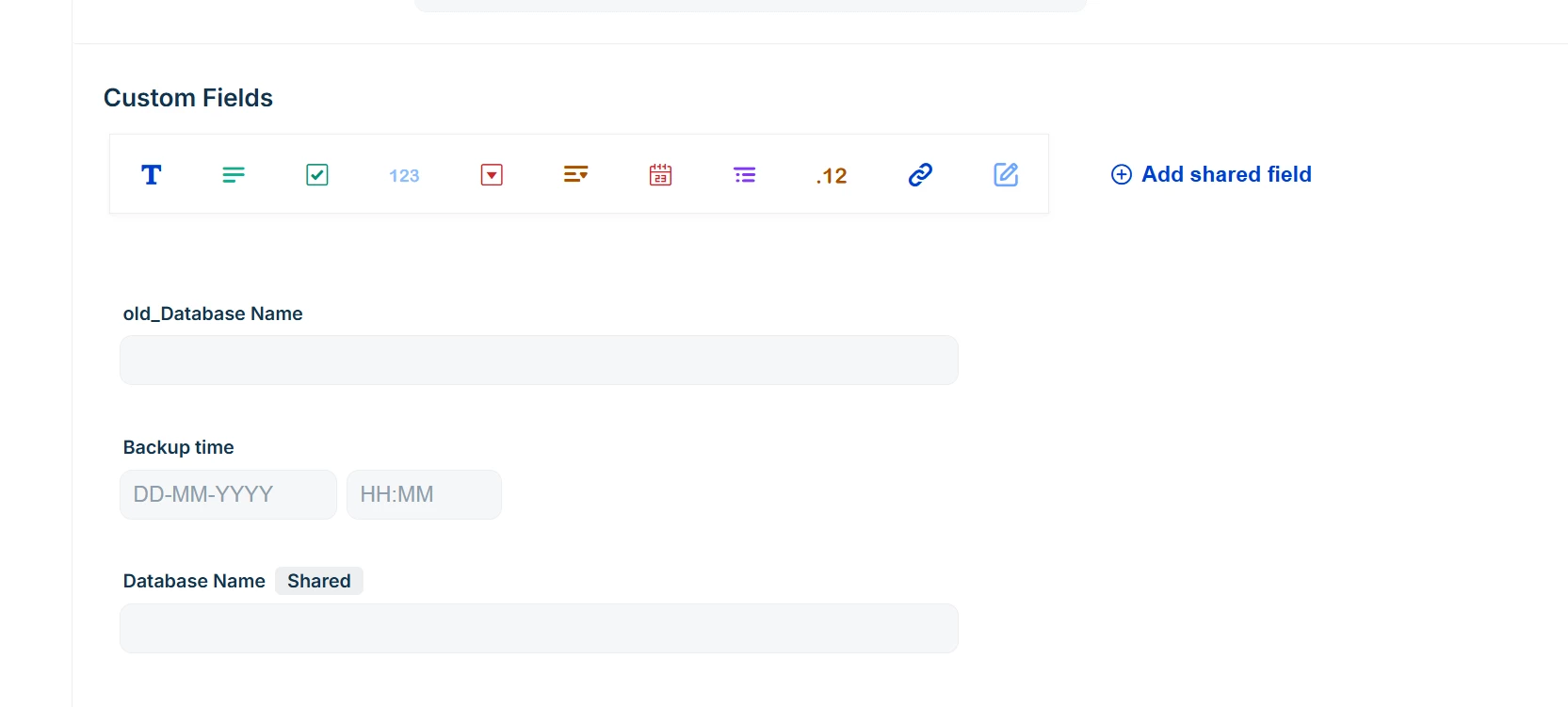
This is the Data backup SI ( OOB item) 

By selecting the item in the metric you get access to the fields, you can add filter on fields in the service items as well 
 

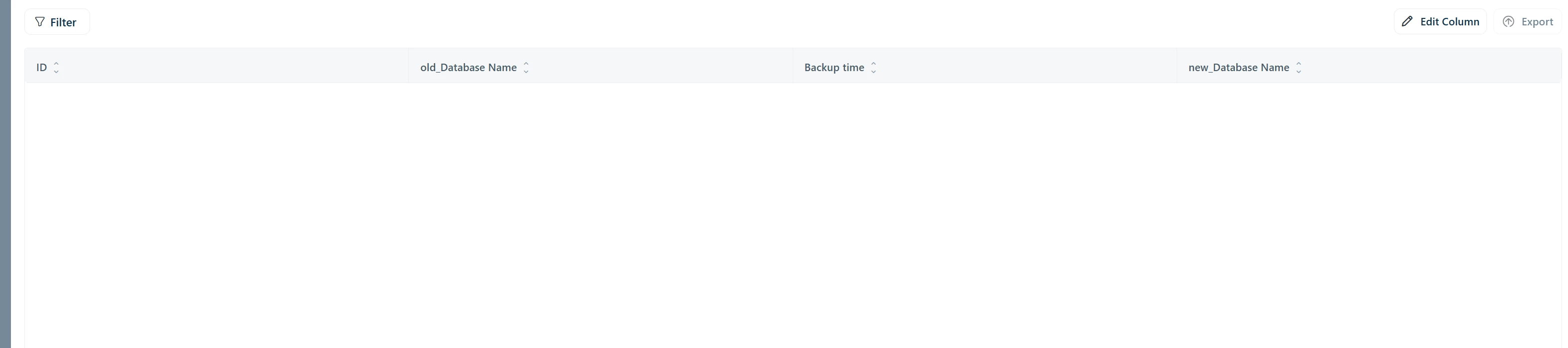
Expend the widget and edit the columns.
Then you can export the report to CSV or PDF 


ITMike
Top Contributor ⭐
Forum|alt.badge.img+9
  • Top Contributor ⭐
  • January 27, 2026

Echoing ​@Daniel Söderlund, that is also how I get reports on service items with custom fields.