
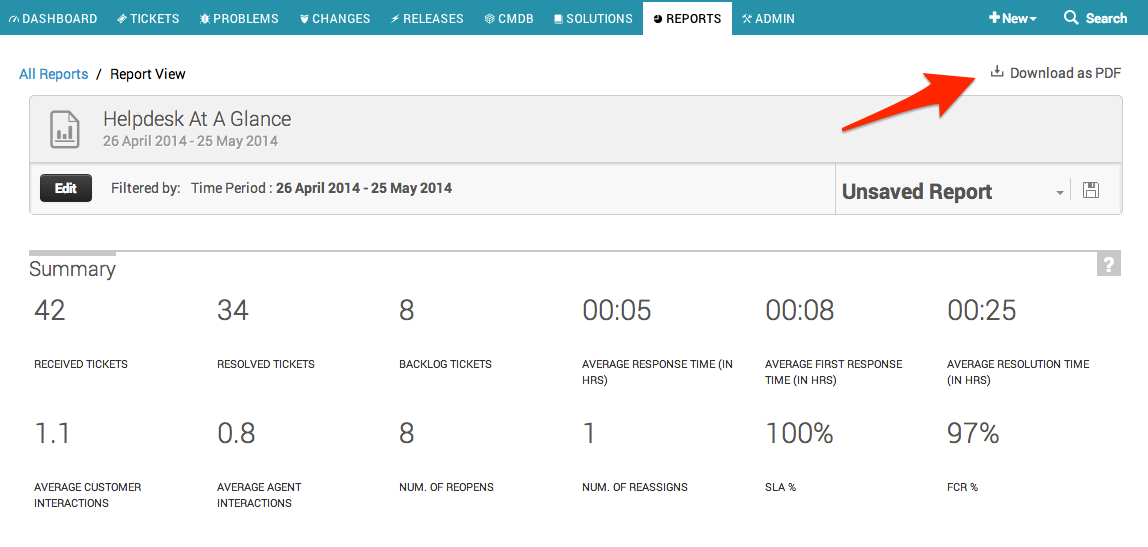
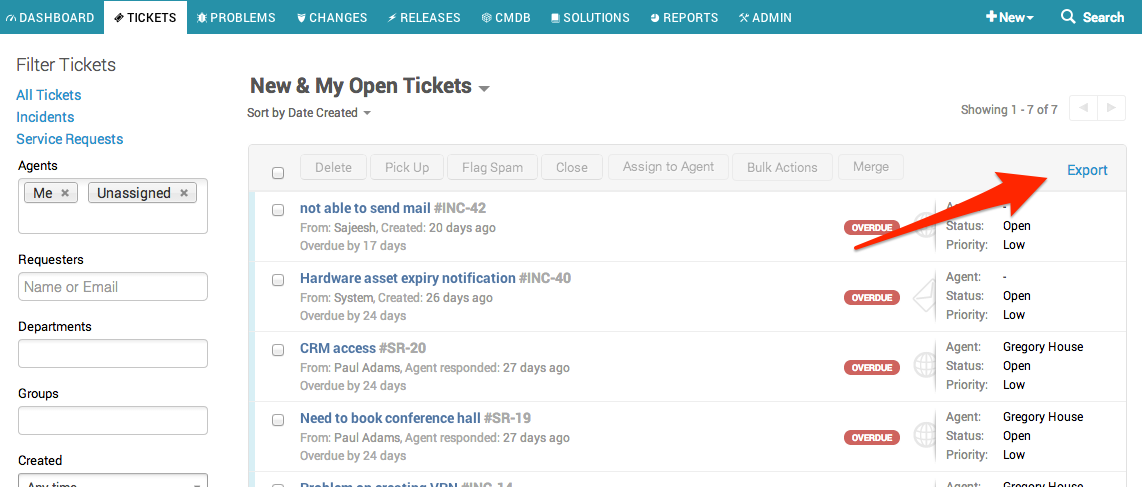
How do I export reports? It doesn't seem to be immediately obvious.


Join the Community
Already have an account? Login.
Welcome back!
Sign in to pick up where you left off in the Community.
New to the community? Create an account
Social Login
Login for Freshworks Employees Login with LinkedInor sign up below
Enter your E-mail address. We'll send you an e-mail with instructions to reset your password.