Header and Global Navigation

  • February 8, 2021
  • 6 replies
  • 137 views

Forum|alt.badge.img+9

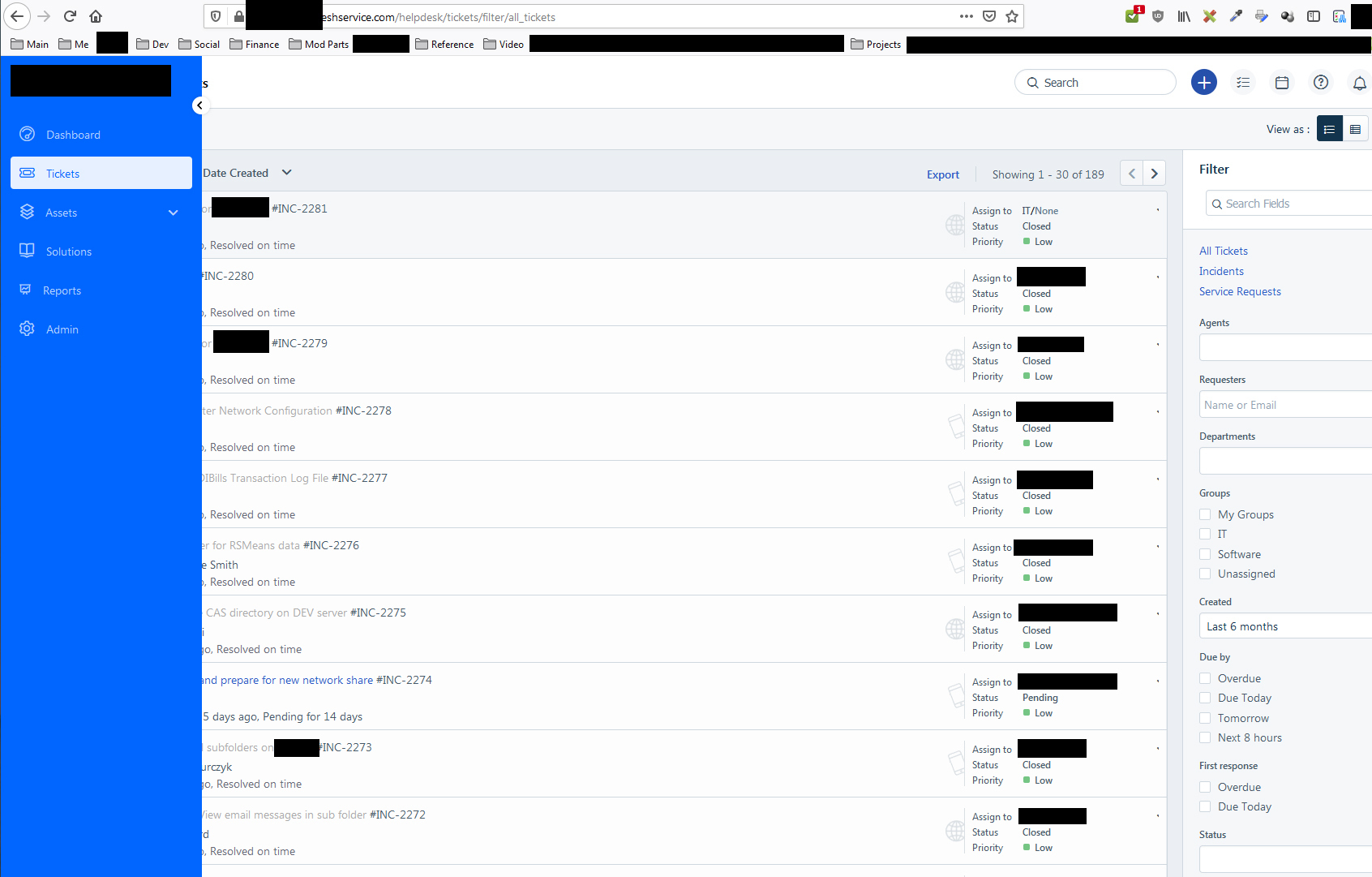
The new header and navigator look great, until I have the look at the whole giant bar.  Is there a way to get the compact bar on all screensizes?

6 replies

jsuit
Contributor
Forum|alt.badge.img+2
  • Contributor
  • February 9, 2021

This new “look” is horrible. The bar on the left automatically collapses or expands based on my screen width, which makes it impossible to remember how I want to show it. Then the ticket listing itself is centered on my screen instead of left-justified, making it terribly clumsy for larger resolutions. The whole ticket system is now a mess in 2560x1600 or 4k resolutions.


WTF, Freshworks? This is a disaster. Don’t mess with something that was working well. Please REVERSE this or give us the option to reverse it in our ticket systems. :rage:


jsuit
Contributor
Forum|alt.badge.img+2
  • Contributor
  • February 9, 2021

Who at Freshservice thought this was a good idea?


jsuit
Contributor
Forum|alt.badge.img+2
  • Contributor
  • February 9, 2021

2560x1600 looks horrible with centered listing and unnecessary wide margins…


Forum|alt.badge.img+1
  • Apprentice
  • February 9, 2021

Yes, let’s please have the option to minimise the navigator regardless of screen resolution setup!


  • Apprentice
  • February 10, 2021

Hi All,

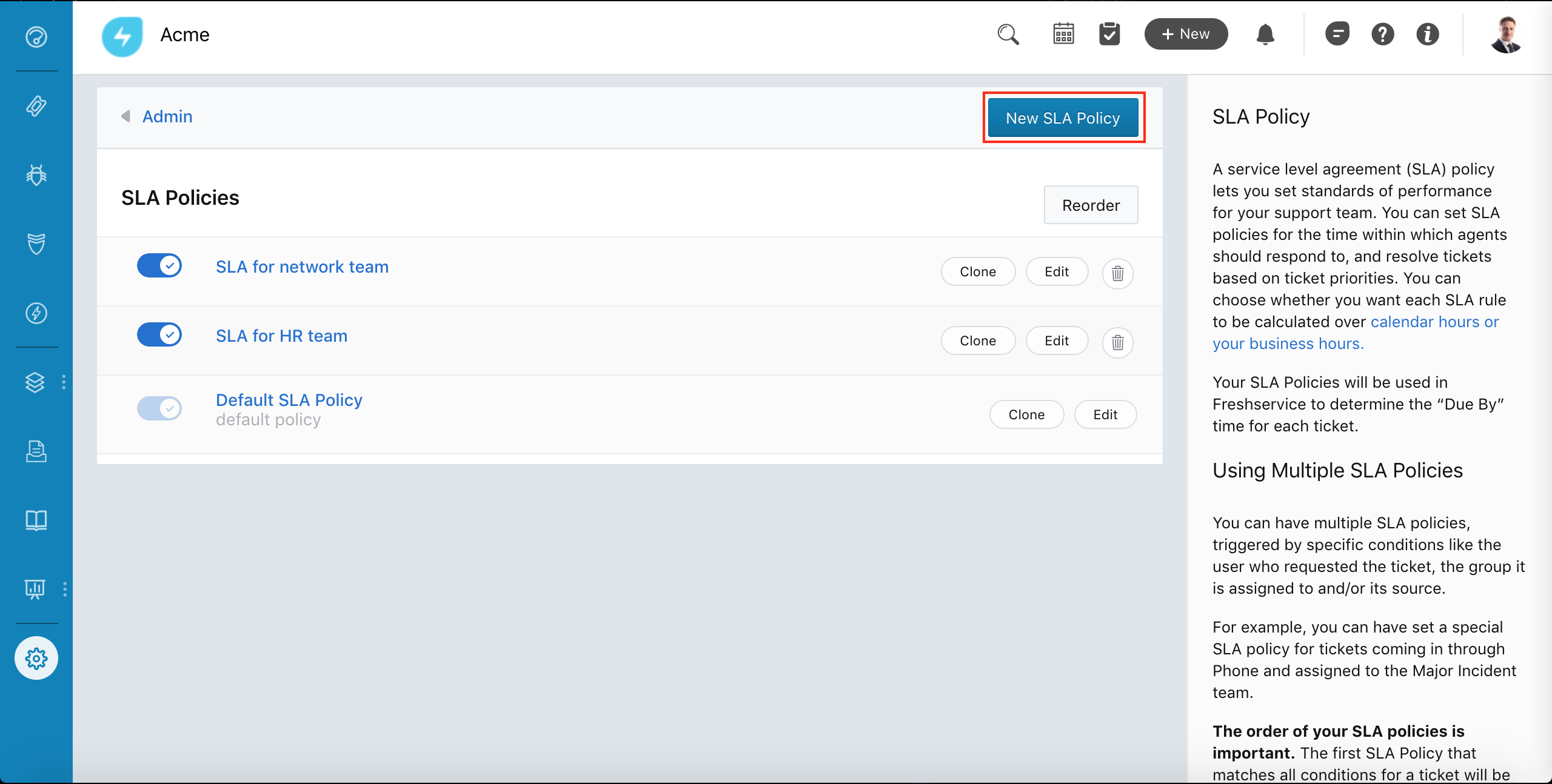
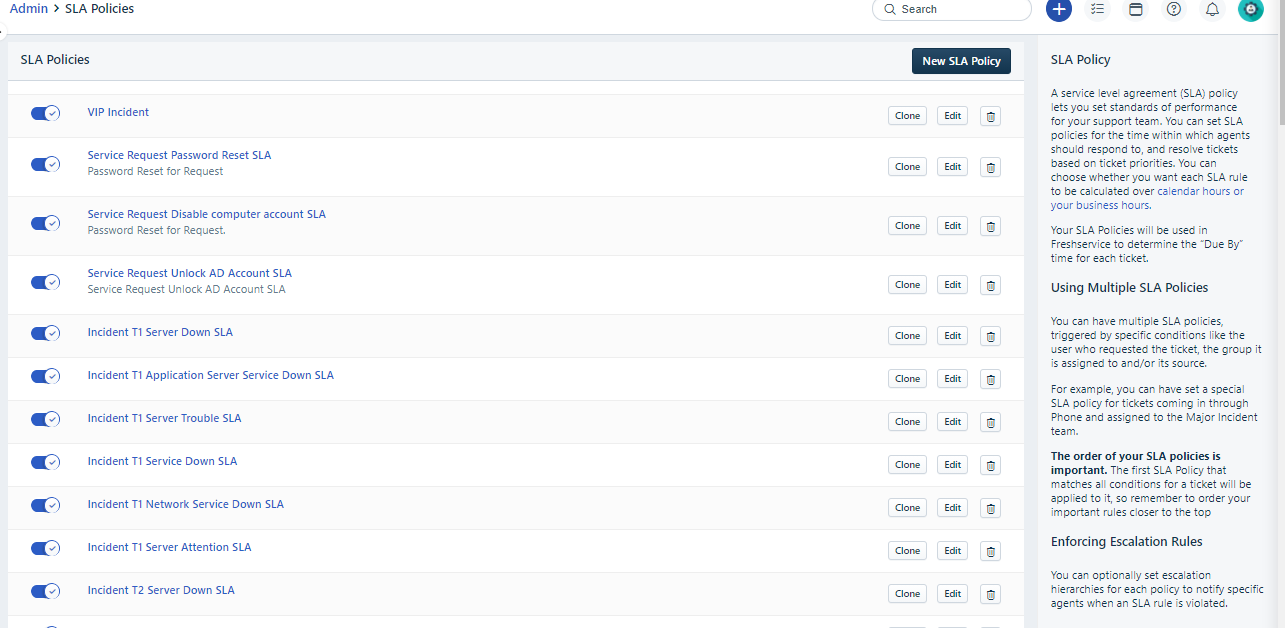
Anyone else missing the SLA reorder button since this went live? 

Old UI: 

New UI:


Forum|alt.badge.img+9

It looks like they changed the left panel collapse, which is appreciated.

Anyone else seeing the?