Hello!
I need help figuring out how to put in a code or something to remove the Agent’s last name from the customer portal ticket view. We’ve removed names from the emails whenever an Agent replies, however they can still see agent names when they log into our support portal and look at the tickets. And I have no way to hide it via the Agent User fields.
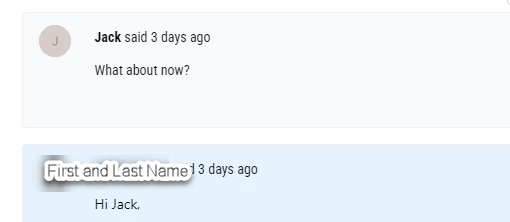
We are about to implement the V2 low-code portal, however I can’t manage to figure out how to change the coding in the customization field to hide the agent last name. Anyone have any ideas? I see coding for the V1 portal, just nothing for V2.
Thanks!