

Question

How to Apply an SLA to an Incident based on Service in Freshservice

  • November 14, 2025
  • 2 replies
  • 43 views

Wayne Robinson
Contributor
Forum|alt.badge.img+1

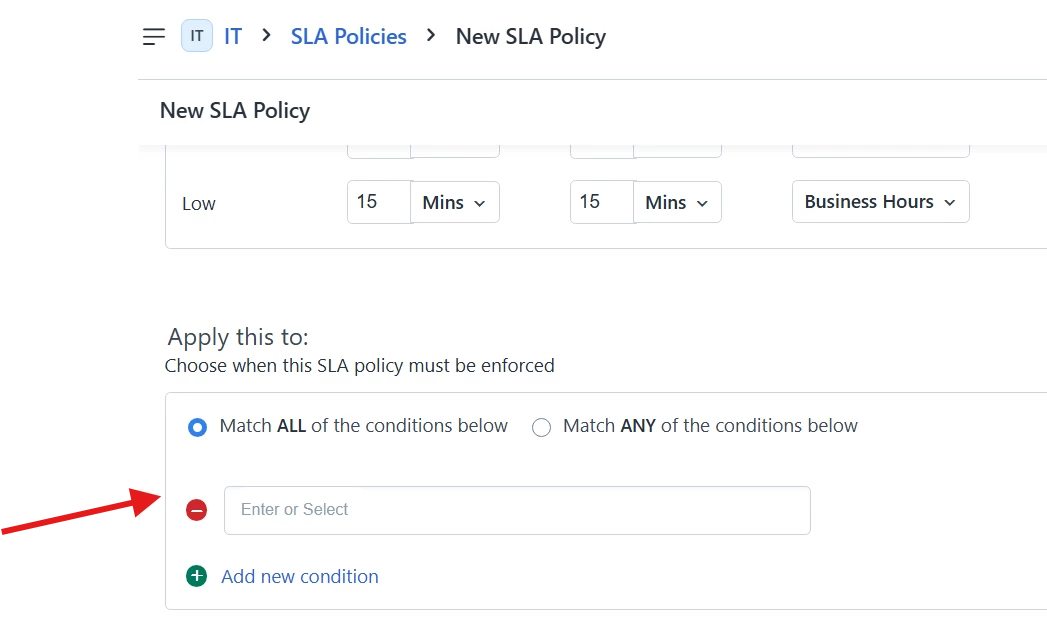
How do I configure Freshservice to use the SLA assigned to a Service listed as an Impacted Service in an Incident?  I do not see Impacted Service as a Trigger option on an SLA in Admin → SLA and OLA Policies.
In our previous ITSM system we setup SLAs related to the Services, and then selected the Service in the “Affected Service” field - this related the SLA to the Incident based on the Service affected.
 

Can anyone help?

(Note: moved from inadvertent posting on Freshdesk)

2 replies

Nav_in
Top Contributor ⭐
Forum|alt.badge.img+6
  • Top Contributor ⭐
  • December 9, 2025

Hi ​@Wayne Robinson , you can create a custom incident template which can include “impacted services” as a dropdown field or add it as a field under Field manager > Ticket settings. This will get reflected under SLA and OLA policies. Then create a new SLA policy, where you can use different conditions to set different SLA policies.

Let me know if this answers your question or if I’ve misinterpreted the question.


Wayne Robinson
Contributor
Forum|alt.badge.img+1
  • Author
  • Contributor
  • December 31, 2025

@Nav_in , we are testing your suggestion by copying our business service list to a new Impacted Service list and making it available in the Incident as a required custom dropdown.  Also, we are setting a workflow trigger to change the Ticket SLA to the selected Impacted Service’s SLA.
 Once in place, when our Agents, create an Incident Ticket, they should select the relevant service(s) under the Impacted Services tab, AND also select the primary service in the custom required Impacted Service field in the right pane.  Then, SLA timers should be set related to the Service our customer contacted us about.

I will let you know how this workaround works.