



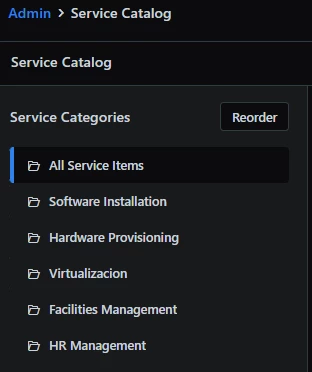
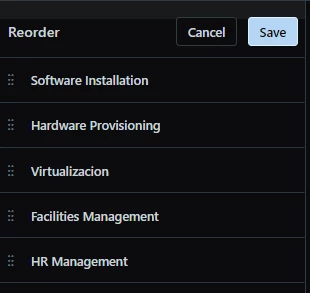
The Service Catalog interface really needs a major overhaul. It seems to randomly add Service Catalog Categories to the request portal. I tried labeling the Categories as “IT-...” and “HR-...” and such hoping it would place them alphabetically, but there doesn’t seem to be a way to order them in a way that makes much sense to the Agent or the Requester. This has become a major roadblock with our company rolling out some new Workspaces, so I’m hoping there is something simple I have overlooked. Thanks!

Question
Is there a way to reorder Service Catalog categories in the Requester Portal?


Join the Community
Already have an account? Login.
Welcome back!
Sign in to pick up where you left off in the Community.
New to the community? Create an account
Social Login
Login for Freshworks Employees Login with LinkedInor sign up below
Enter your E-mail address. We'll send you an e-mail with instructions to reset your password.