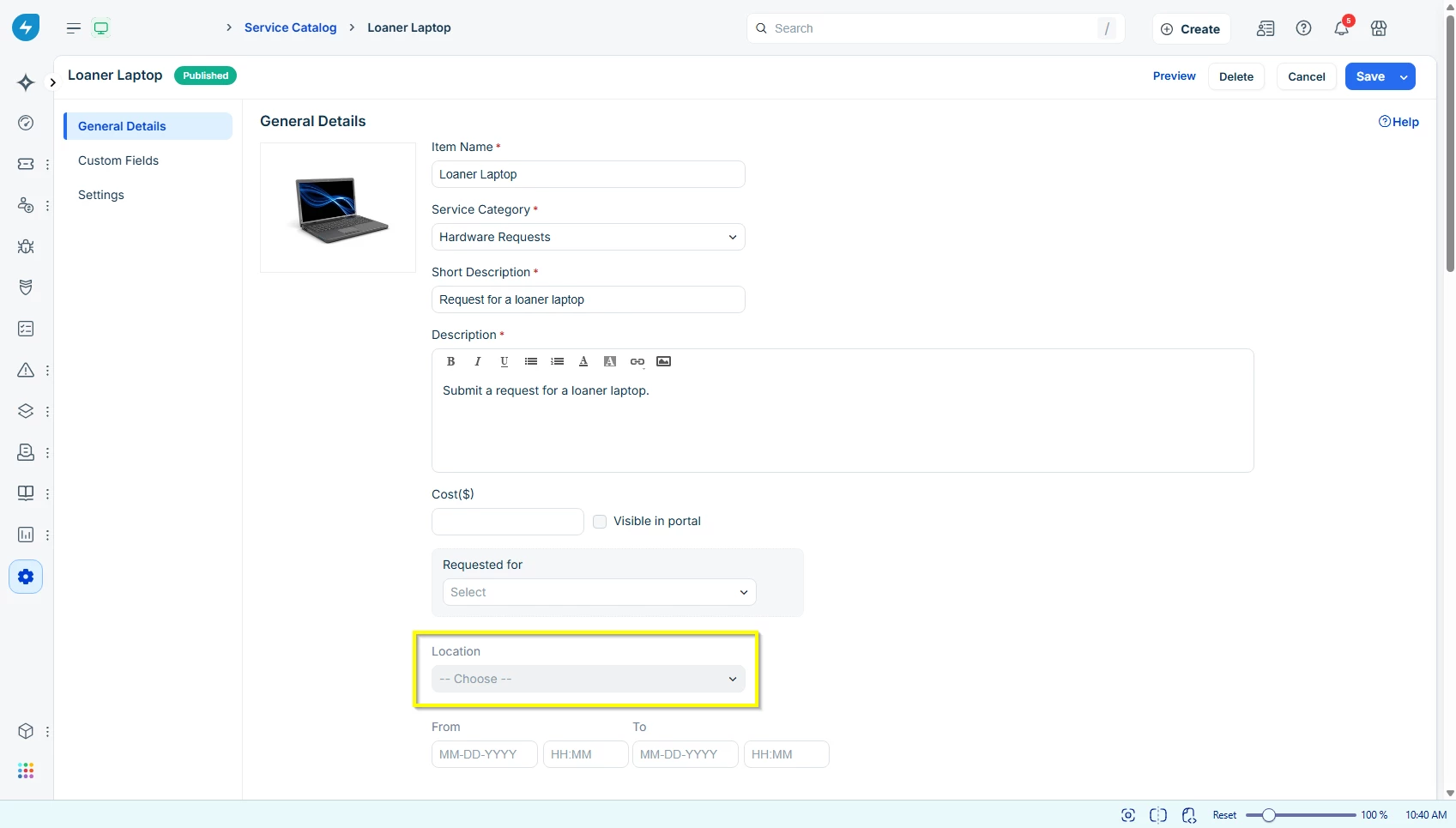


I work at a fairly small company (about 100 employees) and I’m trying to come up with a better way for us to loan out laptops to our users. They’ll periodically need if they’re traveling or if we’re troubleshooting their current device. I’ve already created a service item and added the fields we want. However, I’m wondering if there’s any way to remove or hide the default “location” field.
Since we’re such a small organization, we don’t have multiple locations. I’d like avoid our users having the fill this in or at least have it auto-populate. I’ve included some images below of what I’m referring to. Does anyone have any ideas or know how I can hide this field?
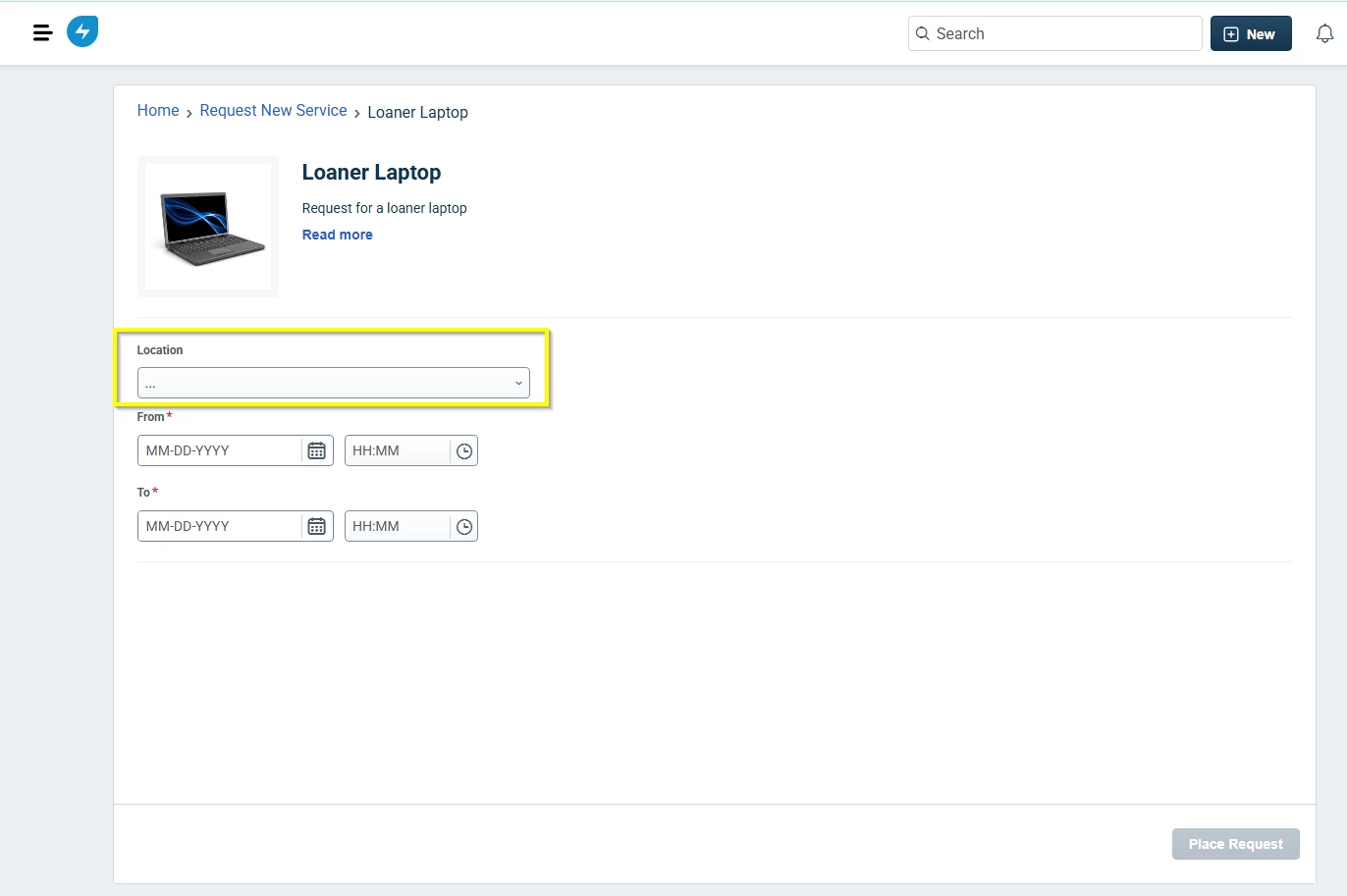
I attempted to use the Business Rules for Forms, but I couldn’t get it to work with the default “Location” field. I only see the option to hide attachments when I create the rule for a service item. I’ve included screenshots of the actual service item. Anyone have any ideas or run into a similar scenario?