Question

Update information within a Service Request ticket

  • August 30, 2022
  • 4 replies
  • 94 views

Forum|alt.badge.img

Very new to Freshservice and was looking for a way to update fields within a Service Request ticket after it has been submitted.

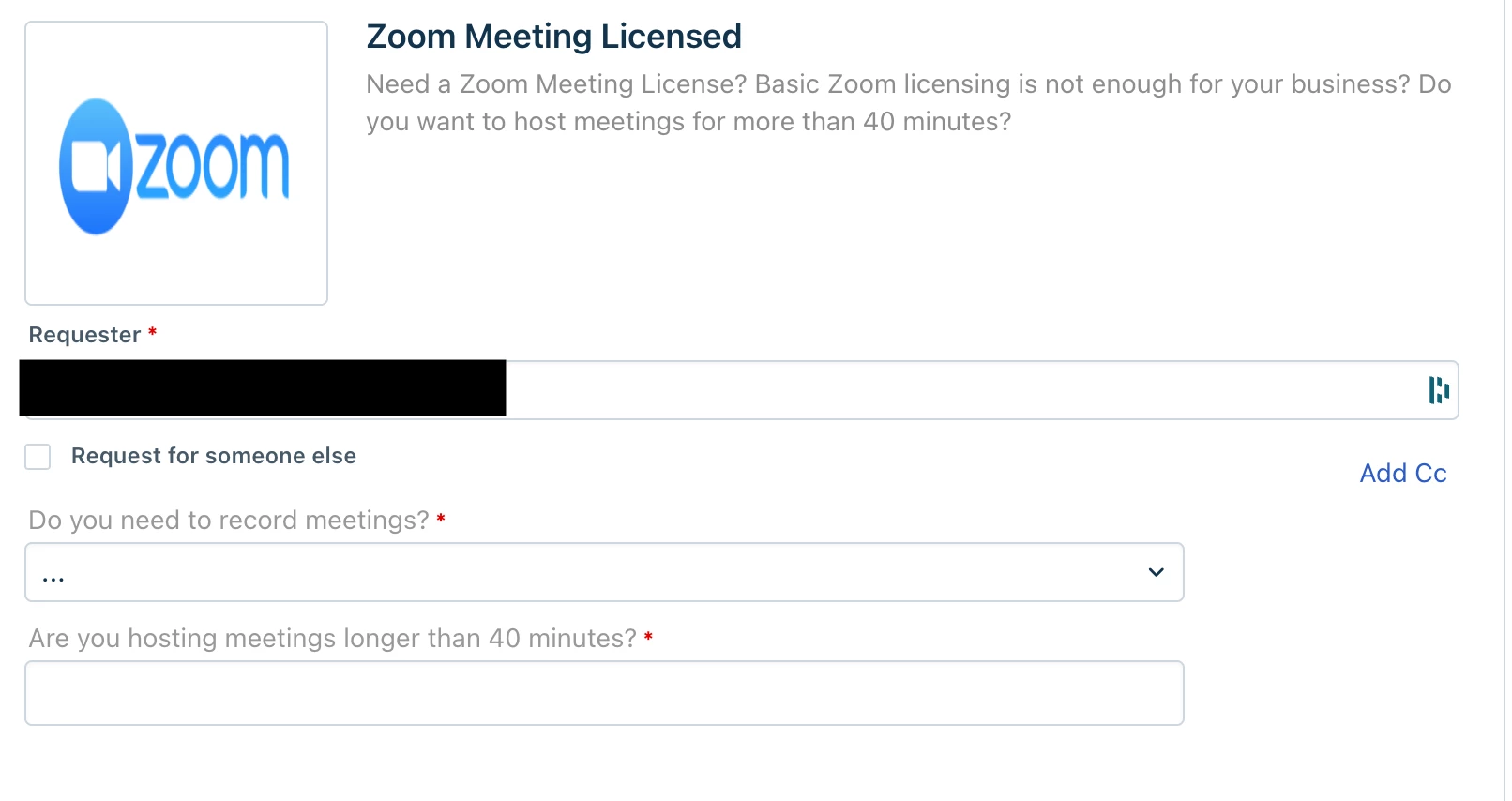
Currently, we are transitioning from one Service Desk system to a new one and migrating tickets between them.  Sometimes there is not enough info to answer all questions within a SR so we’ve been using “N/A” to bypass those.  But when trying to update after submitting, the ticket shows a notice:

 

Is there a way to update these fields after the ticket is submitted?  Is there part of a permission set?


Thank You!

4 replies

Daniel Söderlund
Top Contributor ⭐
Forum|alt.badge.img+14

Hello and welcome, 

Is it service item fields or standard fields ? 
Do you like to add or rename or add more options ? 


Forum|alt.badge.img
  • Author
  • Apprentice
  • August 31, 2022

Hello and welcome, 

Is it service item fields or standard fields ? 
Do you like to add or rename or add more options ? 

Thanks for responding Daniel.  I’m not sure if they are standard fields or not… but the screenshot will show the fields i am referring to.  These fields are within a Service Request:

So once the ticket is submitted, these fields cannot be changed by an “Agent” or “Requestor” which isn’t what I thought would happen.  Is this a limitation of Freshservice?


Forum|alt.badge.img
  • Author
  • Apprentice
  • August 31, 2022

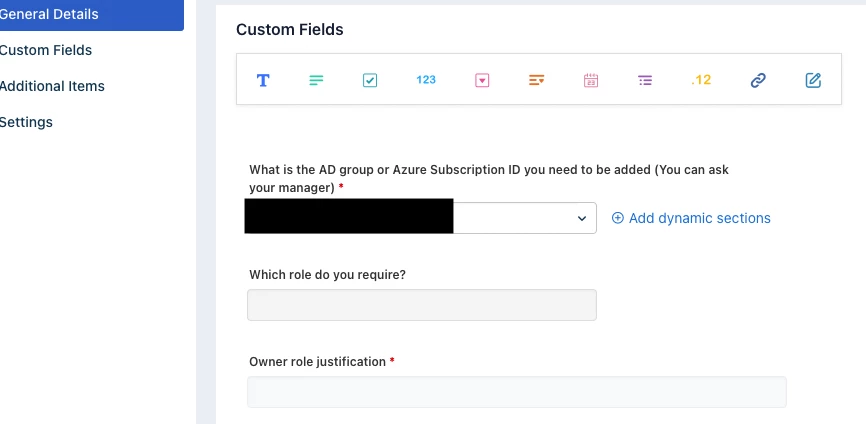
So, just checked and the fields in question are the “Custom Fields” within the Service Catalog creation.


ekrasner
Community Debut
Forum|alt.badge.img+2
  • Community Debut
  • September 8, 2022

Actually, you can change them using an API call.  Here is the link in the API doc … Service Desk API for Developers | Freshservice