Answer

URLs that should be visible without a login force a login page

  • October 22, 2024
  • 4 replies
  • 93 views

scott77
Community Debut
Forum|alt.badge.img

We make most of our KBAs external-facing, however there's a couple of links that redirect to a login page, when we don't want them to.

We seem to have visibility configured in our portals correctly; however when a customer who is not logged in (most of our customers do not log in, almost all KBAs should be visible externally without authentication) attempts to access a visible to all link, a login page appears. 

What customers see:
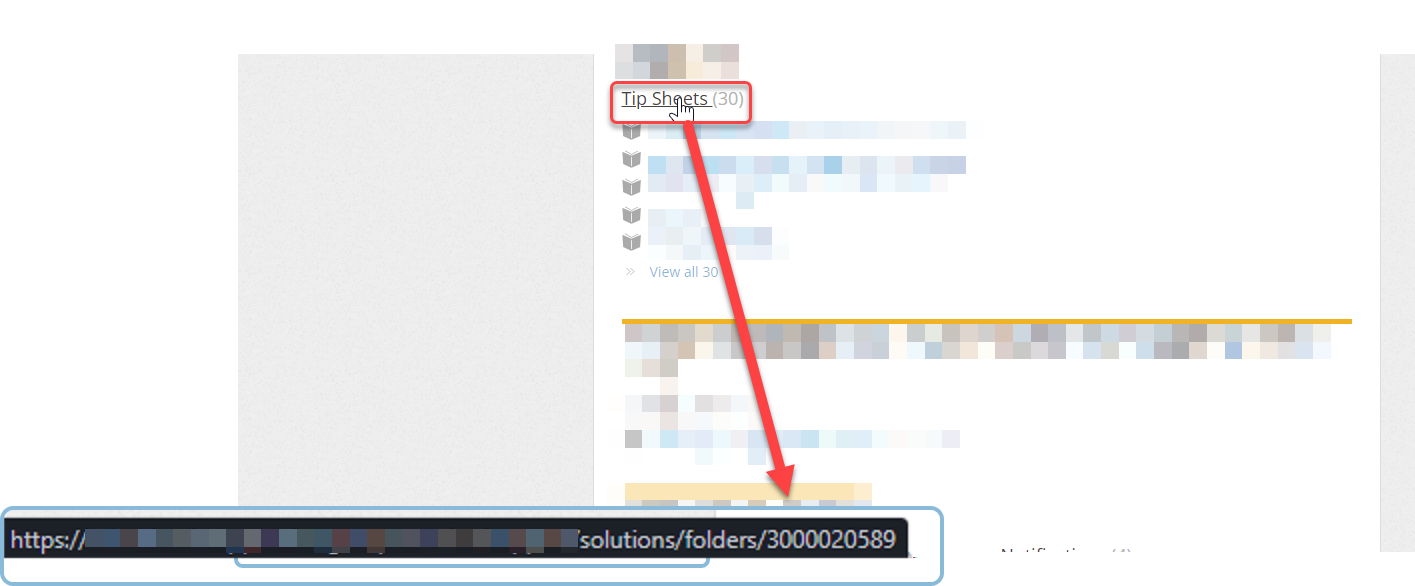


When they click that link, it takes them here:
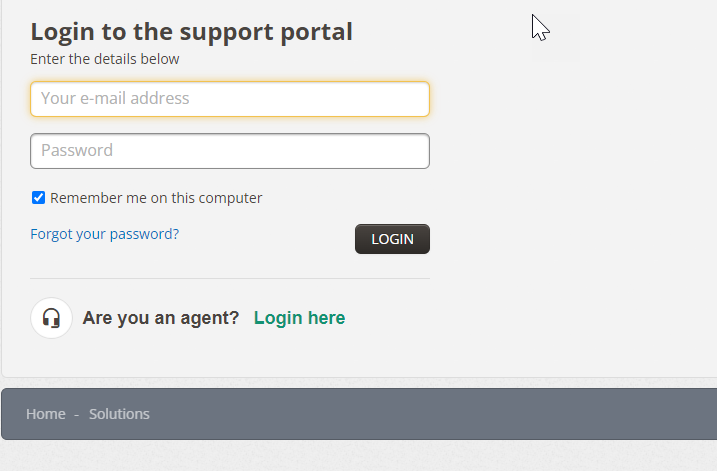


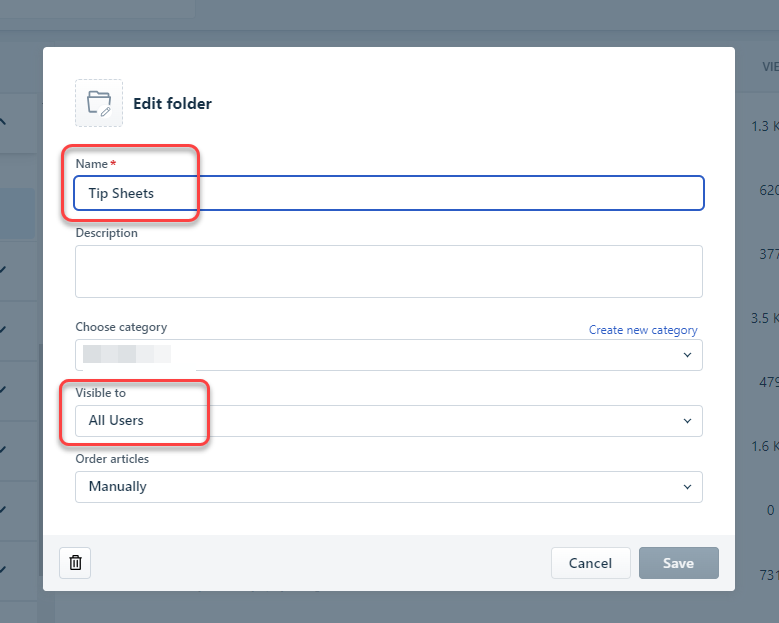
So I went to take a look at the visibility settings for that folder...

That folder’s settings:
 

​​​​​

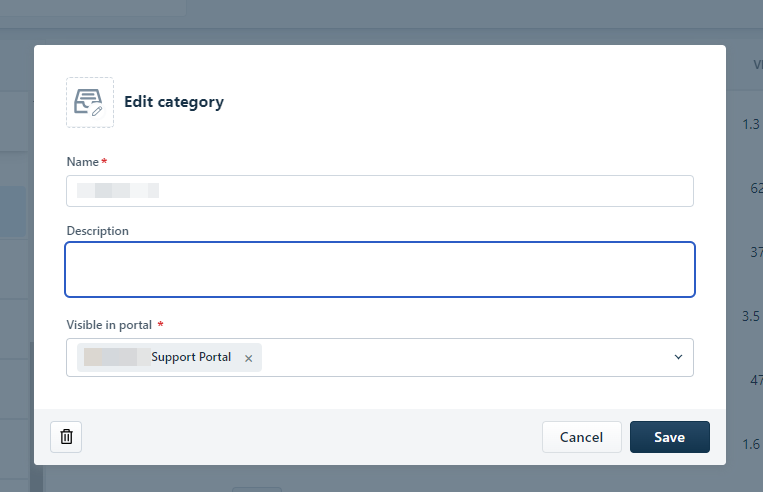
That Category's settings:

It's in the correct portal, has the correct settings, so why can't unauthenticated users see the folder?
 

Best answer by Sneha Kandasamy

Hi @scott77,

Greetings from Freshworks Community!

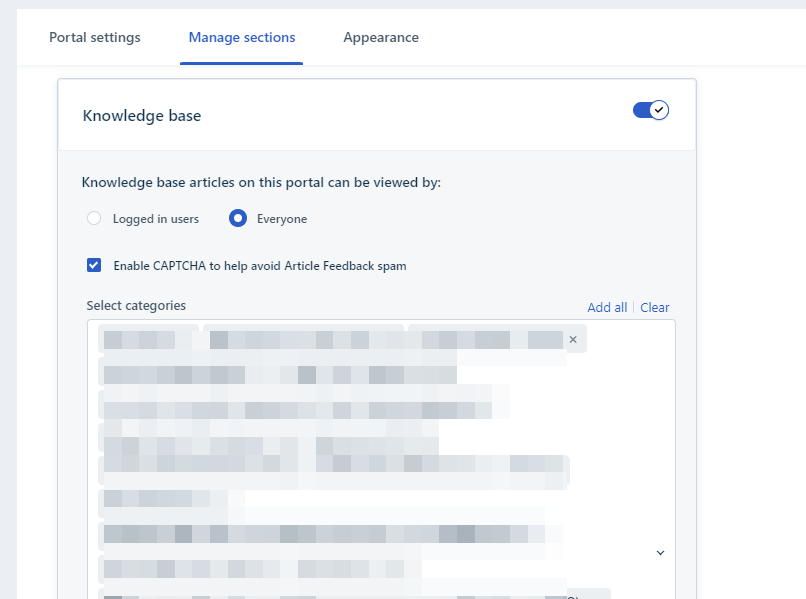
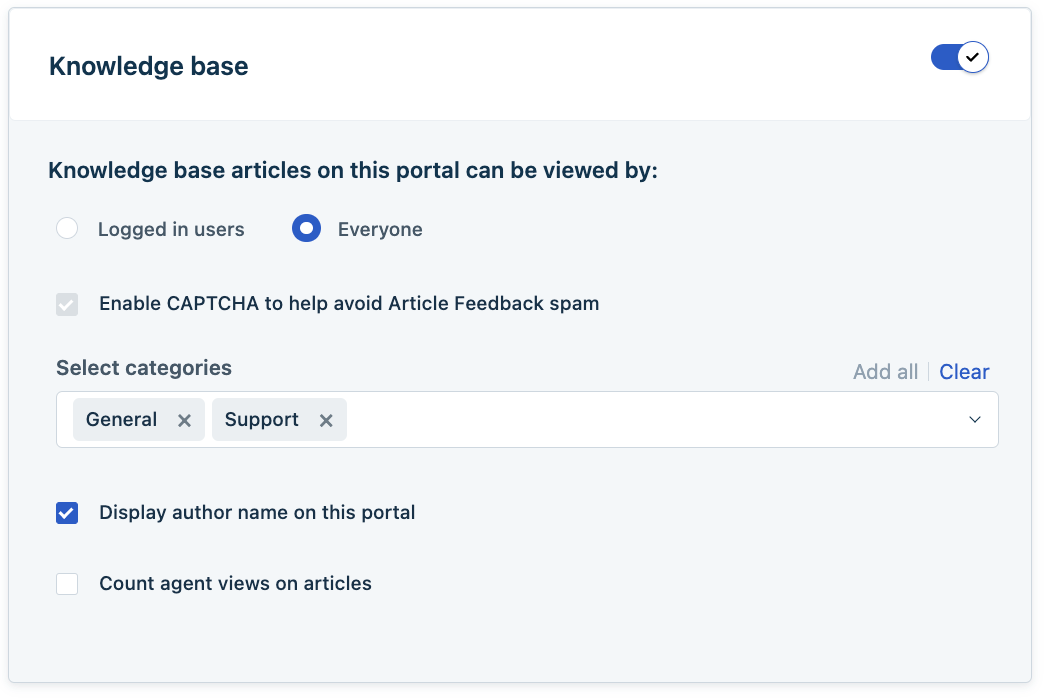
The Knowledge base articles still requires login despite choosing “All users”. Can you navigate to the specific portal > Settings > Manage Sections and check if you have chosen “Everyone” from the Knowledge Base module.


Kindly check this and let us know how it goes.


Cheers,
Sneha.

4 replies

Sneha Kandasamy
Community Manager
Forum|alt.badge.img+8
  • Community Manager
  • Answer
  • October 23, 2024

Hi @scott77,

Greetings from Freshworks Community!

The Knowledge base articles still requires login despite choosing “All users”. Can you navigate to the specific portal > Settings > Manage Sections and check if you have chosen “Everyone” from the Knowledge Base module.


Kindly check this and let us know how it goes.


Cheers,
Sneha.


scott77
Community Debut
Forum|alt.badge.img
  • Author
  • Community Debut
  • October 23, 2024

Hi Sneha! 

Thanks so much for your help.

Looks like the Everyone option is enabled in the portal as well:


We’ve always made almost all of Knowledge Base Articles available to customers without login; as recently as two weeks ago, this worked without issue. We do have categories and folders that are “Internal”, but they’re permissioned as such within the affected portal.

Let me know what you think - Any ideas?


Sneha Kandasamy
Community Manager
Forum|alt.badge.img+8

Hi @scott77, We need your account details to check this further. I have sent you a private message, please check your DM.


  • Community Debut
  • October 23, 2024

We make most of our KBAs external-facing, however there's a couple of links that redirect to a login page, when we don't want them to.

We seem to have visibility configured in our portals correctly; however when a customer who is not logged in (most of our customers do not log in, almost all KBAs should be visible externally without authentication) attempts to access a visible to all link, a login page appears. 

What customers see:


When they click that link, it takes them here:


So I went to take a look at the visibility settings for that folder...

That folder’s settings:


​​​​​

That Category's settings:

It's in the correct portal event security in Melbourne, has the correct settings, so why can't unauthenticated users see the folder?

Great