I am new to FreshService software. I am trying out a 14-day demo to present to my IT manager so they can see the importance of a ticketing system, but when I was initially setting it up, I found that when an agent creates a ticket, it is created directly as an incident. In other solutions I have used, I could create it as an incident, request, or inquiry.
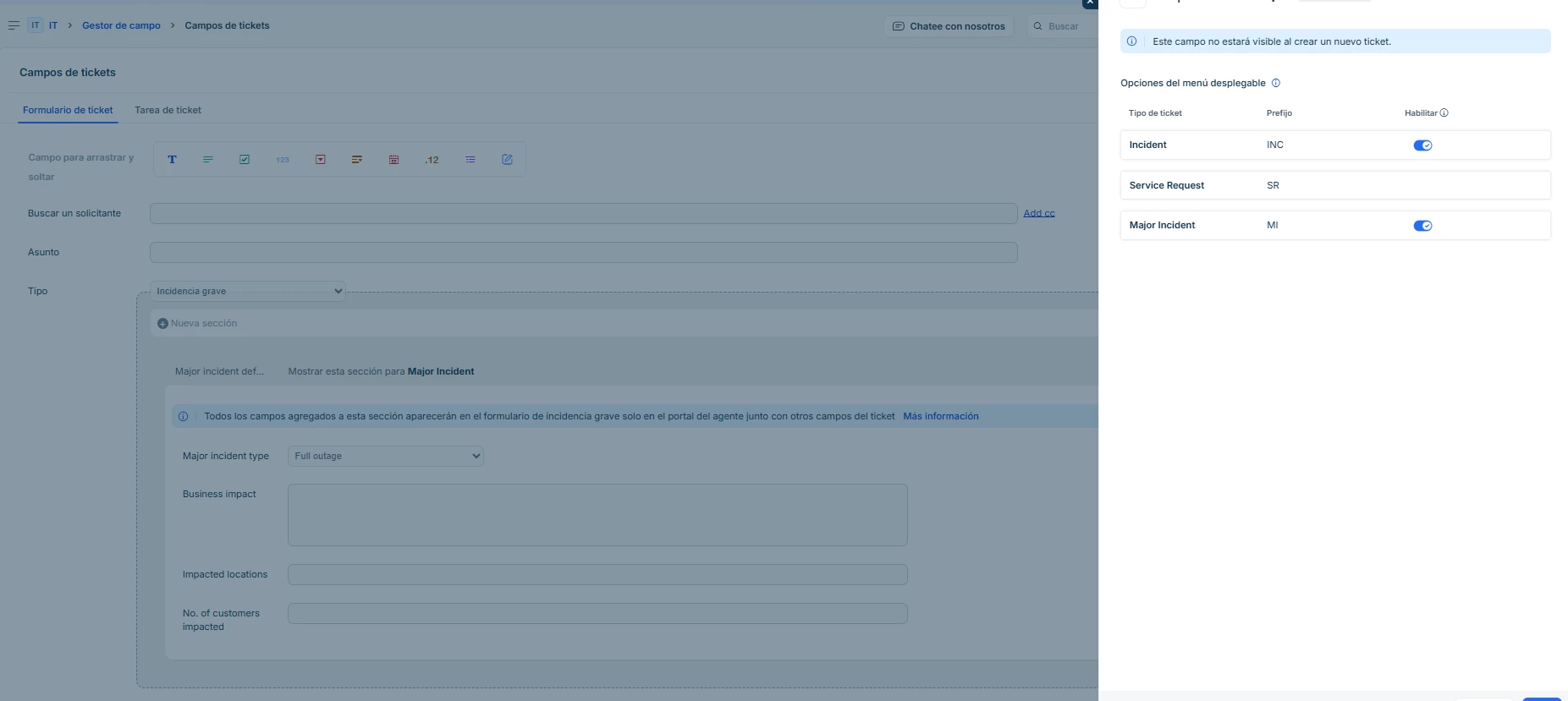
I tried to edit the type from the administration console, but it won't let me activate the request option.
I would like to have these three options—incident, request, or query—because at the end of the month, I have to provide a detailed report on the types of cases that users call about most often.