



Now that you’ve taken the first step with Freshservice trial, it's time to make this platform your own right from Day 1.
Set up your service desk quick and easy, and transform your employee support experience. You can do this in 3 simple steps – 1. Set up primary helpdesk email > 2. Set up support portal > 3. Invite agents.

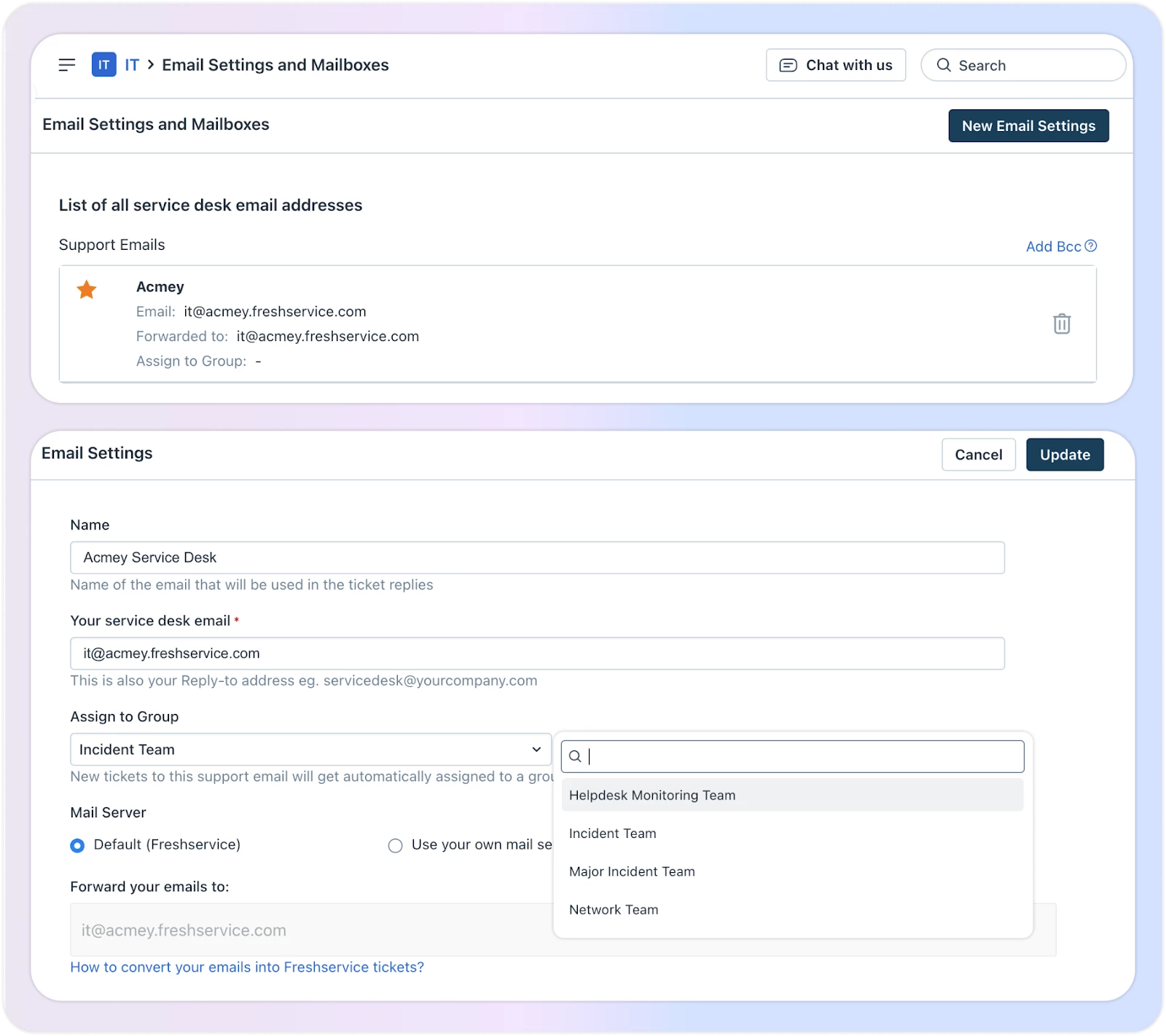
Set up primary helpdesk email
Your helpdesk email address is your employees’ default reply-to address that can be used to raise requests or ask queries. The company name you fill in while signing up will be used to create the helpdesk email address.
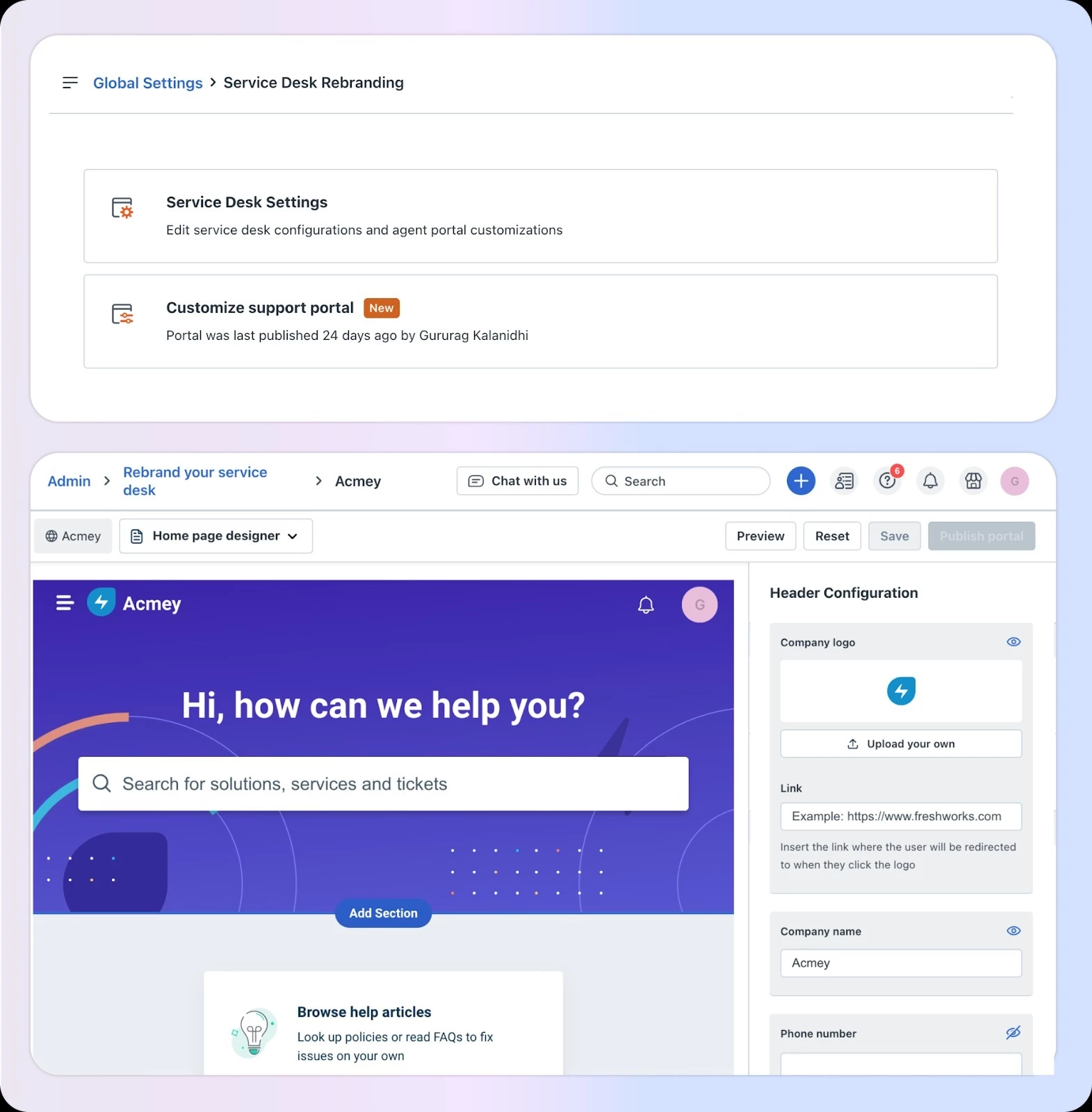
Set up support portal
Give your service desk portal a sleek, professional look that perfectly aligns with your brand identity. A well-branded portal remarkably drives employee adoption and establishes a seamless, trustworthy support channel.
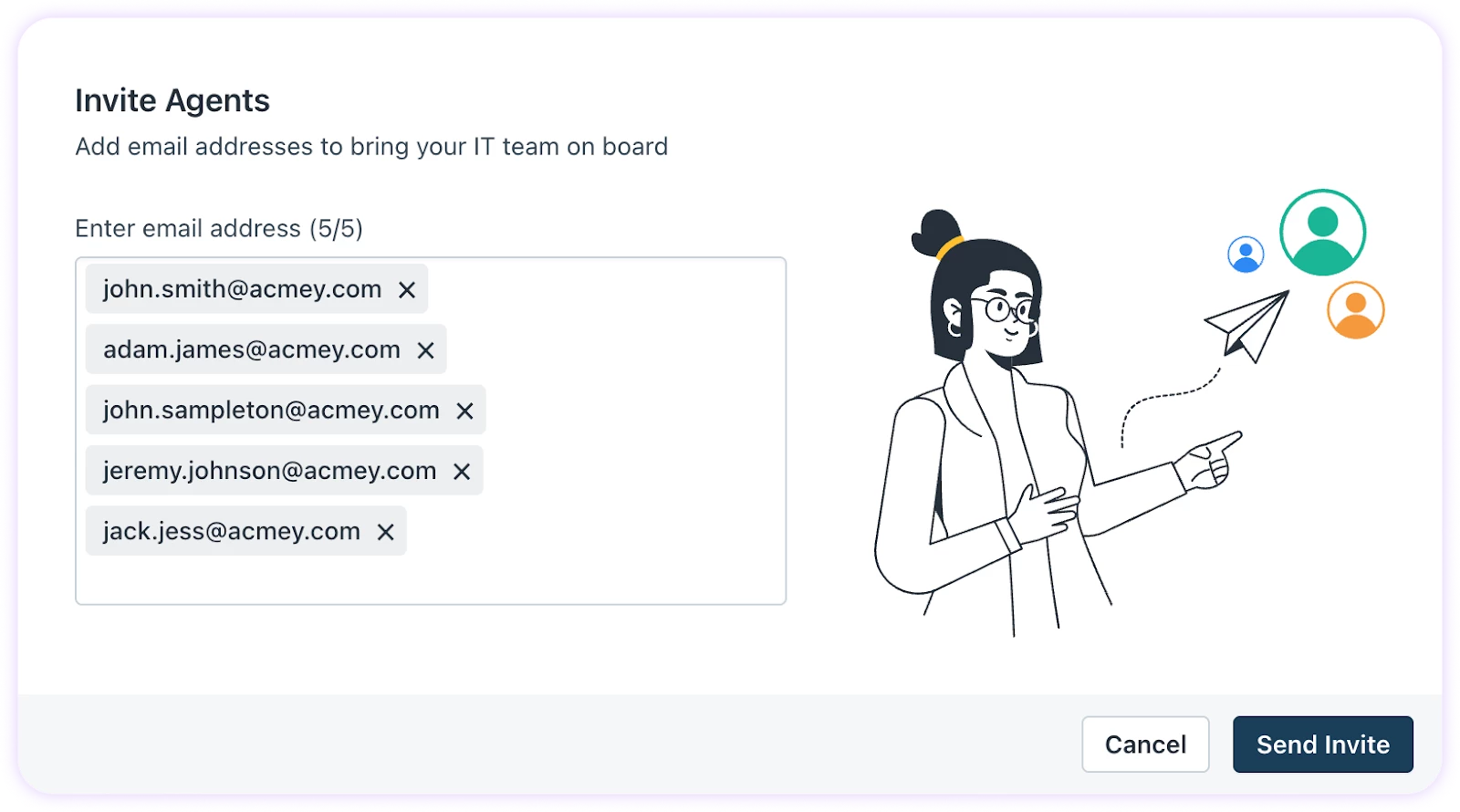
Invite agents
Invite your support staff and agents via an email list, enabling them to begin resolving tickets.
Get started here:
Set up your Freshservice account
Freshservice Onboarding: Related posts
- Mastering the Freshservice Ticket Lifecycle
- Boost Agent Productivity with Centralized Knowledge Solutions and Workflow Automations
- Freshservice Journeys: Turn What now? to What’s next!
- Blueprint for a Modern Service Desk: Assets, Alerts, and On-Call Management
- From Reactive to Proactive: Managing Change and Projects in Freshservice
- Scale Your Service Desk with Multi-Team Workspaces
- The Power of AI: Meet Your New Teammates – Freddy AI Agent, Copilot, and Insights
