















Preparing for the Agentic Era: Slot 2
Questions, tips and how-tos for Freshdesk, our customer support product.
Recently active
Configure a serverless app to sync basic contact details from 3rd party application data to Freshdesk on user or contact creation. Custom script is needed for the creation of custom App
Hi everyone, We are an OTA (Online Travel Agency) and we use FRESHDESK, FRESHCHAT and soon what used to be called FRESHCALLER. At the time this message is being written, we have different channels through which tickets are created. The main ones are Freddy the CHATBOT or via incoming EMAILS.CHABOT : We gather a LOT of data from the clients booking (booking date, traveling date, insurance etc.) and we structurally push this information via the CREATE TICKET verb of the FRESHDESK API at the end of the CHATBOT CONVERSATION. As a result, the custom fields are filled in and we are able to calculate PRIORITIES (via the AUTOMATION RULES) based on these fields. EMAILS : Here the situation is a bit more difficult. Let me try to summarize what happens : One of our system (outside of FRESHDESK) sends an email to the client, The client answers this email, via email of course, This client answer triggers the creation of a ticket in FRESHDESK unlike the case of the CHATBOT, here we do not have
Hello,We’re using Faraday + s3 links provided by the Freshdesk API when fetching tickets. We’re able to download ticket attachments but are not sure what format they’re in when they arrive.We need to be able to encode/decode these ticket attachments and save them to our own s3 instance. These will be PDFs exclusively. Is this something we need to change in the Faraday settings?
I searched for existing queries on this, but I did not find this one… Is it possible to make solutions articles and categories accessible by Group or Agent Role? Meaning I want to categorize my Solutions Portal and I want certain people from my company to be able to access certain documents. I want each user type and/or Group to access only certain categories or articles.Is this possible? I know you can create segments for Customers and Contacts - but can you create segments for agents?
We use Fresh Desk for providing support to both Customers and colleagues. Some colleagues are agents, some are collaborators, and some are neither. I’m hoping to make the portal the go-to place for raising tickets and for accessing solution articles, but I don’t think I can prevent customers from accessing a folder that I only want employees to access.When creating a Folder I can make it visible to one of the below, but not a mix (my scenario would be that I want to all Agents (I assume this includes collaborators) and anyone linked to my company (that would be anyone who isn’t an agent) Has anyone found a solution for this? I’m thinking that the only way would be to set everyone up as a collaborator (assuming that the above “all agents” does include collaborators.
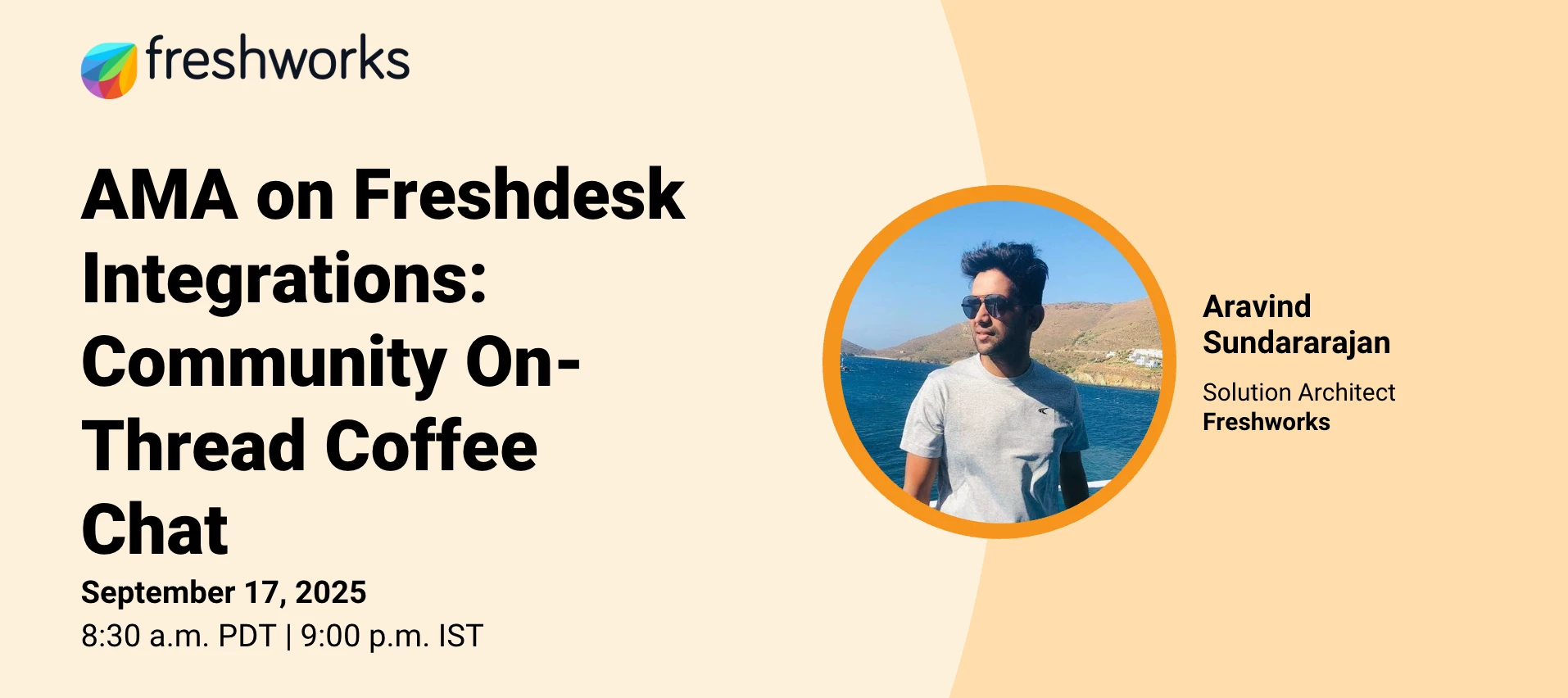
Hello Freshworks Community!Integrations are at the heart of getting the most out of Freshdesk! From streamlining workflows to connecting your favorite tools, they play a key role in making your support operations smarter and more efficient.Freshworks Product Expert @aravind.sundararajan is hosting an hour long on-thread Coffee Chat all about Integrations — a casual, AMA-style conversation where we share insights, swap best practices, and learn from each other’s experiences.☕ This is NOT a Zoom webinar. It’s happening right here on the community as a thread-based discussion. See an example here for how it works.If you’d like to join, comment “Yes” below and I’ll send you a reminder before we start. General House RulesWhat this is A thread-based Coffee Chat in the Community for a duration of 1 Hr An open, two-way discussion on Freshdesk integrations What this is not A Zoom webinar How it WorksOur expert will be online at 9:00 PM IST to kick off the conversation. You can post your thou
Casey is a minimalistic and crisp Freshdesk theme. It is an ambitious, to the point and no-nonsense theme packed with awesome customizable features. The page layouts are clean and unobtrusive. The logo on the top left is pronounced and the flowing whites and grays make it look very elegant. It’s a theme that supports custom components and above all makes for the perfect support center. Branding your Freshdesk support portal isn’t a piece of cake. But our Freshdesk theme can help you make the job easier. This is largely owed to its clean and responsive design. Its consistency in color and the ability to choose your own mix of color sequences makes it a great tool for creating the image you want of your brand design. Your customers will certainly notice this. Installation and content integration are free. Want a minimalistic theme with stunning customizable features that corresponds to your brand style or has additional components? Order Branding or Customization
We have setup a supervisor rule to send out email to requester stating we are waiting for a response - We have found that sometimes that rule does not apply and send emails hourly instead of how configured in screenshot. The issue we have is that it is not doing that on all tickets that meet the conditions. Any ideas would be great. The screenshot does have some details such as which day email is being sent at which stage, but I hope you get where I am going
We have created a report with 9 widgets and scheduled it to send the first of the month. I received a 1 page report with some tickets listed but cannot determine which widget the tickets are associated with. How can I get the output to give me a title or section for each widget so I can interpret the report?I do not want to receive 9 separate reports for each widget. Thank you,Sue
Our business is currently using ADO and Project Insights to track agent time and resource planning. Engineers will put their estimated time in ADO for our weekly sprints and at the end of the week project insight is completed to total the time of each project (these include meetings, deployments, admin time, documentation) at the end of the week. Our leadership uses this information for resource planning and time spent. I have yet to find a good solution within freshworks to meet our needs. We have looked into project analytics as well as time reporting on tickets. The problem i am finding is that there is not a sufficient method that brings all of an agents weekly work into a single report. I’m hoping there may be someone here who had a similar experience and how it was solved to meet the business needs.
I’m struggling with Fresh Desk Analytics for Surveys, and I can’t work out where it’s going wrong.I have a nice simple widget that shows the survey score for the current month What I want to do now is show the history of my positive and negative scores by month.When I’m building it, I can choose the number of positive and negative surveys from ticket data, but only the number of positive surveys from the survey dataSo, i tried to build it using the ticket data, but because it’s going by ticket data, and not survey data the stats don’t match the first widget that I shared The group by on my by month widget is set to this Has anyone been able to get reliable data out of this?
Freshdesk.Use case is we want to allow a logged in requester in the portal to be able to select a button in the portal to enter a new custom object record. For example, if we have a custom object called “Printer” with 3 fields, make, model, location.Can we add a widget or something to the portal so it has a new button “Create new printer”?
When trying to create a ticket through the portal form, I am receiving the following message:'We are sorry. You have been restricted from accessing this helpdesk page’ Could someone help me solve this problem? Thanks for your time and support. André
Looking to get some advice. I connected Salesforce Connector to our Freshdesk. My goal is our Support reps take their Freshdesk ticket and create a Lead in Salesforce. I go to the ticket, I click on the Salesforce Connector and click on Create Lead. The Lead Form that pops up consists of every (over 100) field that are in our Salesforce. And I would have to scroll through all of them and fill out the needed ones and create the lead. All I really need are a few fields that are required for a Lead to be submitted. When I go to the Salesforce Connector App, I see under Widget Settings, under Lead fields, I just have Full Name, Email, and Company. But still when actually using the app, the Lead Form that comes up is essentially unusable due to how many fields it displays. How can I configure the Lead Form in Freshdesk to only display fields that I need?
Looking to understand how to us html to, display a single solution article on freshdesk’s customer landing page.This single article is a table of contents, with pertinent groupings for each article.Any help on how to reference one article and display it on the landing page would be appreciated.
Hi all, Is there a way for me to get a notification when someone new registers for my support portal? I’d like to get an email notification when someone signs up, but I don’t see anything for this in notifications. Thanks,
Hi, I’m looking for a way to export the date of first answer of tickets (from freshdesk).In the free version, I don’t see any field for that. Is there a way to do that ? Vincent
Hi!We would really like to be able to add only our agent's first name to automations.We want to be personal with our customers, but at the same time protect our employee's privacy. Could you create tthe agent first name placeholder, or is it perhaps coming some time in the future?Thank you in advance for looking into this? Best regards,Erik
I am in the process of creating a workflow which is based on a condition similar to the below. If it is YES, it sends an approval mail to an approver and if it is NO, I want it to automatically set the Approval status to Approved. I am able to create the action to send the approval email when it is YES but I have not able to find a way for automatically setting the Approval status to Approved using Expression Builder or another way. Can you ideas? Workarounds?
I want to create a scenario automation for another user but I do not believe it is possible.I can create for myself, all agents or agents in group.Scenario:We have restricted access to agents creating scenario automation to senior agents as the automation can allow for anything including deleting of tickets.The problem is agents want to have some of their own automation for typical ticket updates they do.I want to create an automation for the individual but it is either for myself, All or in a group which does not work for us. It seems the only solution would be to give the user the access but then we run the risk of them creating automation we do not want them to have. Any ideas?
Hello everyone, all good?I want do disable or hide Dashboard inside freshdesk. Is it possible?
I created 2 new types in ticket Type list, but when i want to use them in automation, i do not find them in the list.They are visible on the form for ticket creation but not in automation.It’s really urgent.
Hi, Is there a way were i can extract reports that calculates the date and time difference once the ticket is created and one it was resolved?Im still testing the free version of freshdesk. Thank you,
When adding a private note to a Freshdesk ticket, I used to be able to notify other agents. A list of agents would come up in the “Notify to” field under “Add Note”. Now, my name is the only name that pops up. I can’t notify anyone else. This just started happening last week. I refreshed the page, and logged out and back in to Freshdesk. This didn’t solve the problem. Any idea what is happening?
We have some employees that prefer that the default sort order be oldest to newest and some that prefer newest to oldest. We would expect that the default sort order could be configurable by agent rather than a global setting. Additionally we would expect that if newest to oldest sort order is chosen that the Reply button continue to be on top of the page.
Already have an account? Login
No account yet? Create an account
Enter your E-mail address. We'll send you an e-mail with instructions to reset your password.